WordPress themes
Get Started
Find your design.
-
 Preview Me
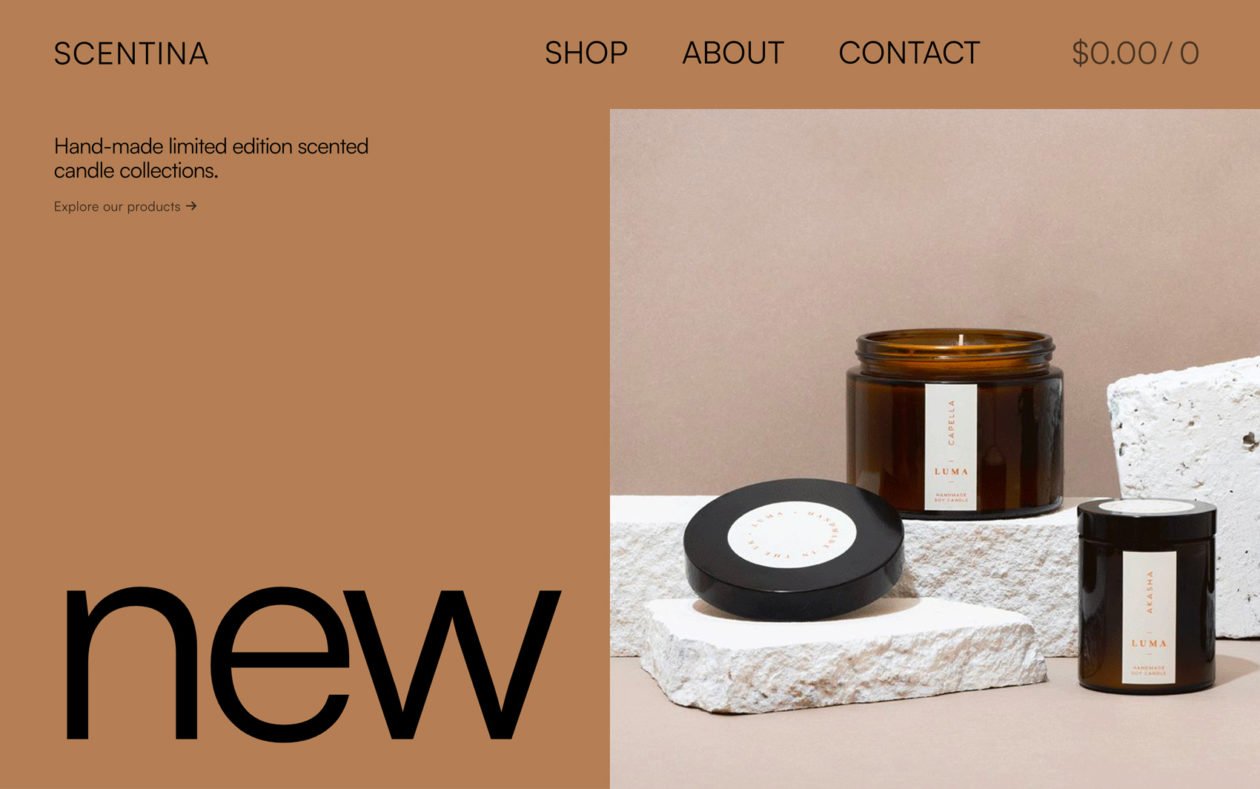
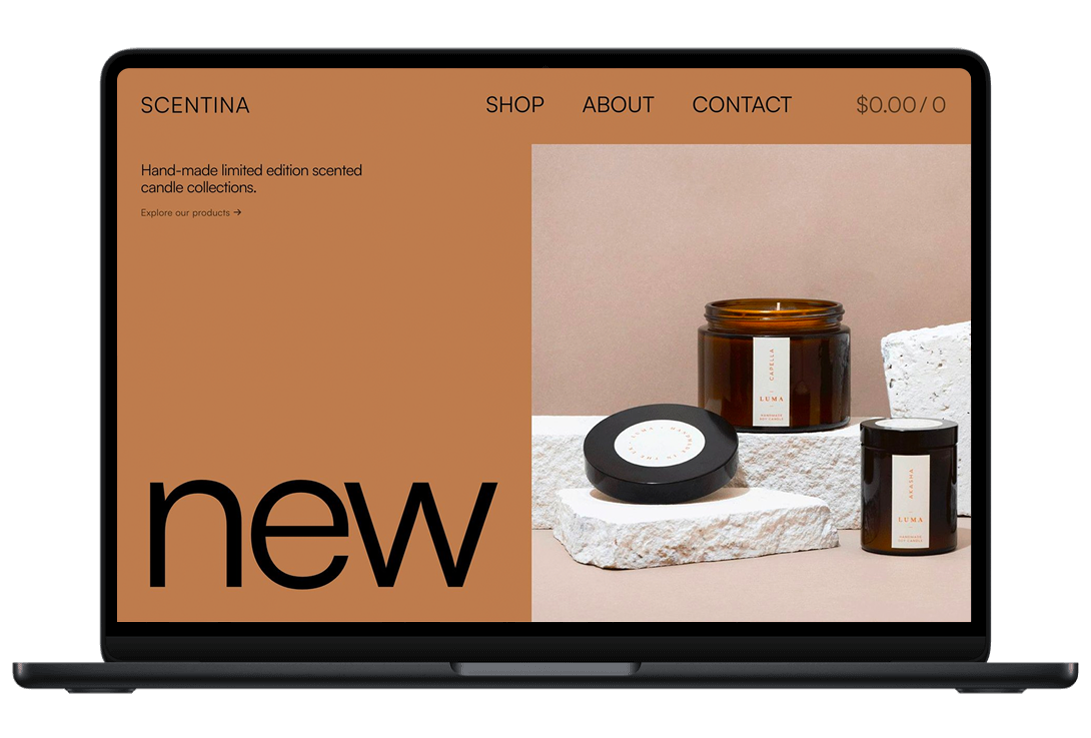
Scentina is a modern block e-commerce WordPress theme built to help your perfume or candle business succeed online. The theme’s design is minimalistic and powerful: it comes with sleek animations and extreme flexibility.
-
 Preview Me
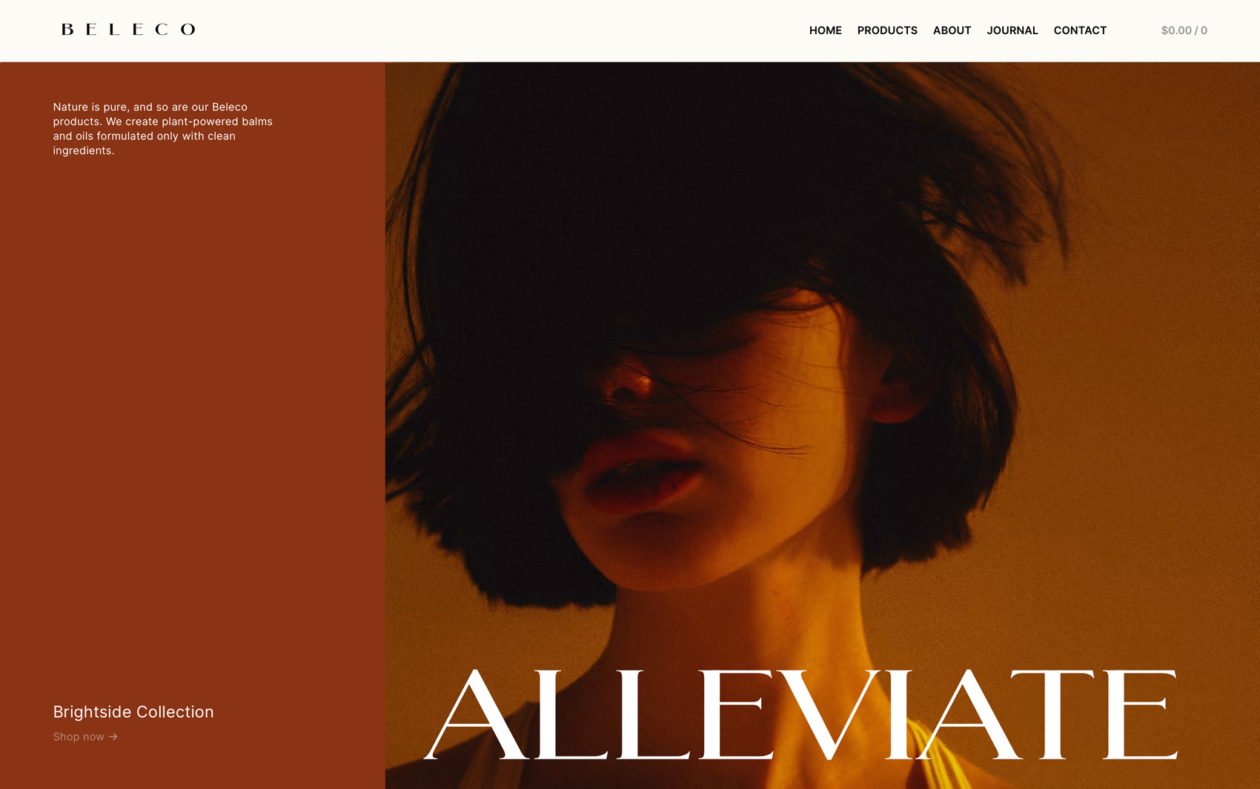
Beleco is a stunning block e-commerce WordPress theme that will help your beauty or skin brand reach the top. The theme is built to make all your products shine brighter than the most reflective highlighter; it has the power to turn first-time buyers into loyal customers.
-
 Preview Me
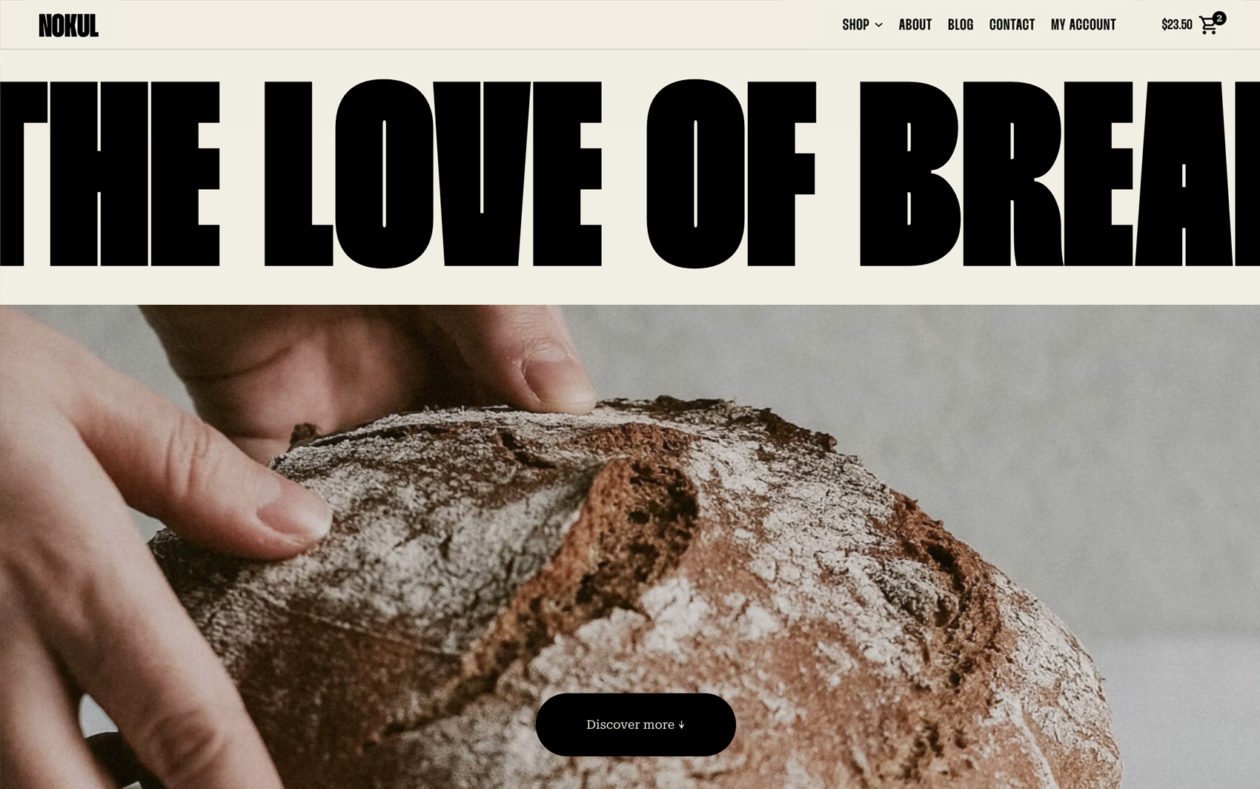
Nokul is a soft, block e-commerce WordPress theme that will take your bakery or pastry shop to the next level. Its design is as creamy as the most delicious crème brûlée and robust as a shortcrust pastry: it offers a spectrum of features and functionality you’ll love.
-
 Preview Me
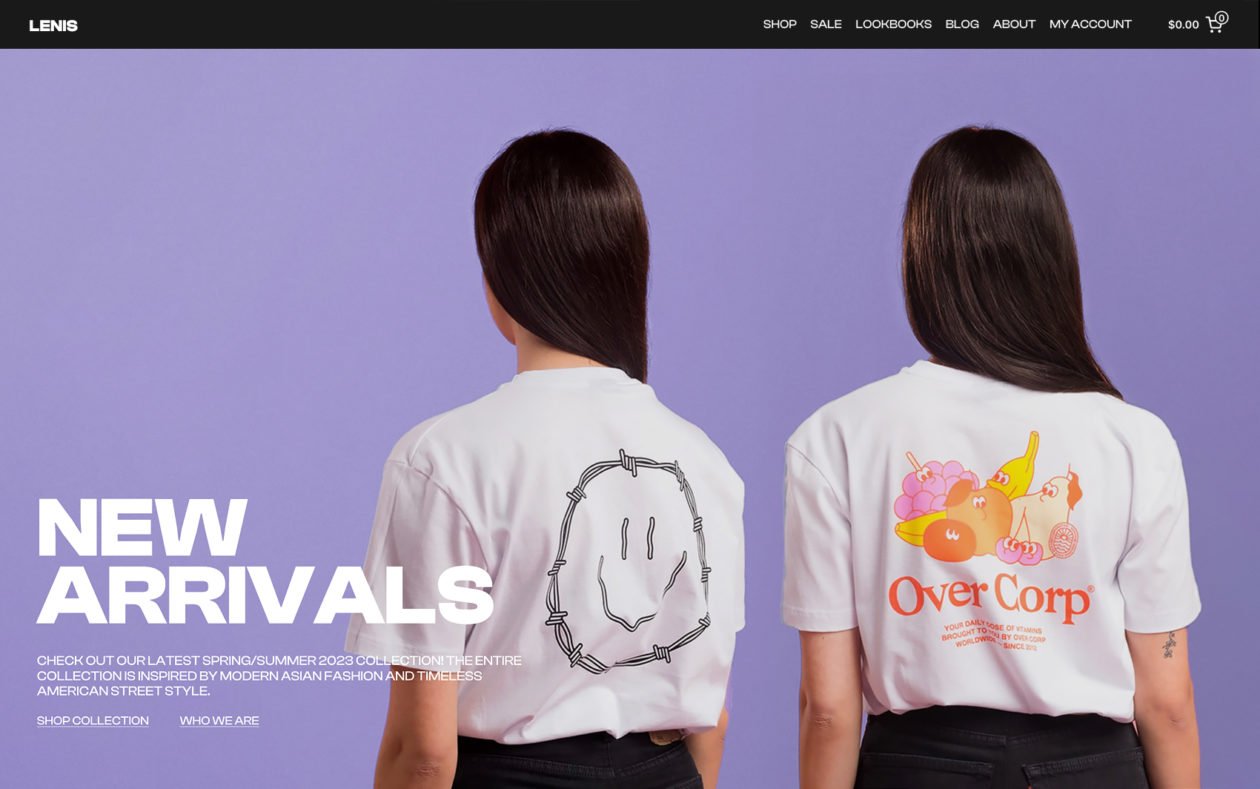
Lenis is a block-based, ultramodern e-commerce WordPress theme that will send your sales into the stratosphere. The theme is built to give consumers confidence in your products, thanks to its focus on high-quality images and videos and minimal and authentic design.
-
 Preview Me
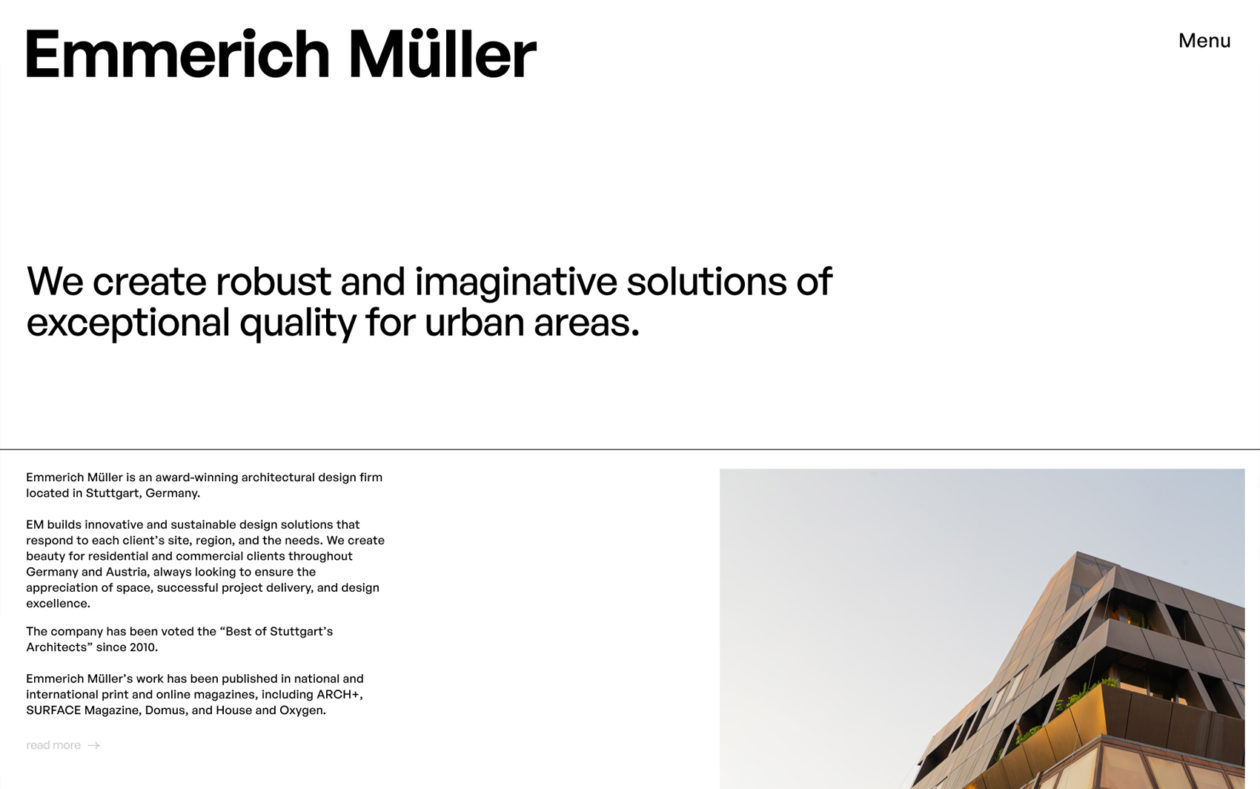
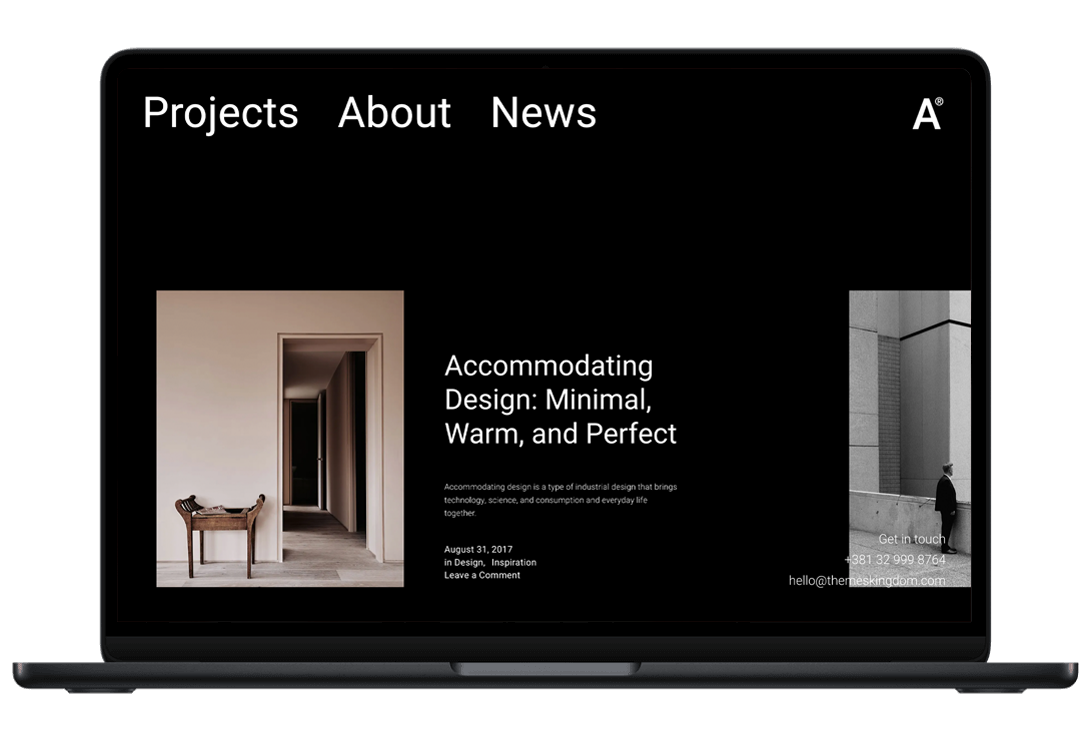
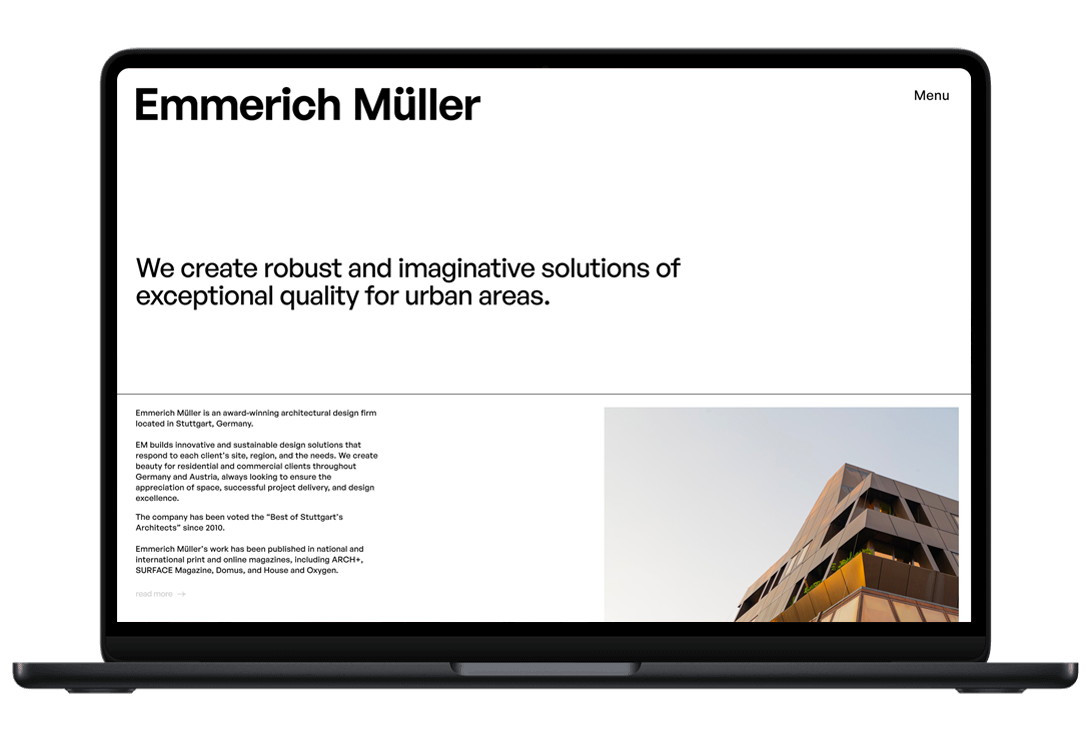
Edificio is an FSE-ready portfolio WordPress theme built for architectural design studios looking to create their online presence. The theme is sleek and elegant, with black and white moments that give it a special touch.
-
 Preview Me
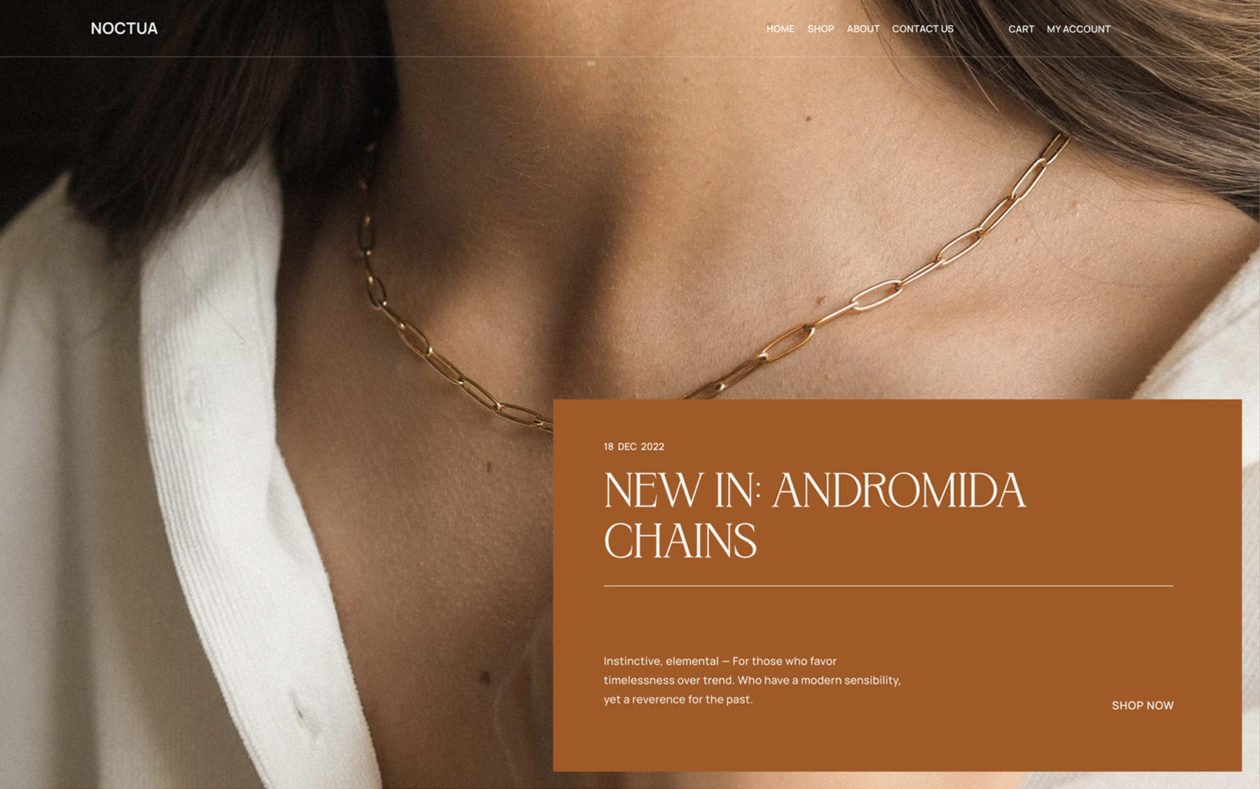
Noctua is every eCommerce owner’s dream: it’s an easy-to-use, FSE-ready, WooCommerce WordPress theme that makes products pop. It’s the perfect combination of elegance and functionality that potential buyers need and deserve.
-
 Preview Me
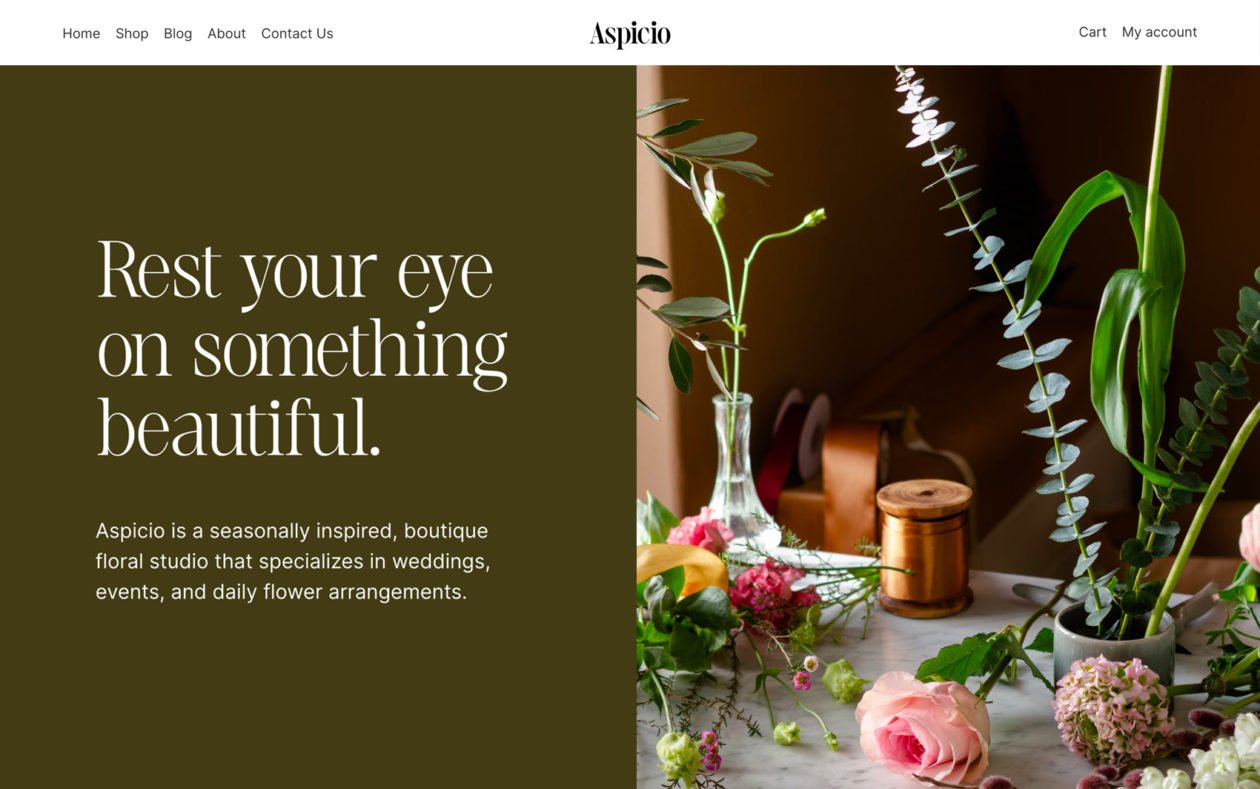
Sleek, modern design of Aspicio is coupled with FSE (Full-site Editing) capability. It is suitable for all shops and small businesses using the WooCommerce platform.
-
 Preview Me
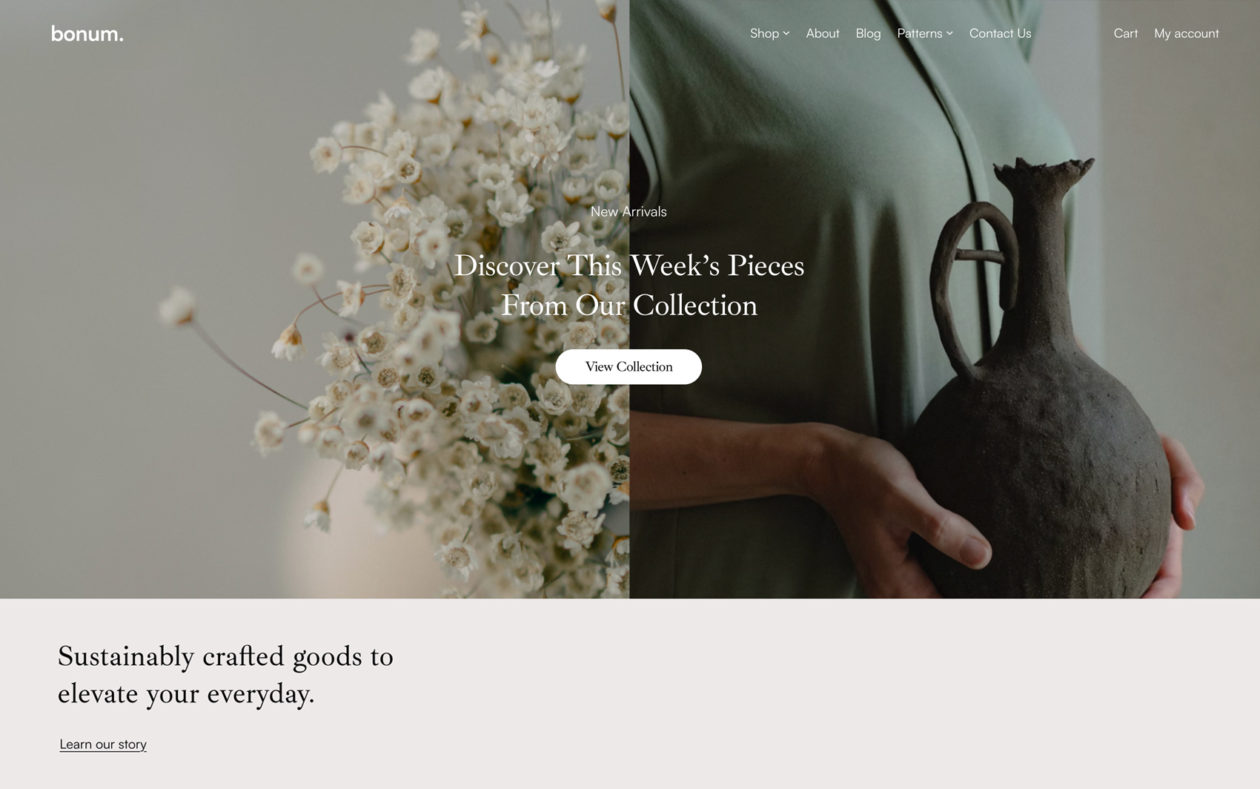
Bonum is a beautiful, modern and easy-to-use theme, suitable for all shops with smaller catalogs, as it allows showcasing of products without the clutter of unnecessary features.
-
 Preview Me
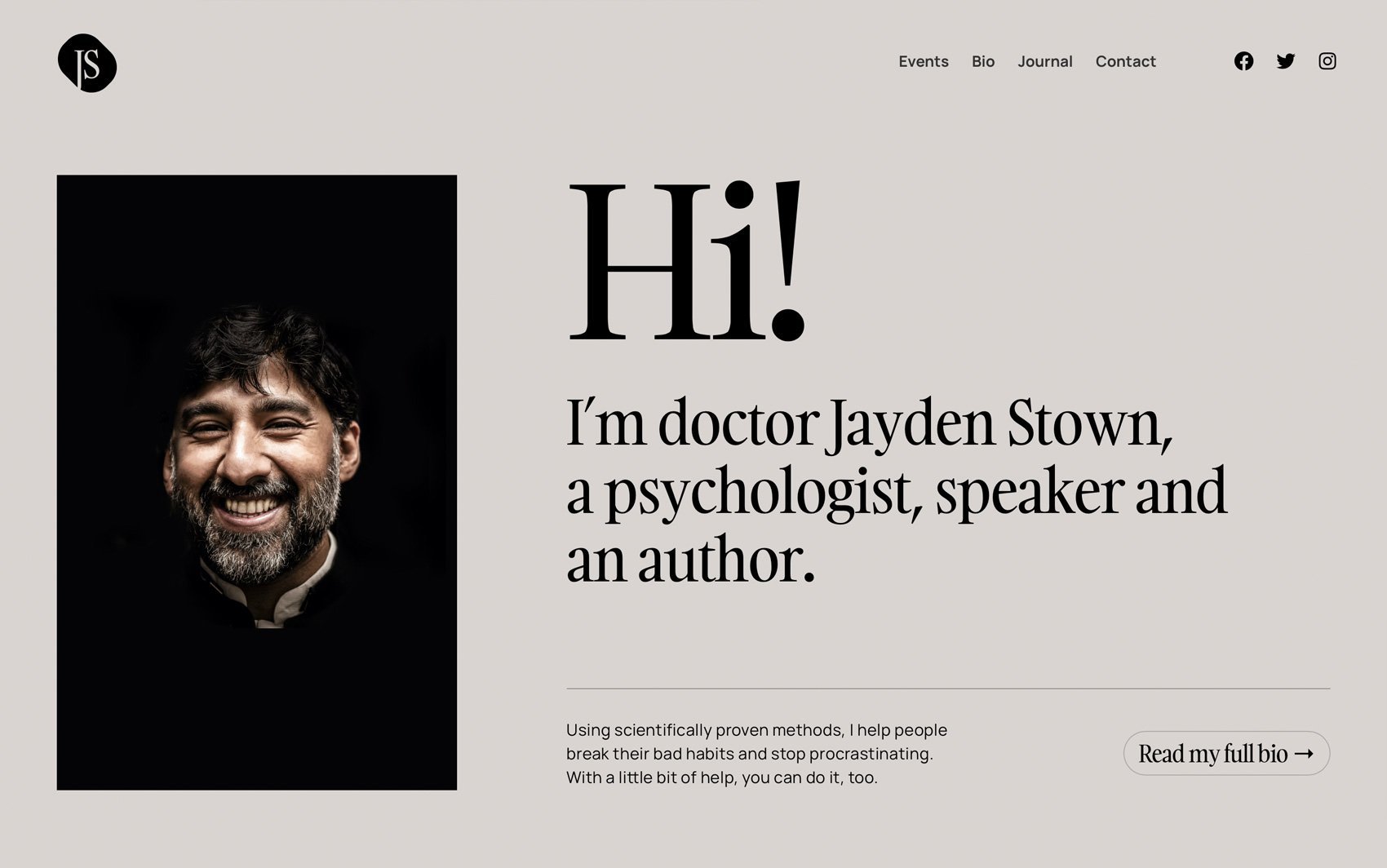
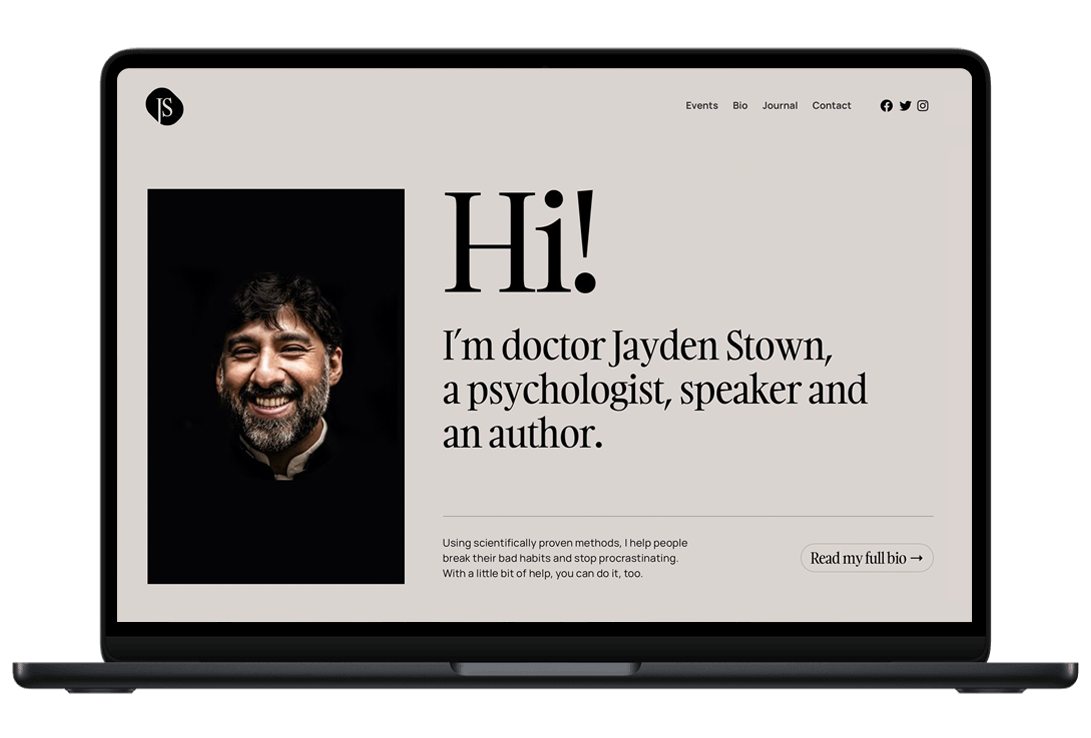
Loqui is a modern, easy-to-use, and responsive FSE-ready WordPress theme, ideal for public speakers and all those helping public speakers build their website.
-
 Preview Me
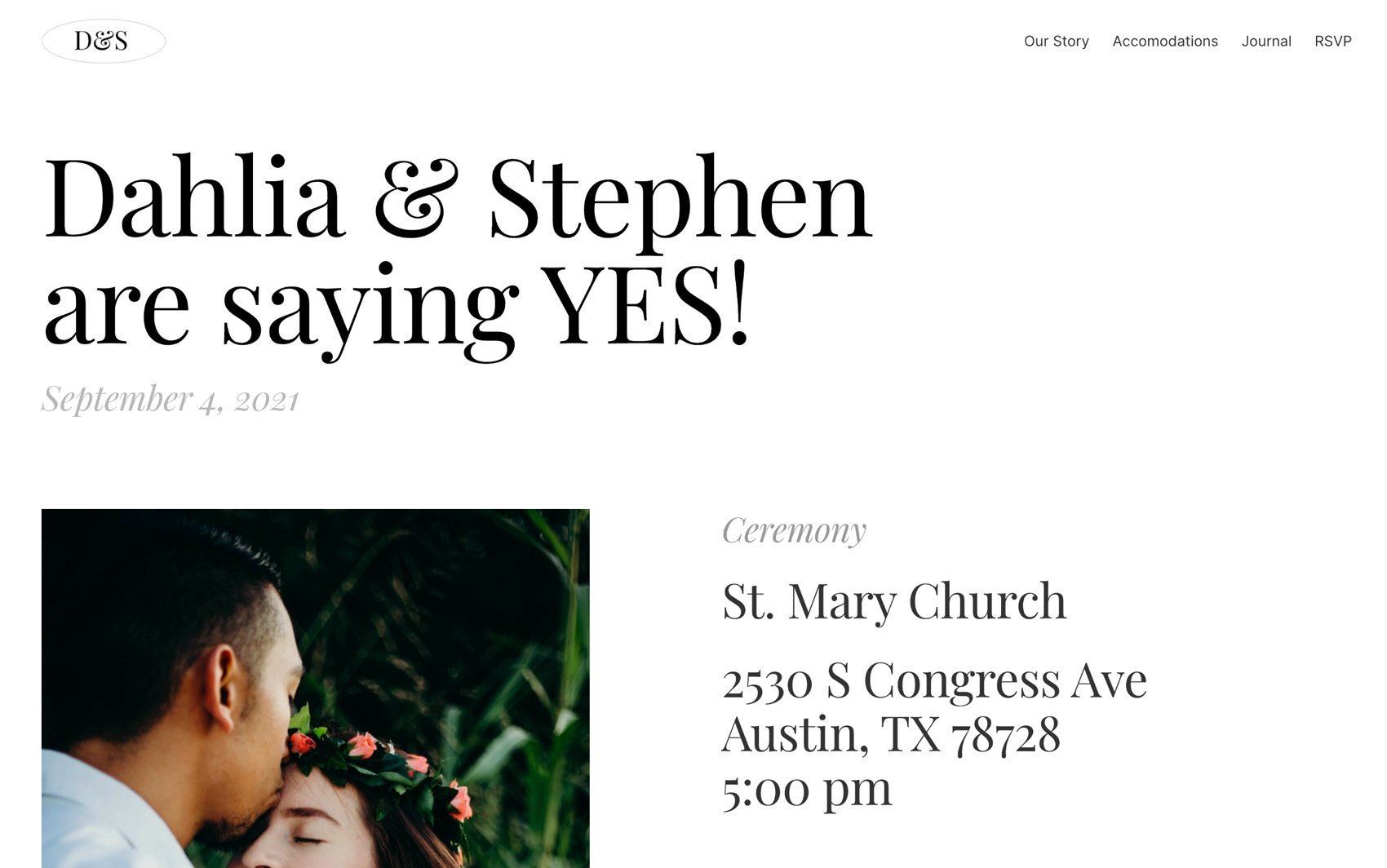
Gamos is a modern, sleek, and easy to use wedding planning theme, perfect for both professionals as well as first-time website builders.
-
 Preview Me
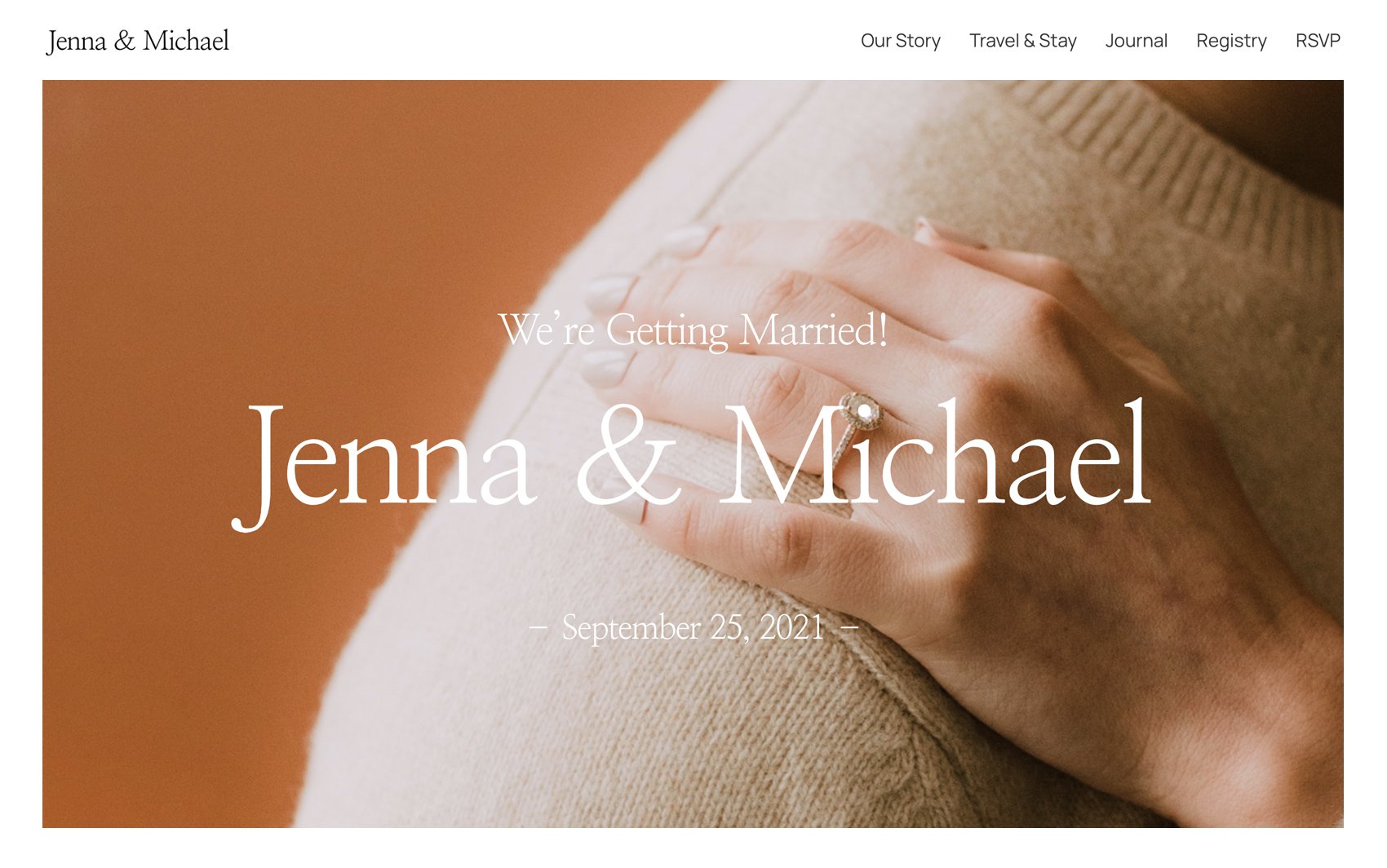
Nuptia is a beautiful, sleek and easy-to-use wedding planning theme, suitable for both professional wedding planners, as well as DIY couples.
-
 Preview Me
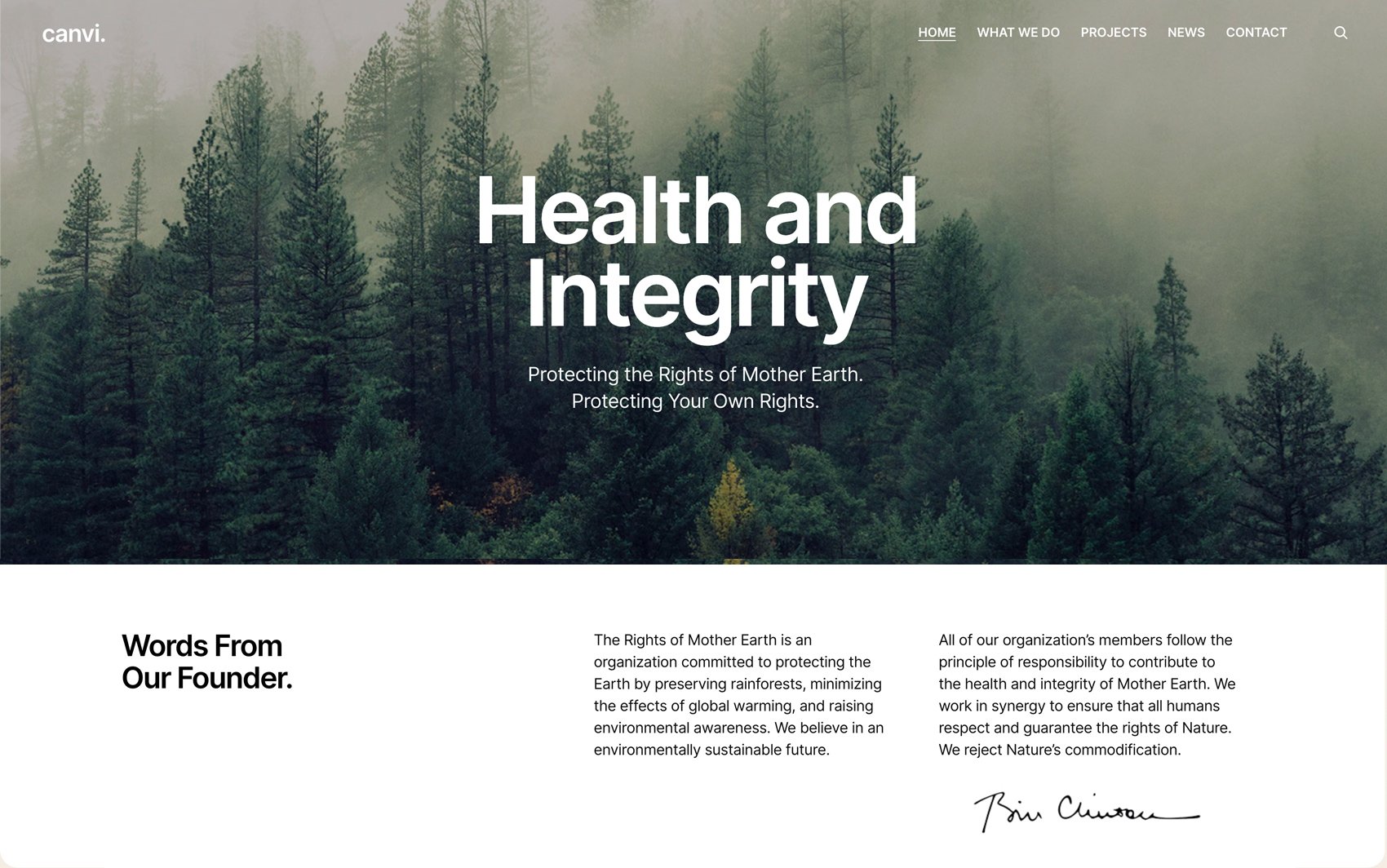
Canvi is a beautiful, sleek and modern WordPress theme built specifically for non-profit organizations looking to improve their online presence and raise funding for their cause.
-
 Preview Me
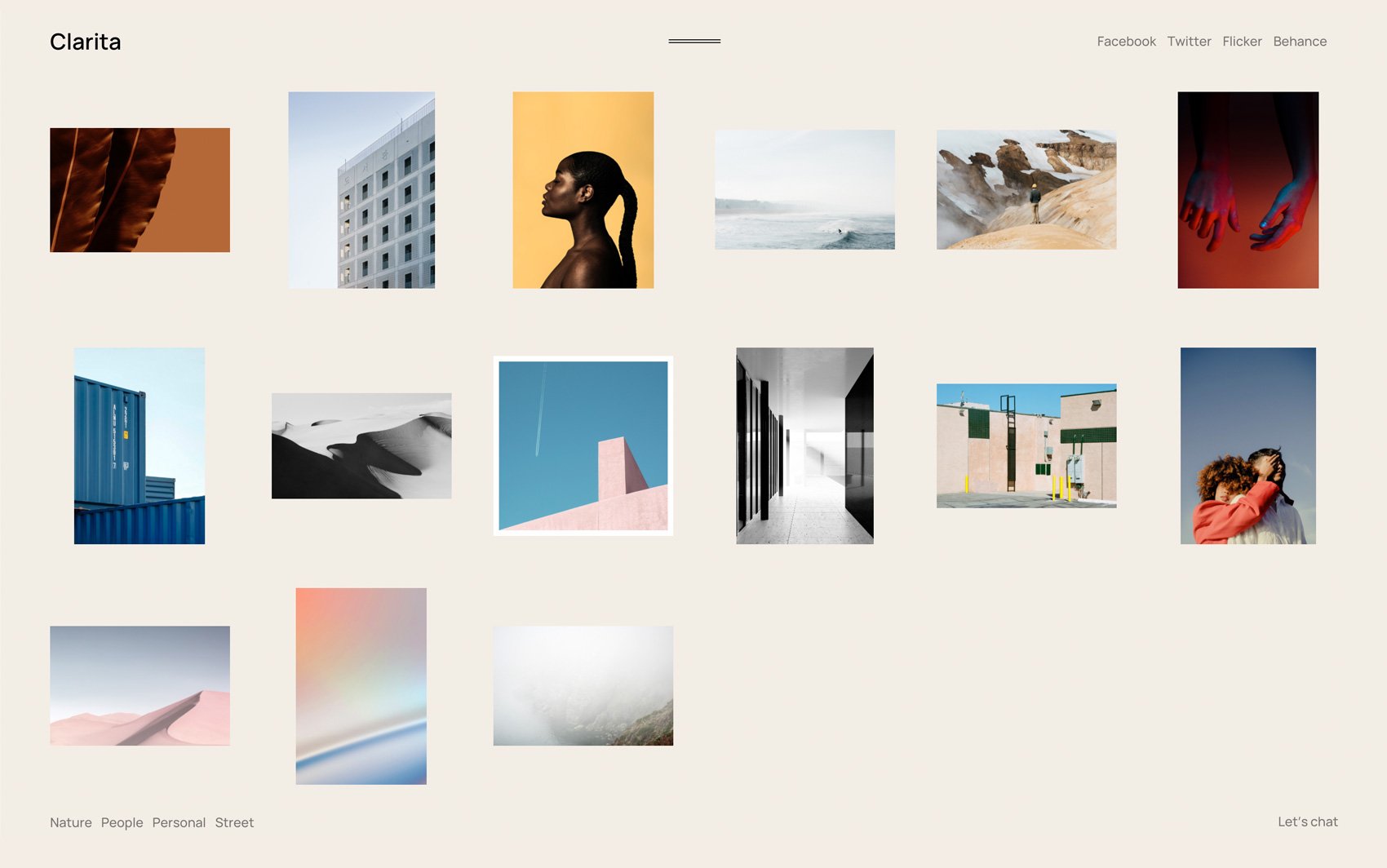
Clarita is a portfolio WordPress theme built for freelance photographers and photography agencies that are looking to develop their online galleries and impress potential clients.
-
 Preview Me
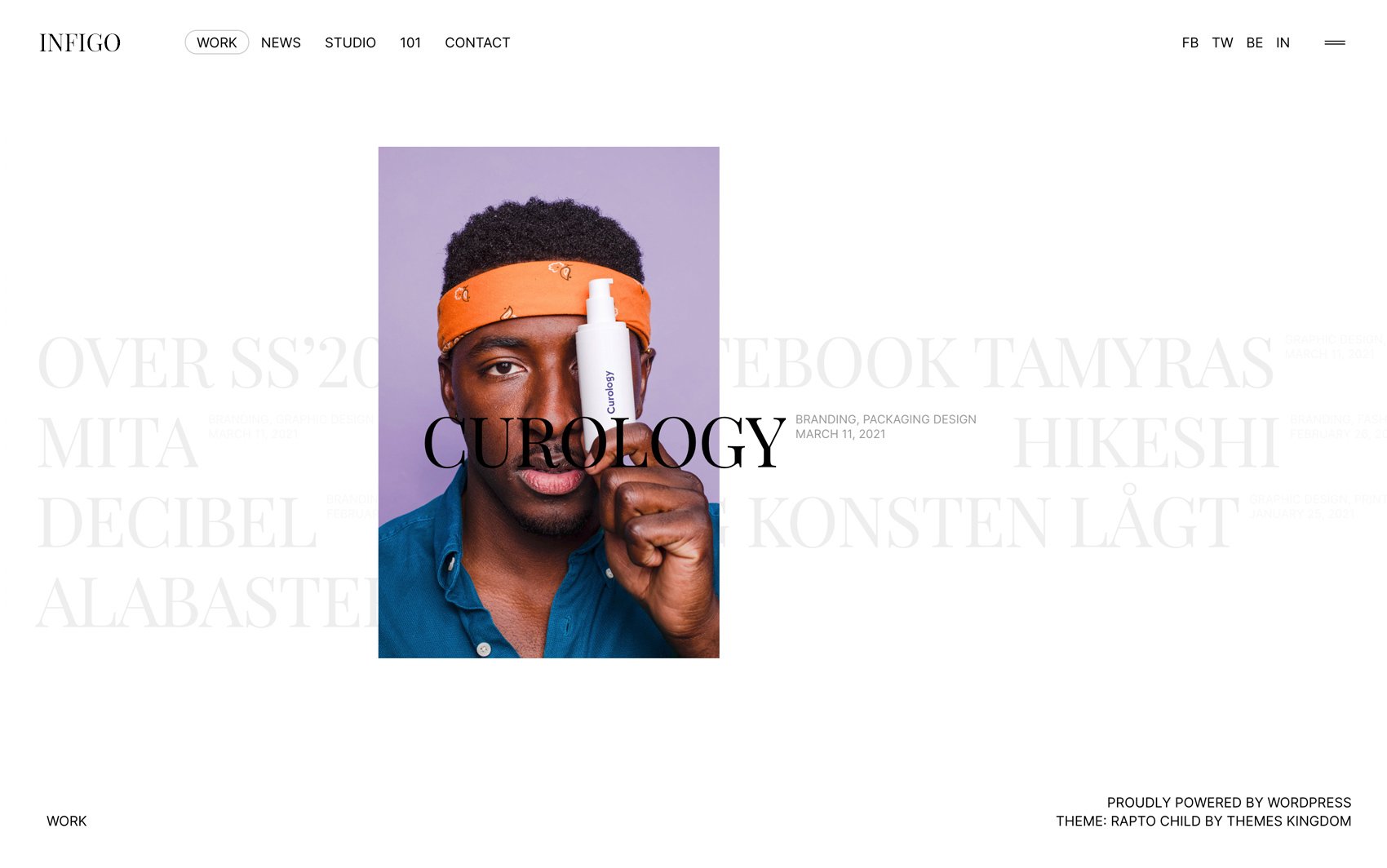
Infigo is a super clean portfolio WordPress theme that can help you impress potential clients. Its design is the perfect combination of stylishness and minimalism.
-
 Preview Me
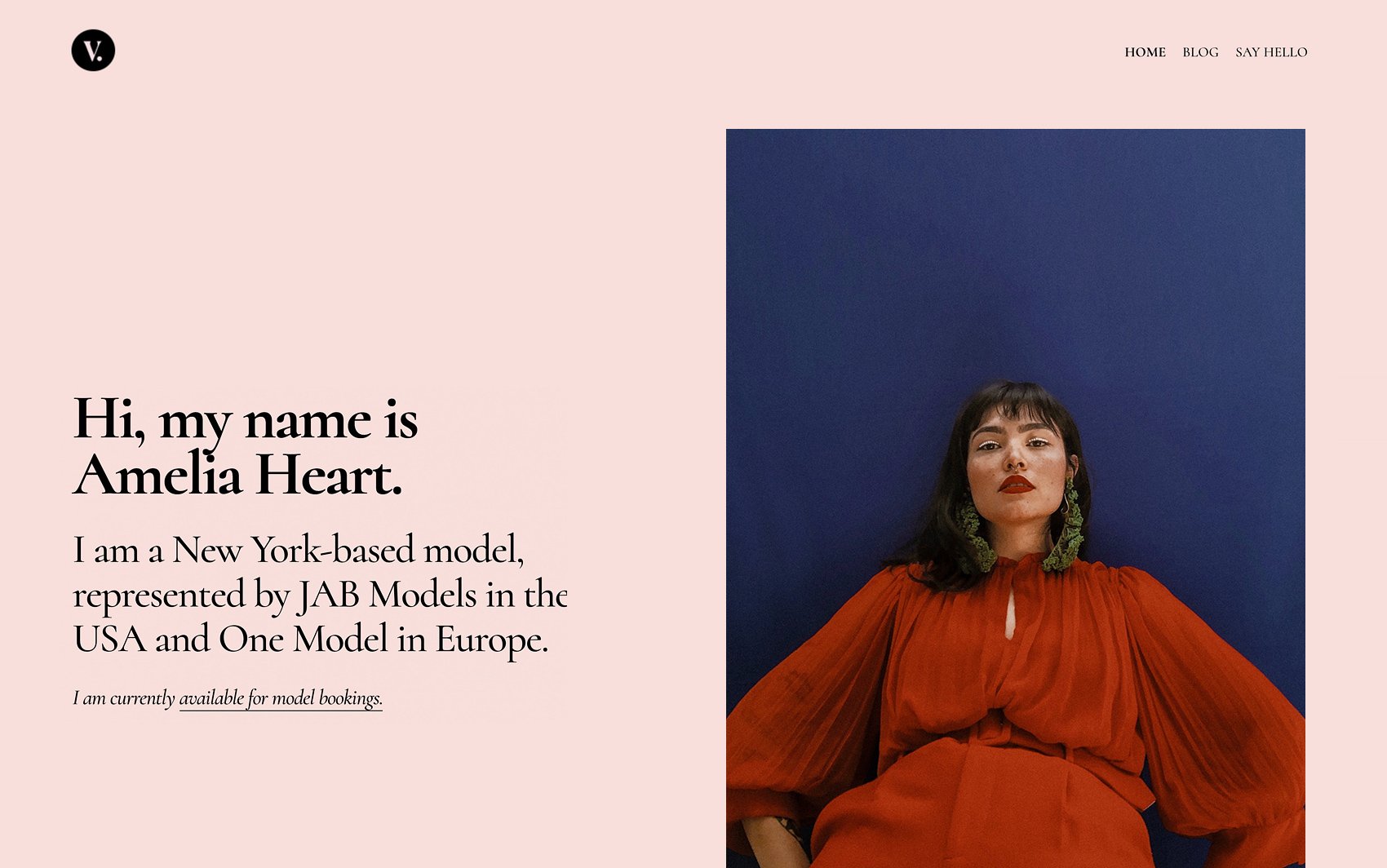
Vesta is a modern, easy-to-use WordPress theme, perfect for a personal website. Vesta allows you to show off your skills and helps you get connected with the right people.
-
 Preview Me
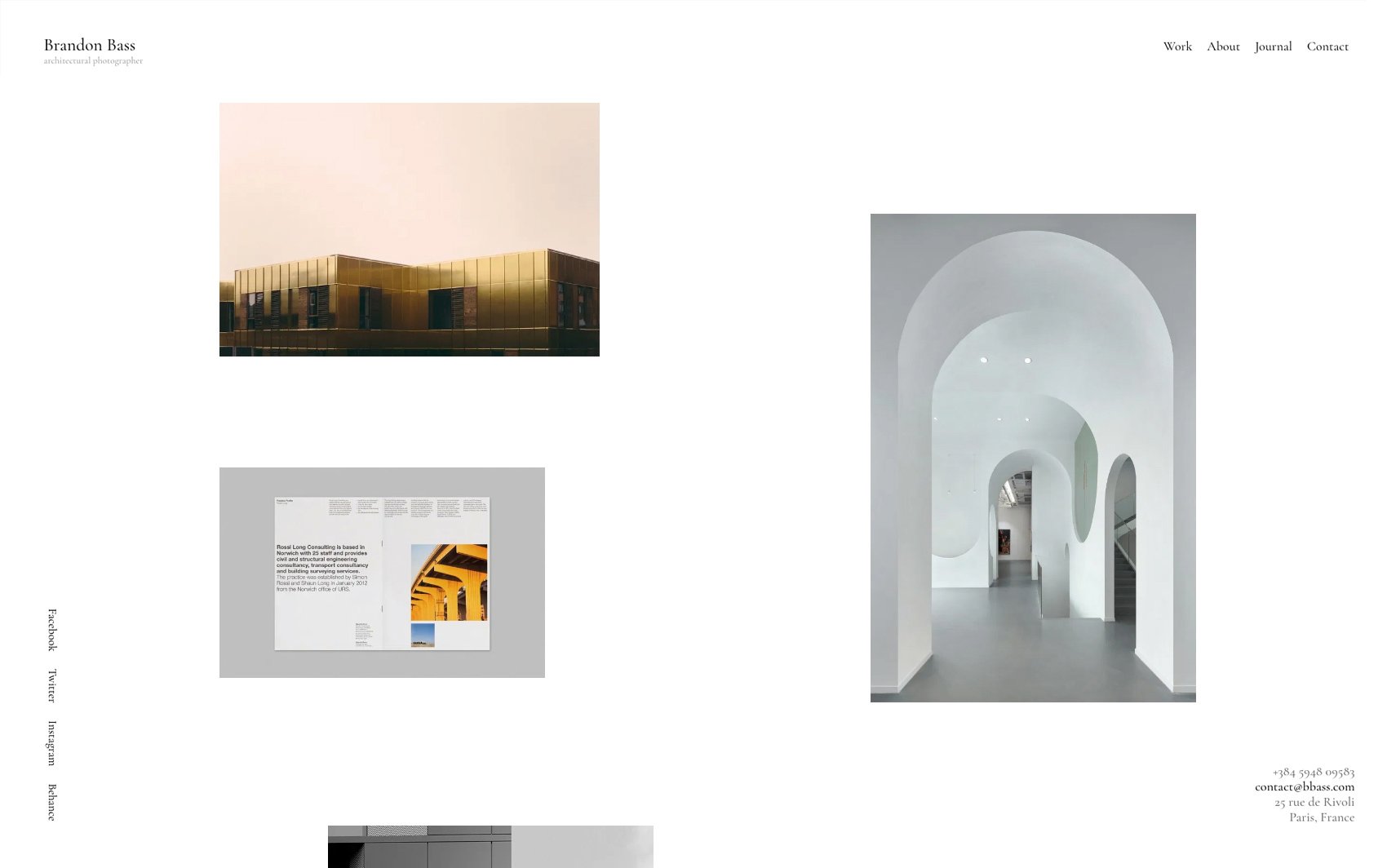
Coleta is a responsive, highly customizable portfolio WordPress theme developed for photographers. This clean and polished theme allows your shots to breathe and leaves potential clients mesmerized by your work.
-
 Preview Me
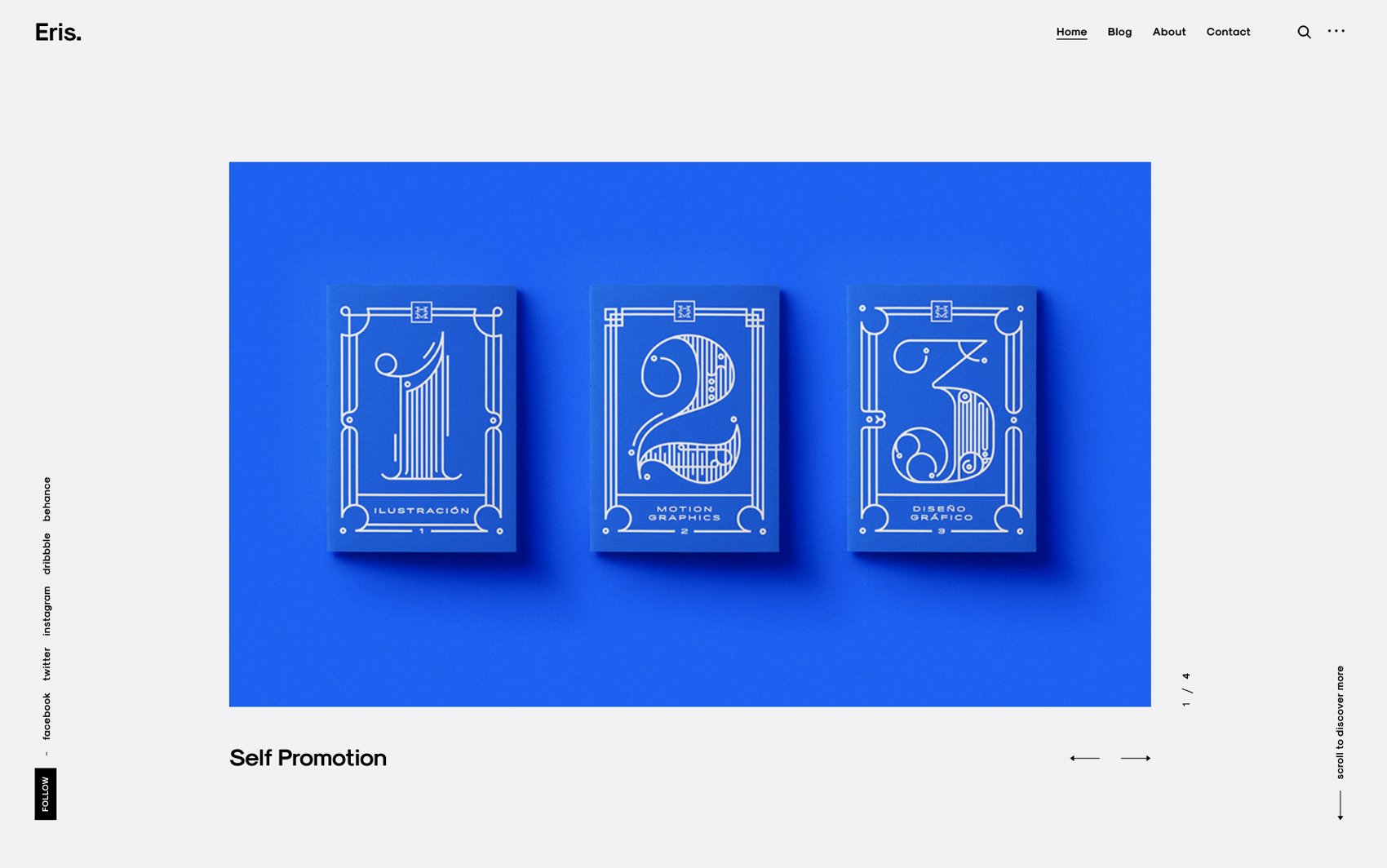
Eris is a brisk, responsive portfolio WordPress theme built for studios and agencies. This fully customizable theme takes all your projects and turns them into imperfectly perfect, admirable harmony that fascinates potential clients.
-
 Preview Me
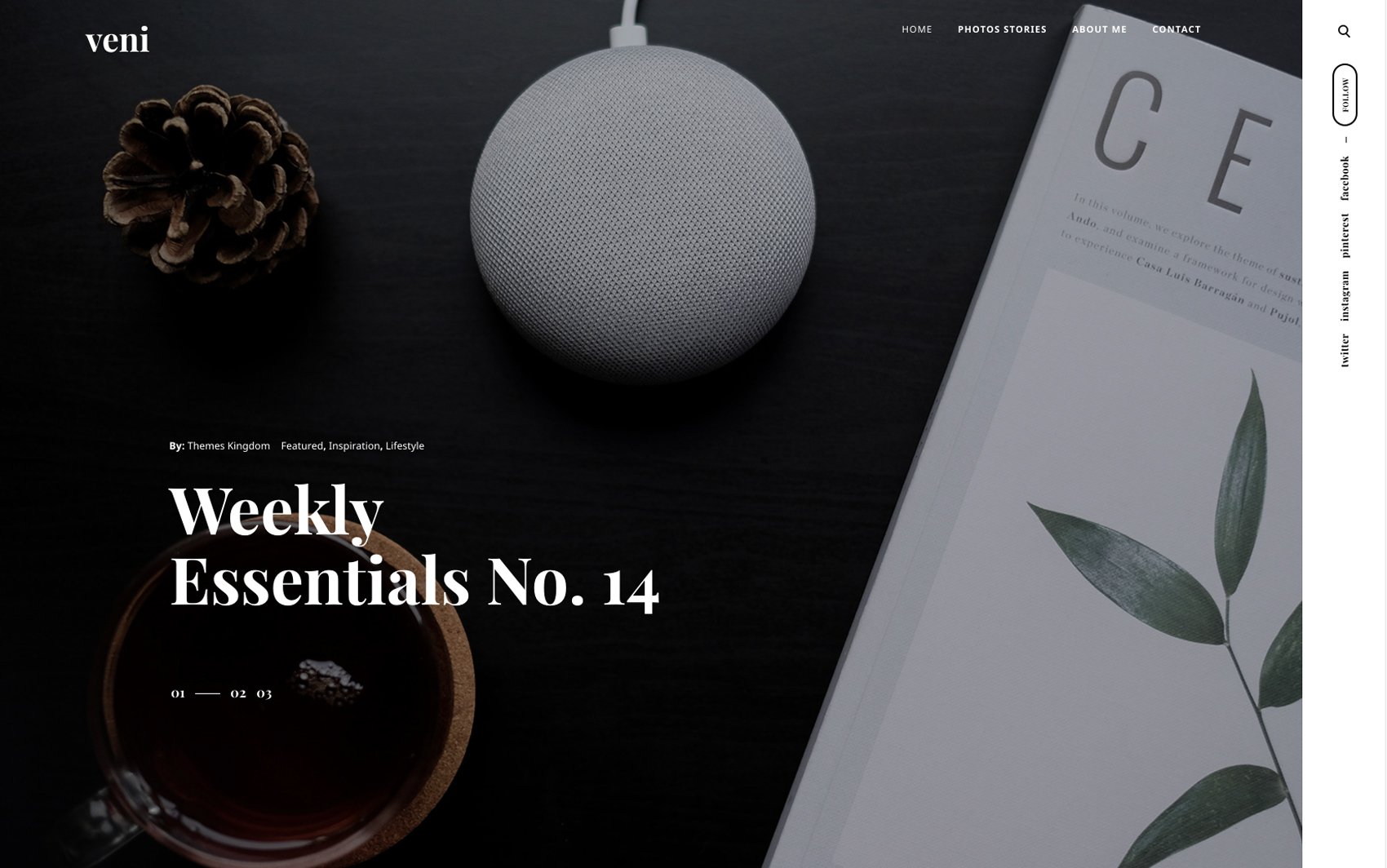
Veni is a blog WordPress theme that has one trick up its sleeve. This responsive and fully customizable theme comes with a WooCommerce platform built-in, allowing bloggers to write engaging posts, and run a growing online shop simultaneously.
-
 Preview Me
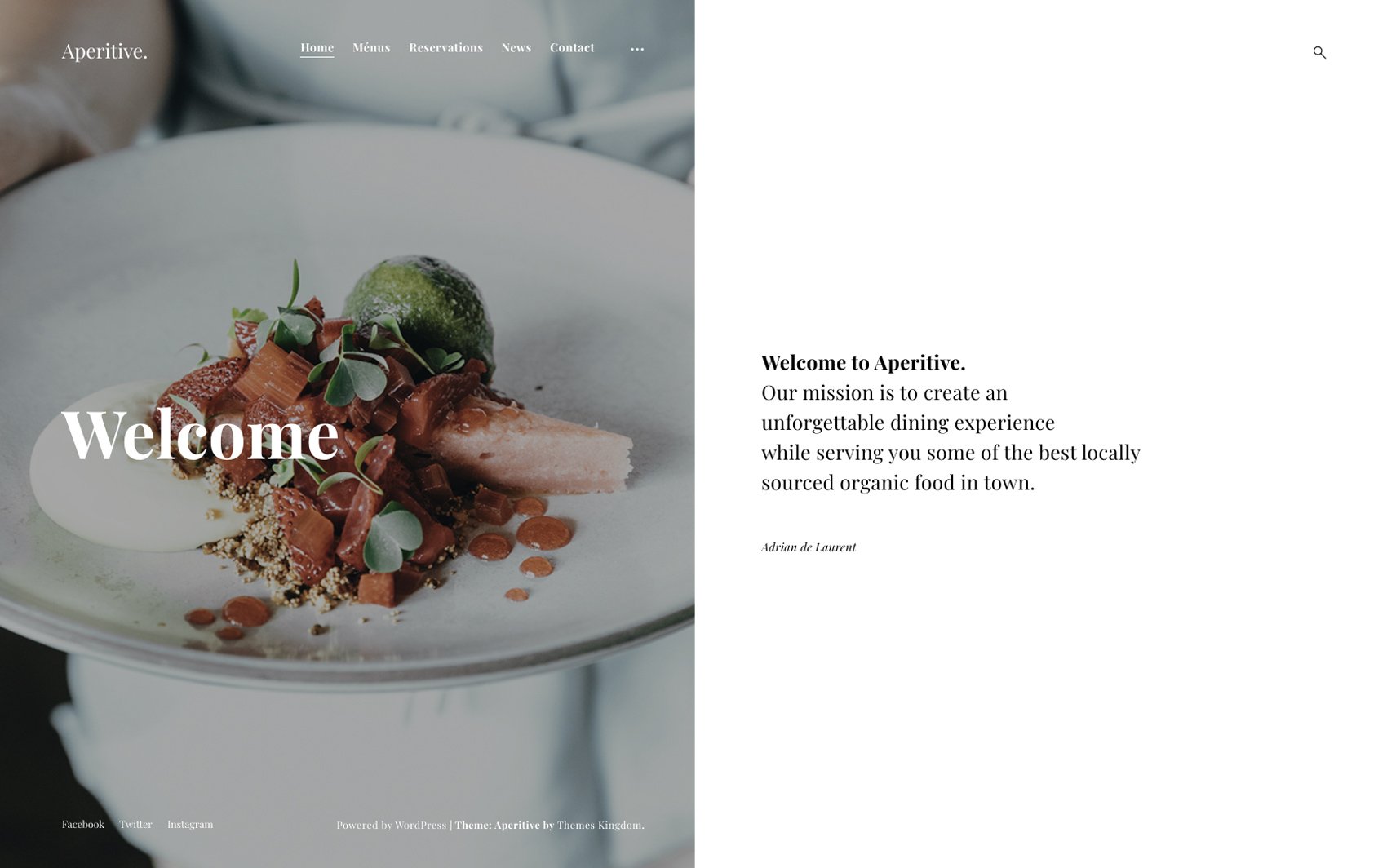
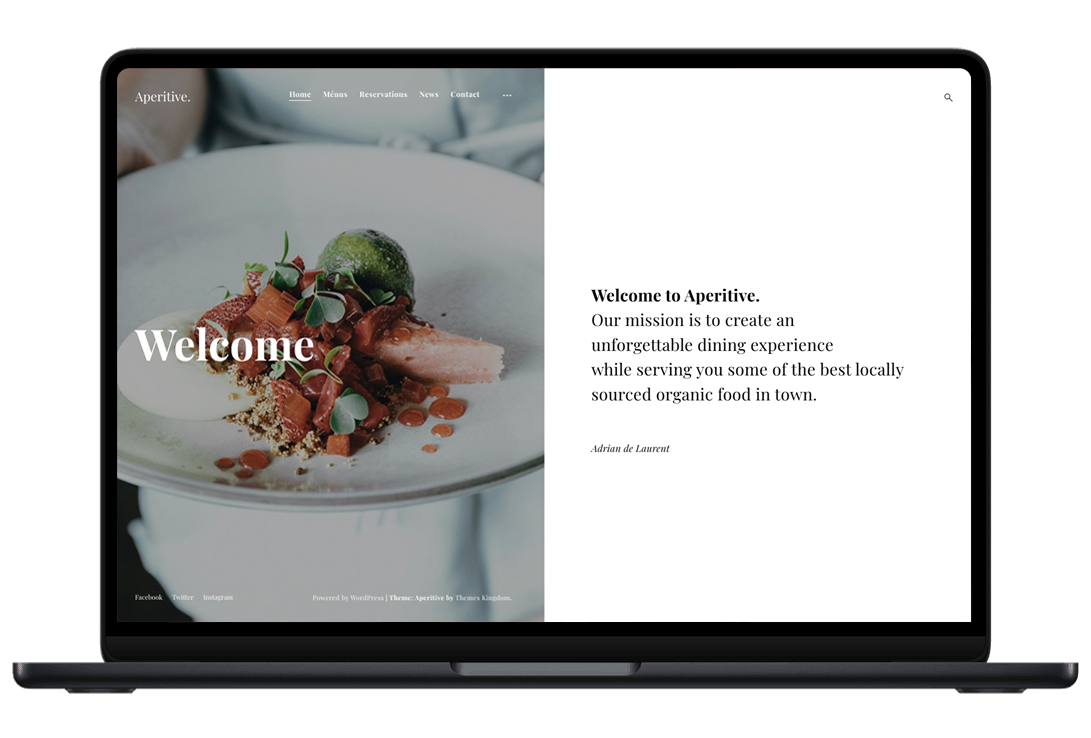
Aperitive is a responsive and highly customizable WordPress theme built for all kinds of restaurants. This theme’s design will ensure your site visitors’ mouths water and that they make reservations. Over and over again.
-
 Preview Me
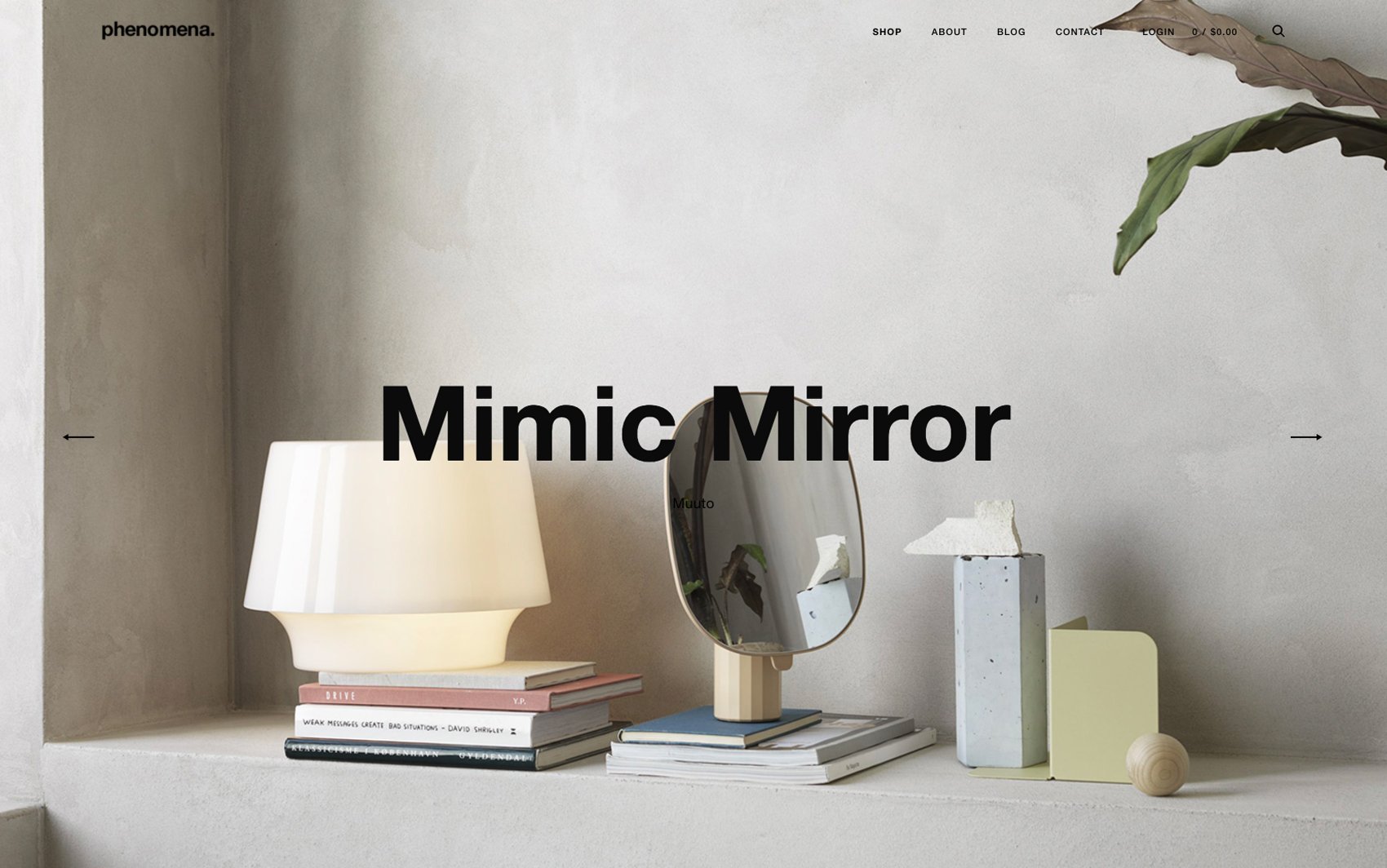
Phenomena is an outstanding e-commerce WordPress theme built for online interior design and lifestyle shops. From furniture and ornaments to lighting and kitchenware, this responsive theme will make all your products look sleek and polished.
-
 Preview Me
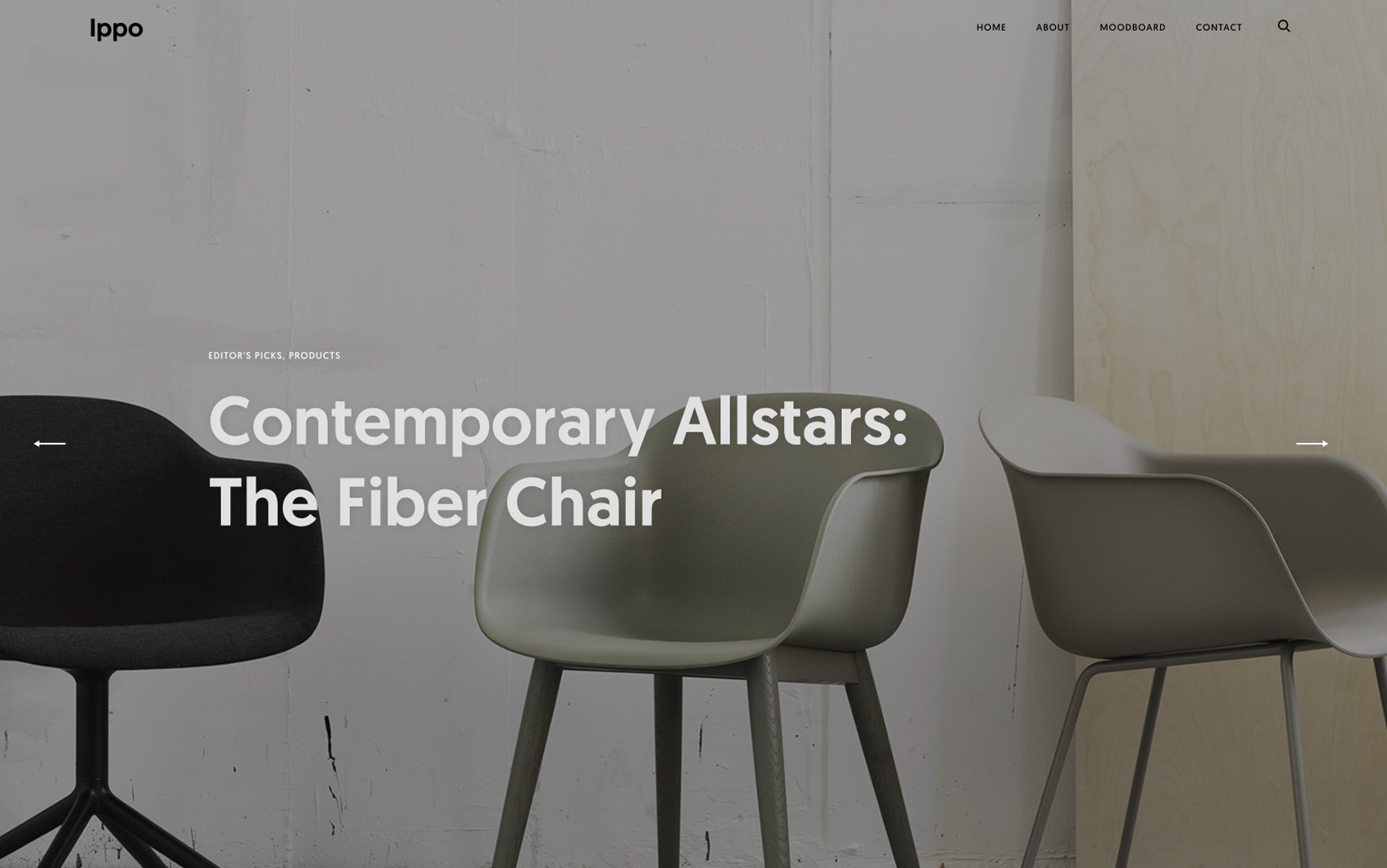
Ippo is a WordPress theme built for interior designers and design agencies. This highly customizable and responsive theme is designed to support and enhance the beauty of your photos and gallery, successfully captivating site visitors’ attention.
-
 Preview Me
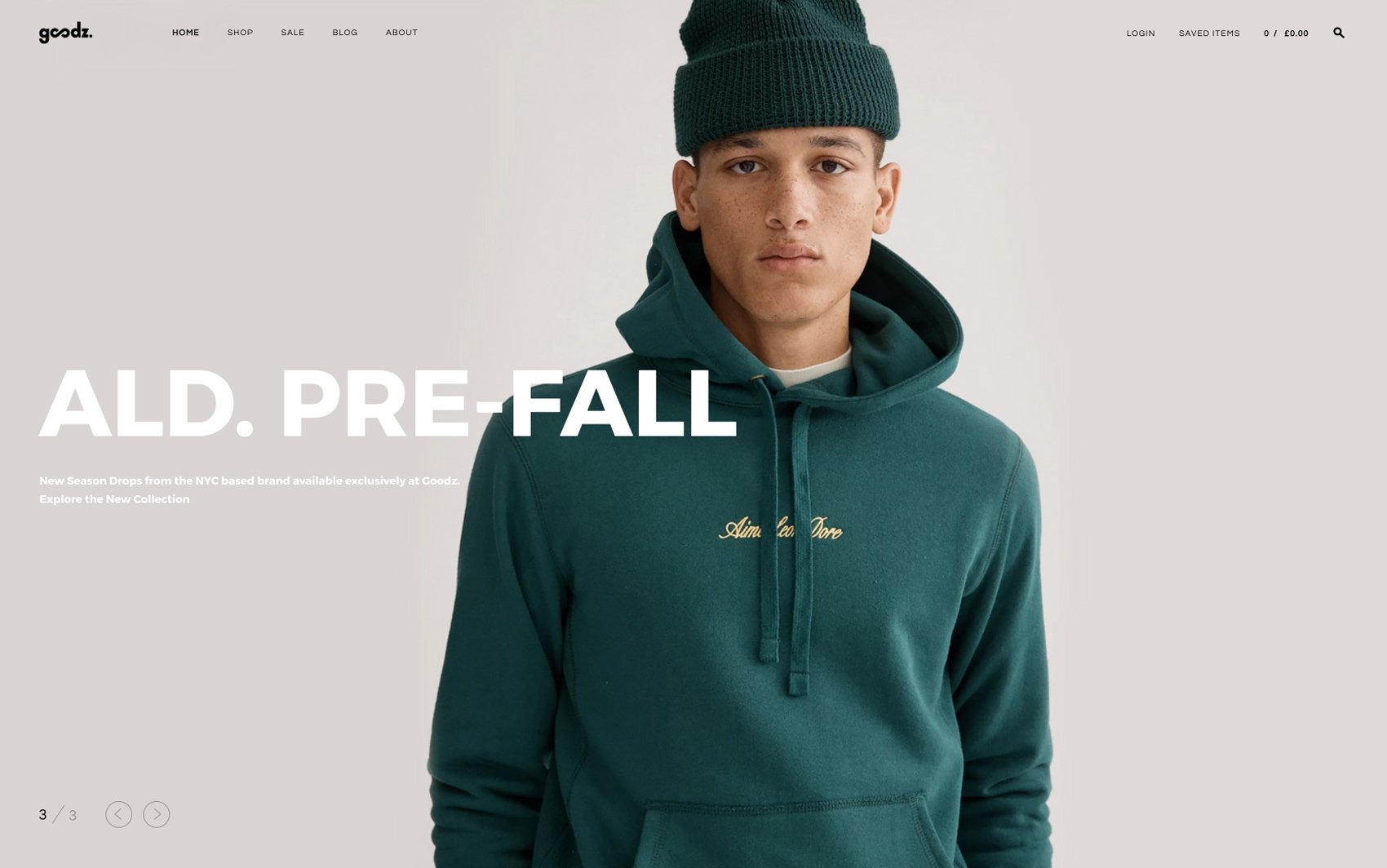
Goodz is a gorgeously designed e-commerce WordPress theme built for online fashion shops. This responsive and highly customizable theme will ensure that you give customers fantastic online shopping experience.
-
 Preview Me
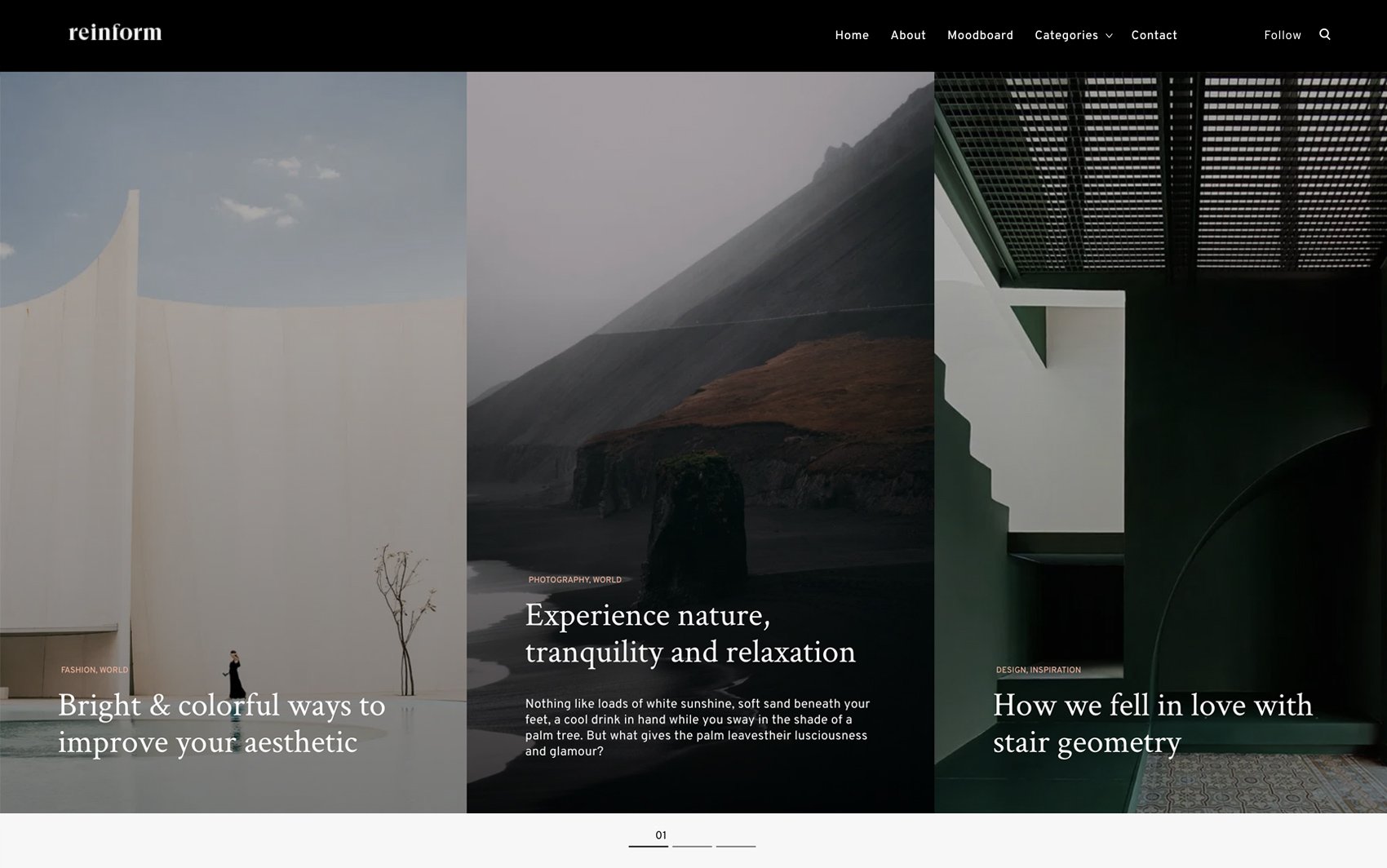
Reinform is a portfolio WordPress theme built for digital agencies and studios. The theme’s revolutionary design will show potential clients your studio’s passion, creativity, and the values it brings to the table.
-
 Preview Me
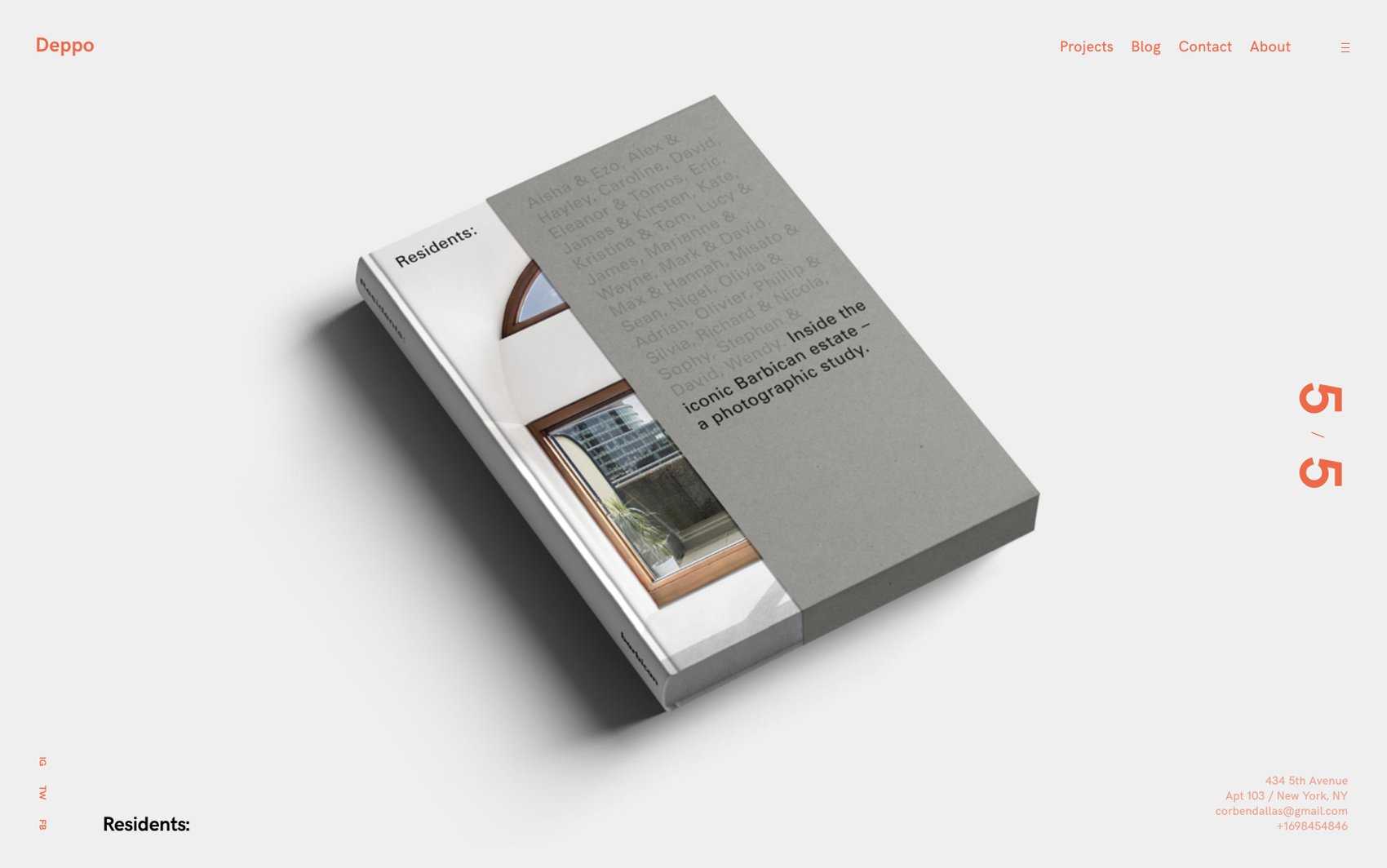
Deppo is a minimalistic portfolio WordPress theme built for digital studio owners, freelance designers, illustrators, photographers, etc. This theme allows potential clients to get a glimpse into your world of creativity.
-
 Preview Me
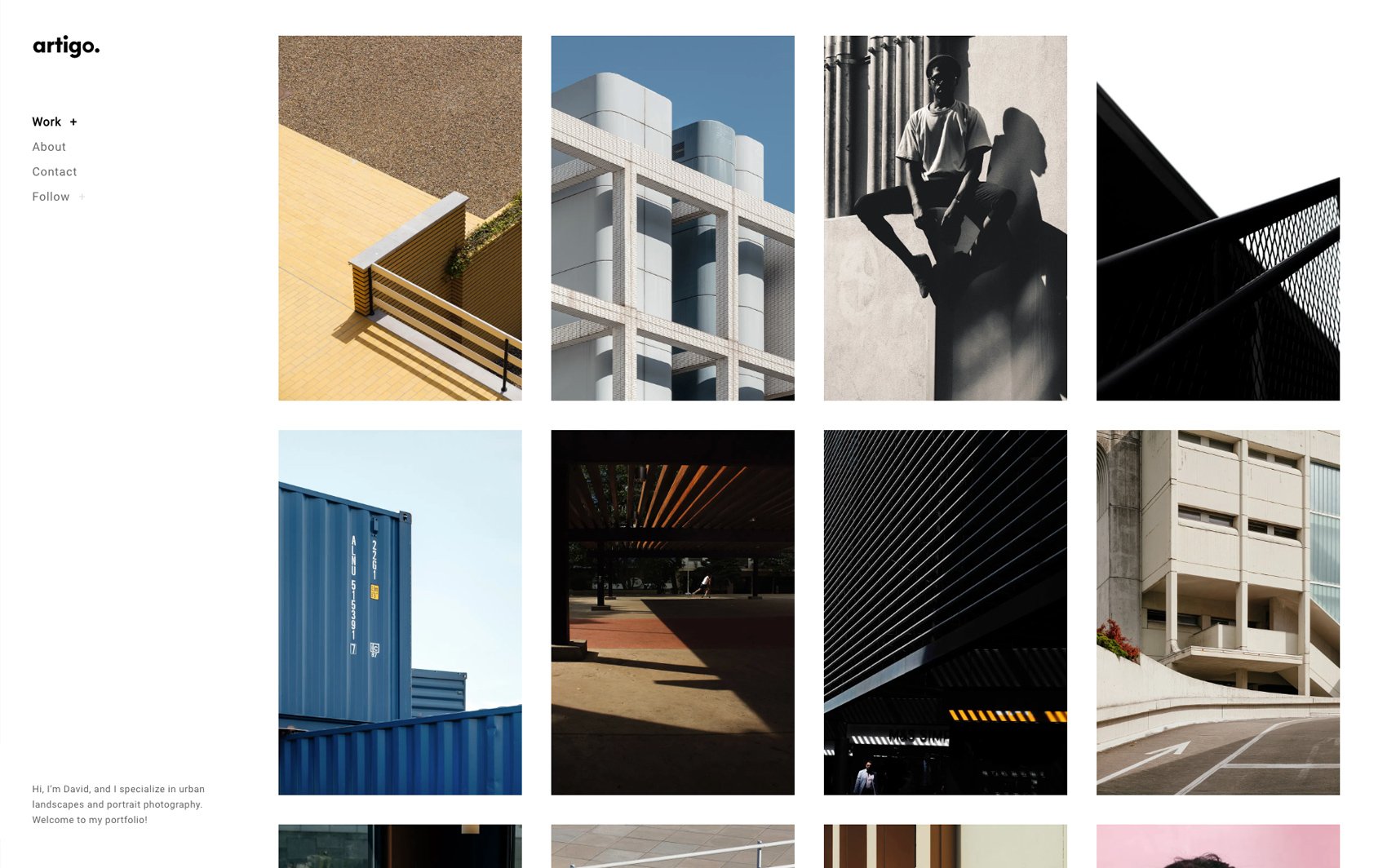
Artigo is a stunning photography portfolio WordPress theme designed to ensure clutterless work promotion. This theme’s layout is inspired by magazines 一 a clear grid layout on the homepage will allow all your shots to take center stage.
-
 Preview Me
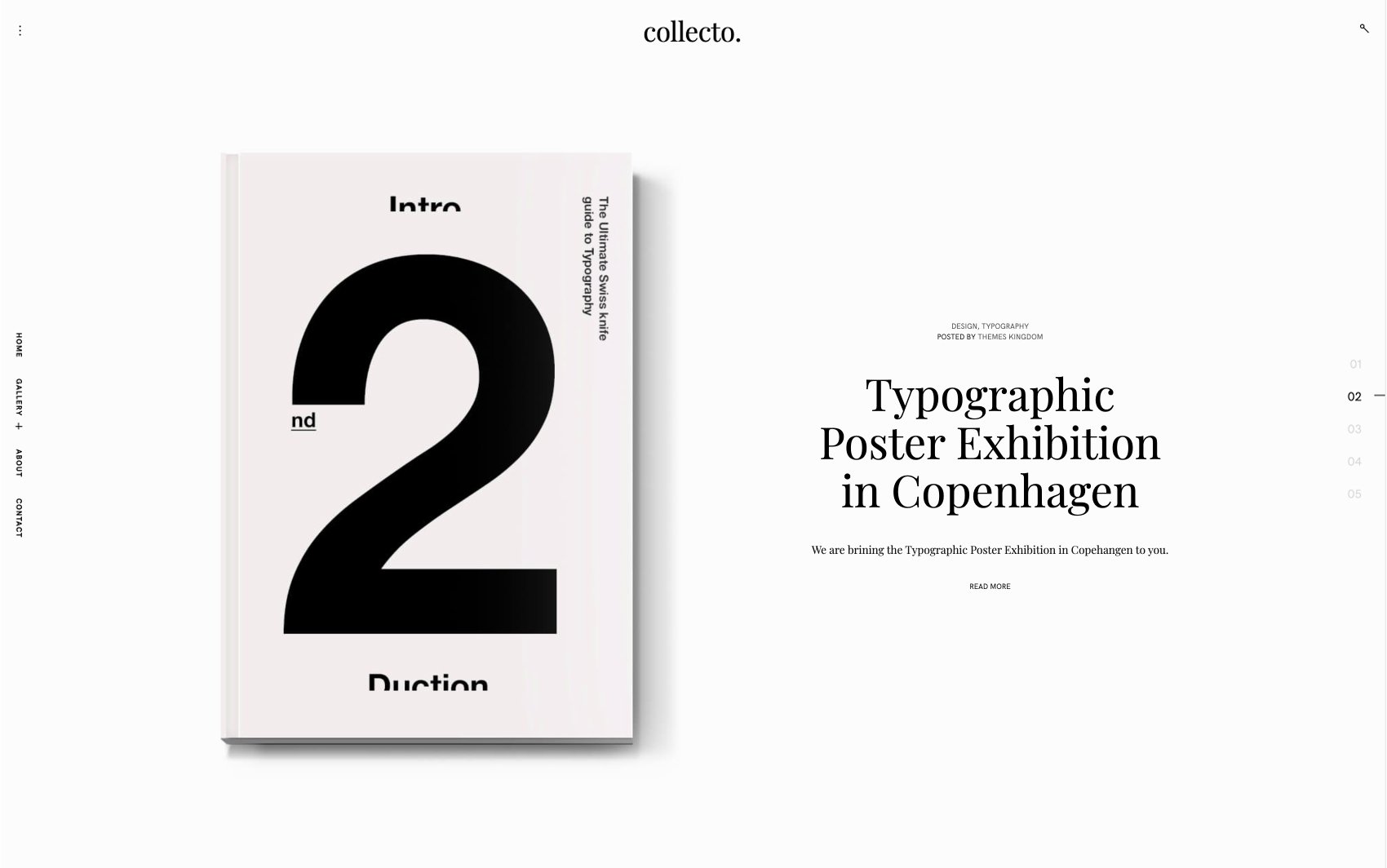
Collecto is a newspaper inspired WordPress theme built for bloggers and influencers. This highly customizable theme has a striking layout that will help your turn one-time site visitors into loyal blog followers.
-
 Preview Me
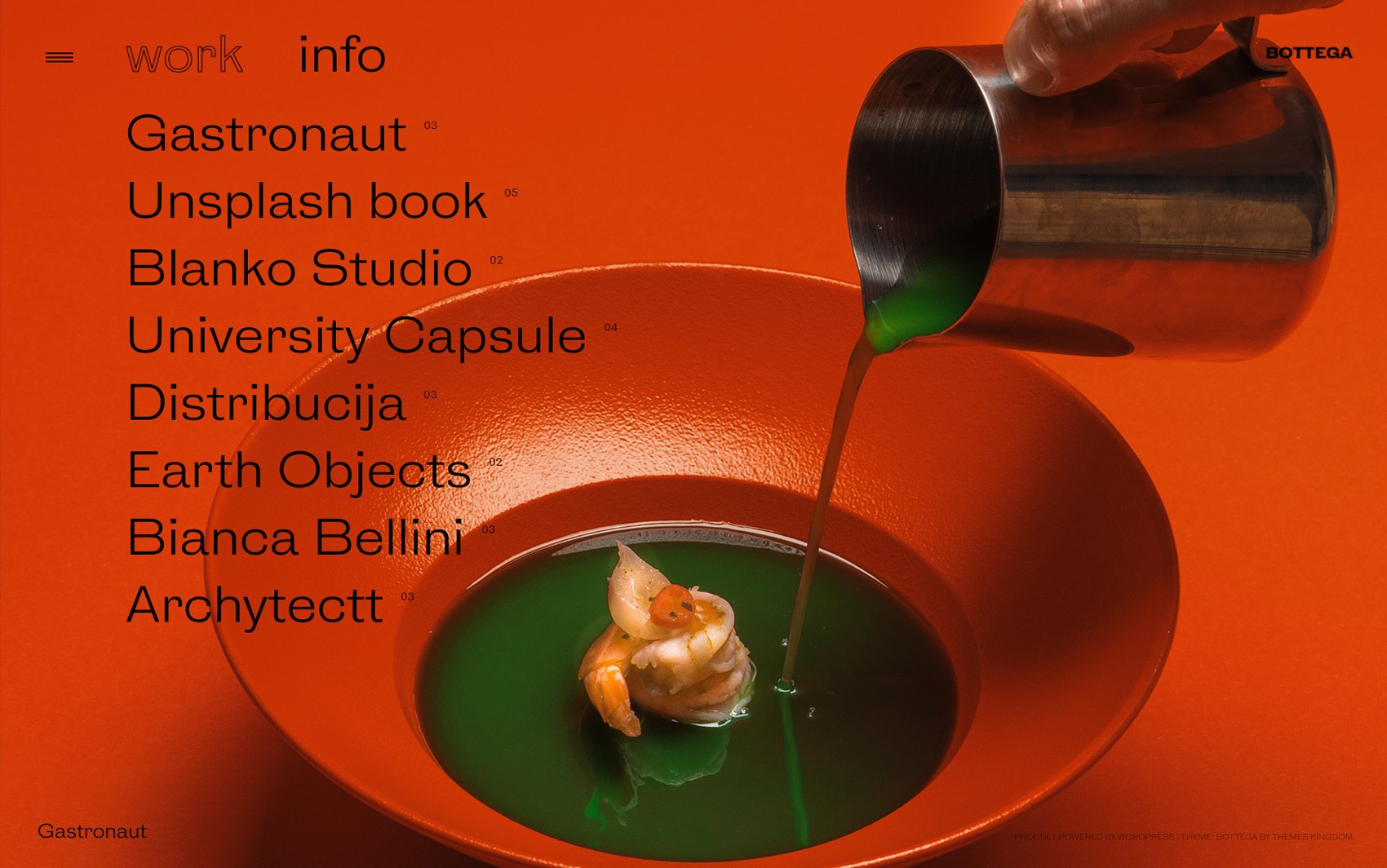
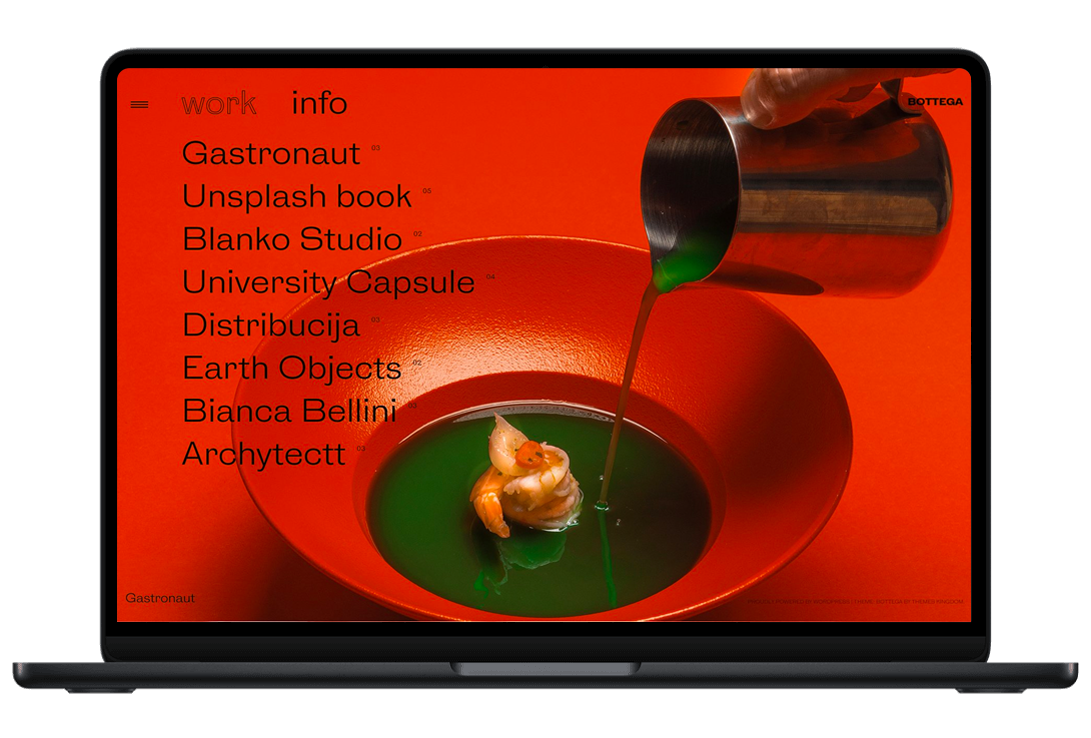
Bottega is a responsive and fully customizable studio/agency portfolio WordPress theme. This theme’s unique layout and expressive animations will help you build credibility in your industry.
-
 Preview Me
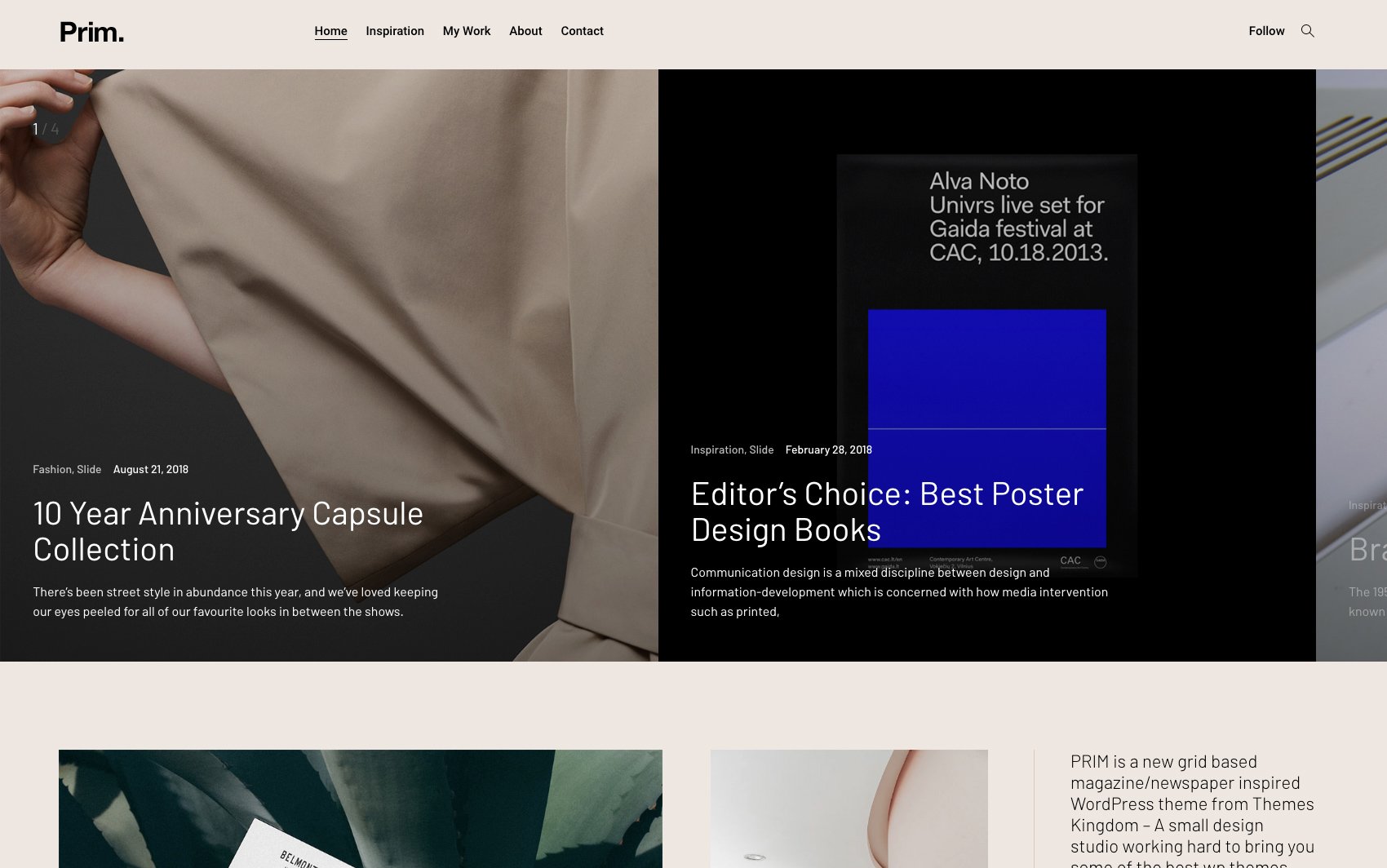
Prim is a modular WordPress theme built for bloggers and magazine publishing companies. This highly customizable and responsive theme will keep site visitors’ on their toes 一 they’ll wait impatiently for your next write-up.
-
 Preview Me
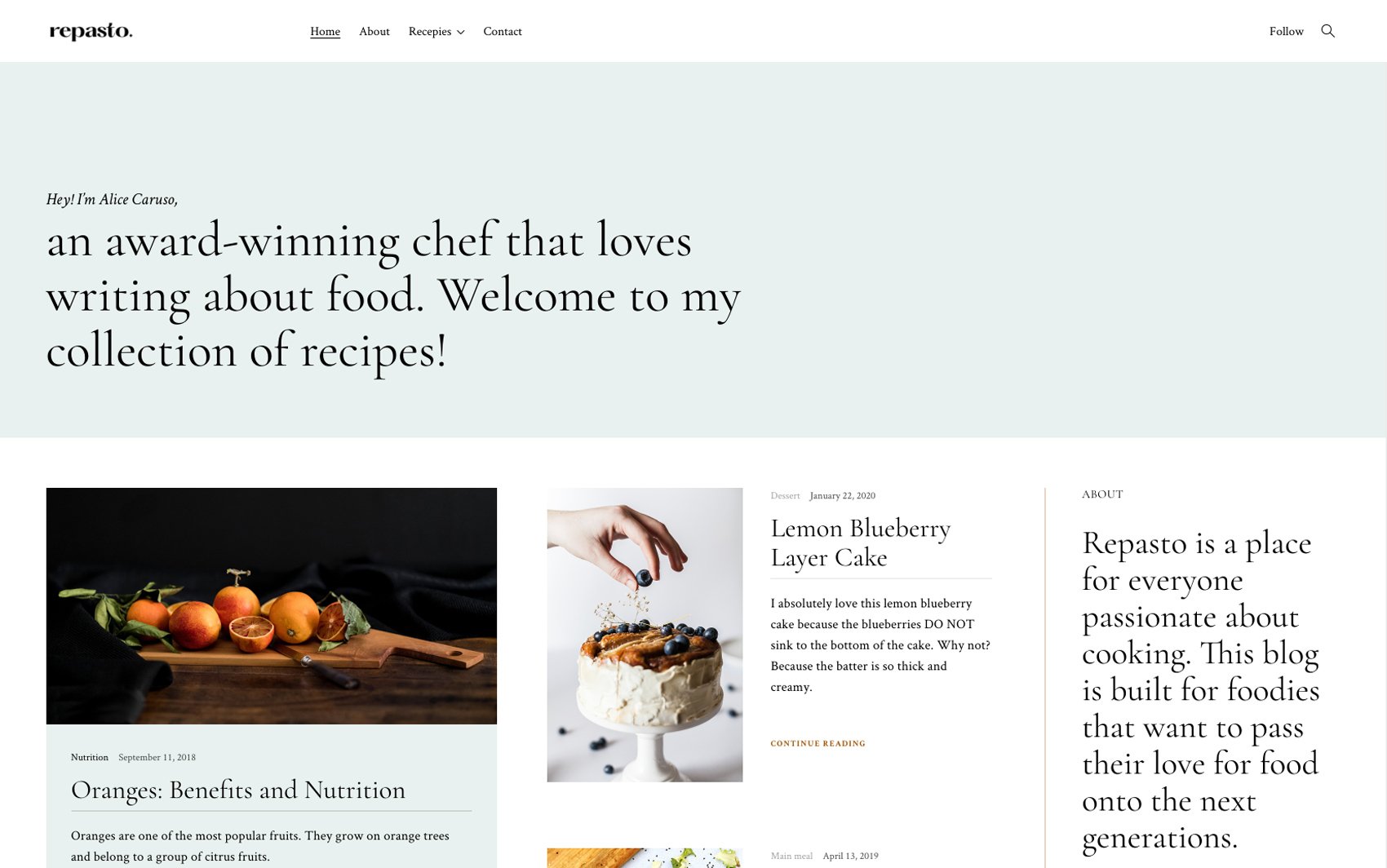
Repasto is a flavorful food blog WordPress theme that has a mouth-watering design and style. This responsive theme will help you create a site worthy of a creative and talented food blogger like yourself.
-
 Preview Me
Idento is a bold and feisty personal WordPress theme made for creative souls that wish to build their online presence. This responsive and fully customizable theme is the epitome of striking design and big typography.
-
 Preview Me
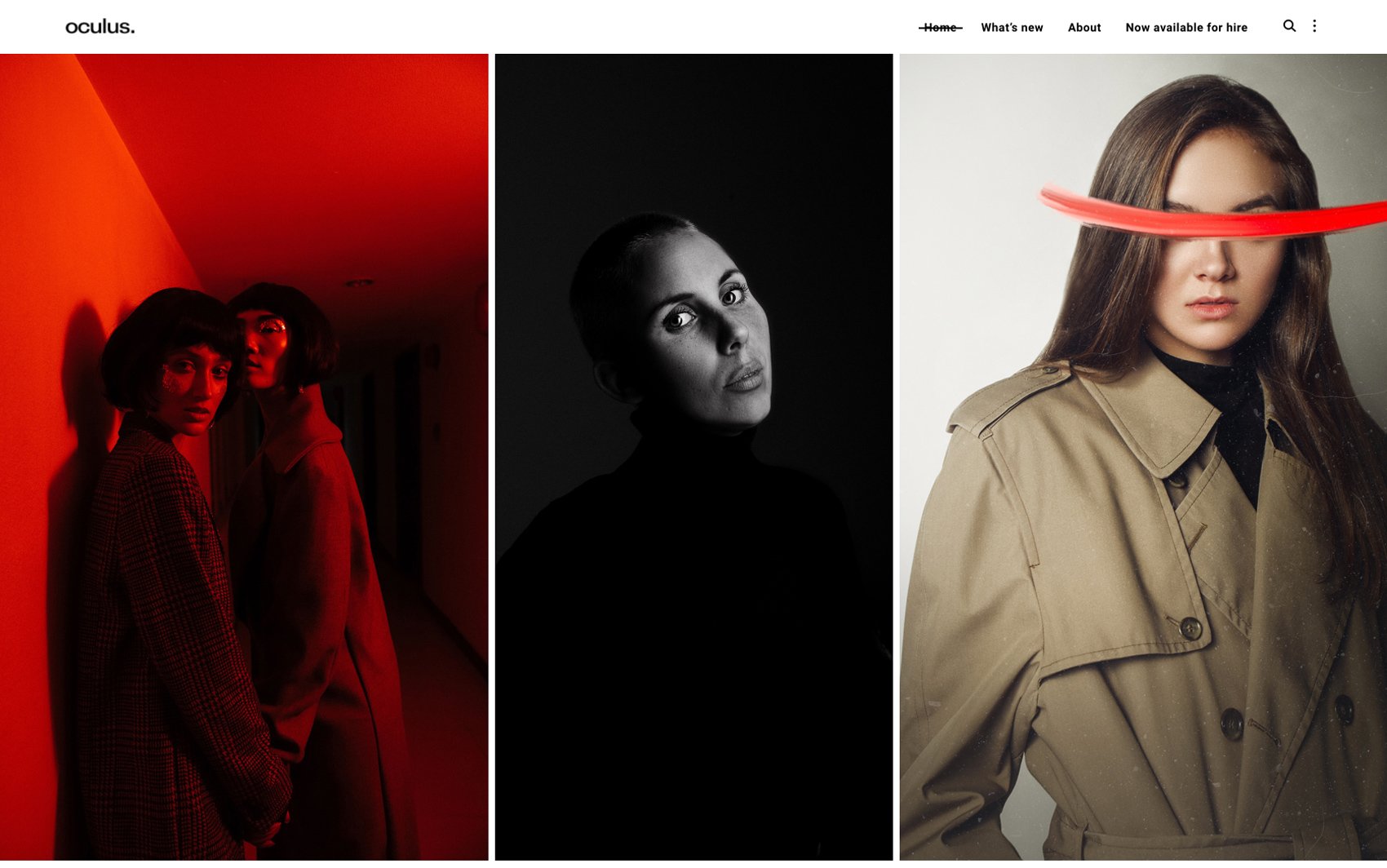
Oculus is a responsive, highly customizable portfolio WordPress theme developed for portrait photographers. This modern and elegant theme allows you to show off your skills and craft effortlessly and leaves your site visitors in awe.
-
 Preview Me
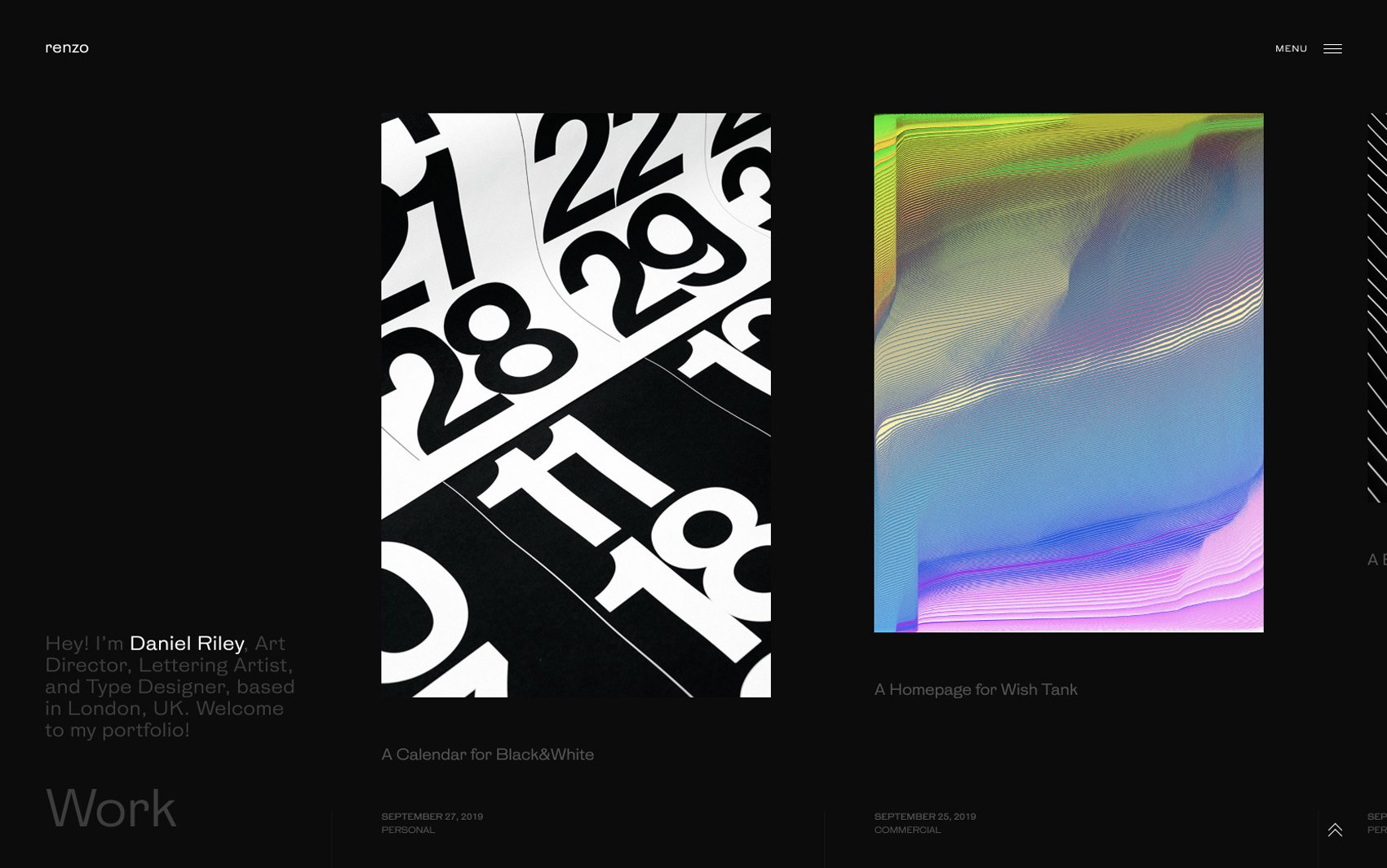
Renzo is a portfolio WordPress theme built for creatives that wish to impress potential clients and recruiters. This highly customizable, responsive, squeaky-clean theme will help you get hired right away.
-
 Preview Me
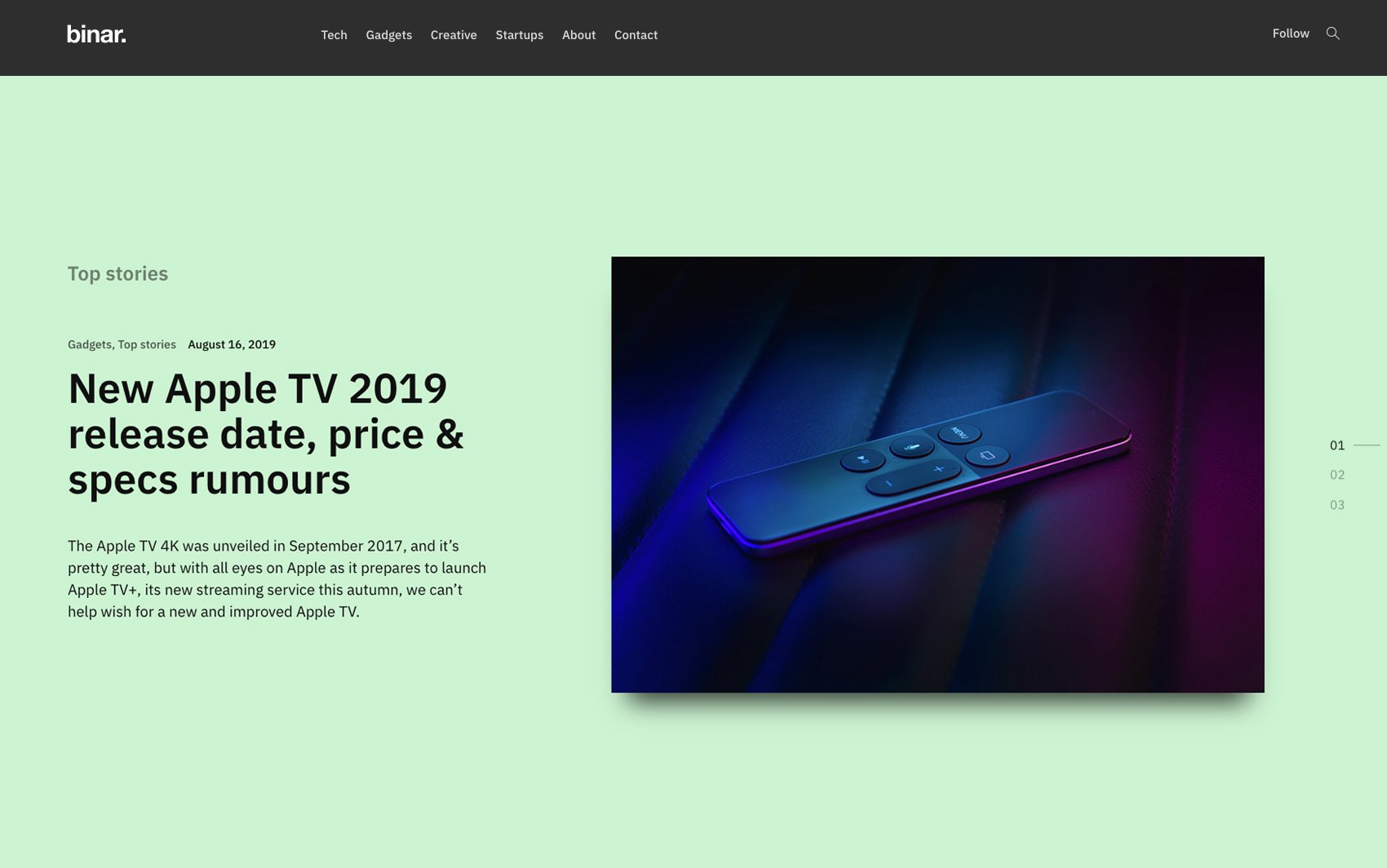
Binar is an elegant, highly customizable WordPress theme built for tech bloggers. It is designed to make your website look good on all screen sizes. No techie would be able to resist going through your articles.
-
 Preview Me
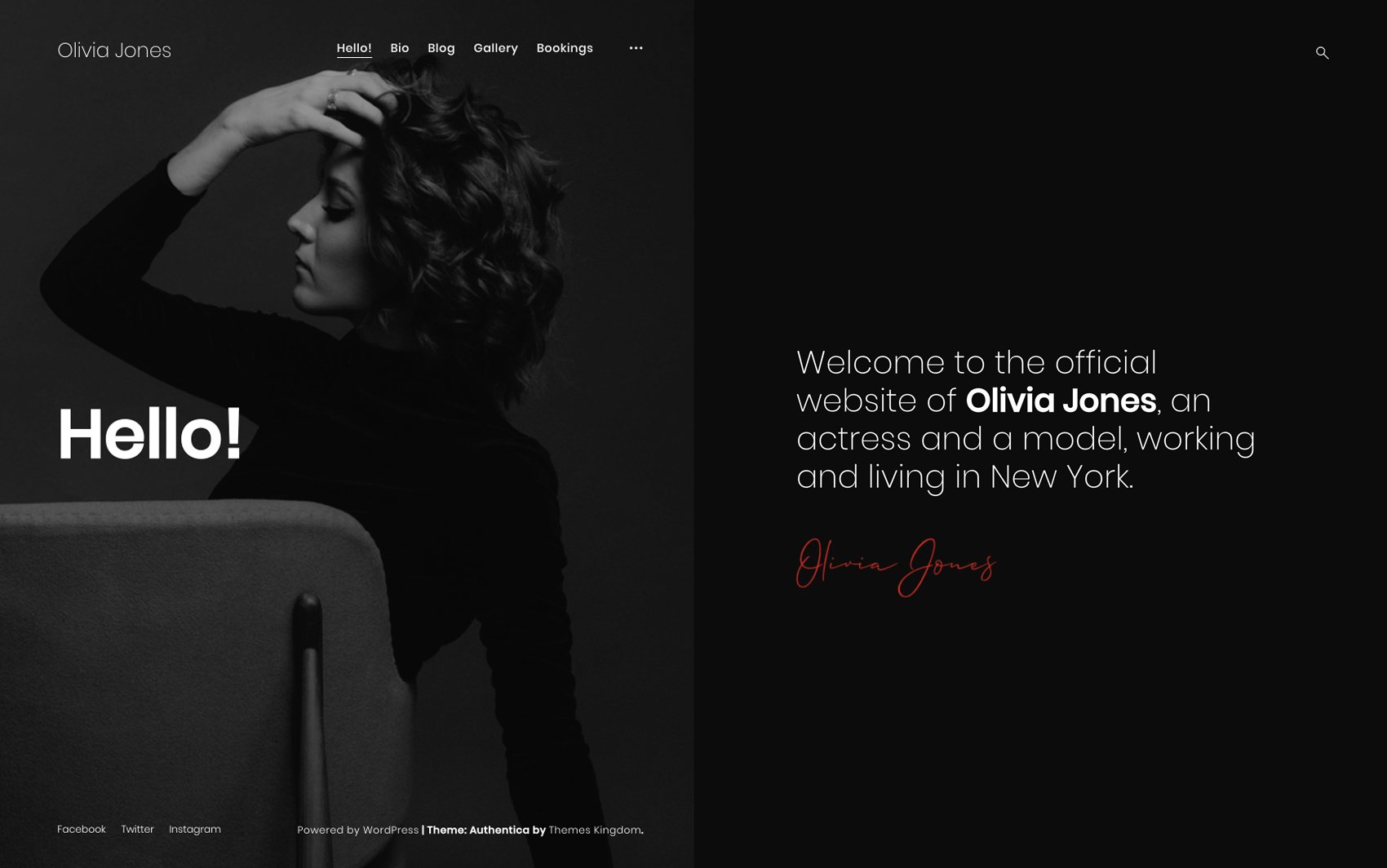
Authentica is an elegant portfolio WordPress theme built for people who work in the entertainment industry and other business people (like agents, producers, managers). This theme is designed to ensure your followers get to know the real You.
-
 Preview Me
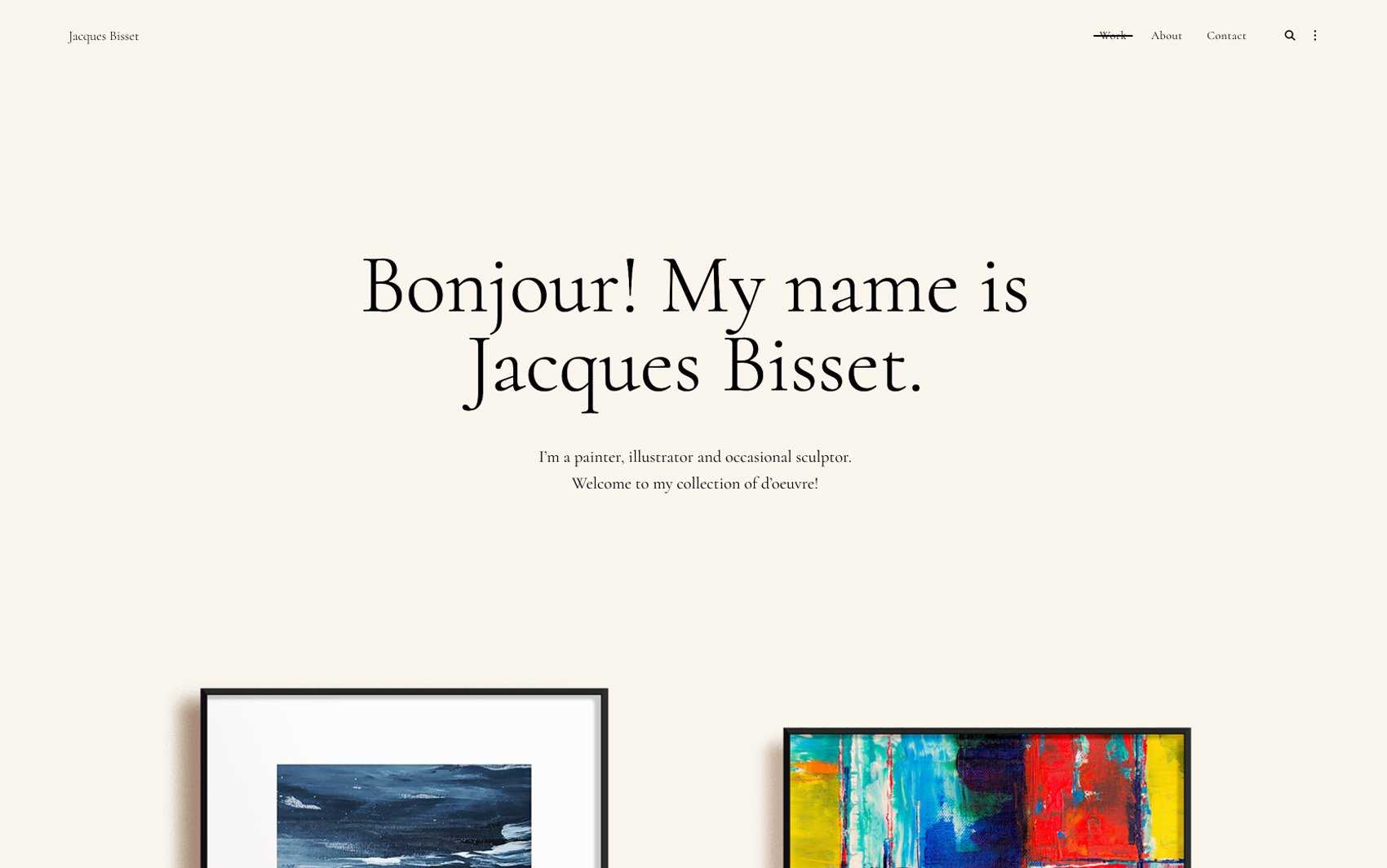
Gira is a WordPress portfolio theme created for artists 一 painters, sculptors, and illustrators. This fully customizable and responsive theme allows you to show your originality and uniqueness, transferring all your artworks’ beauty into the digital world.
-
 Preview Me
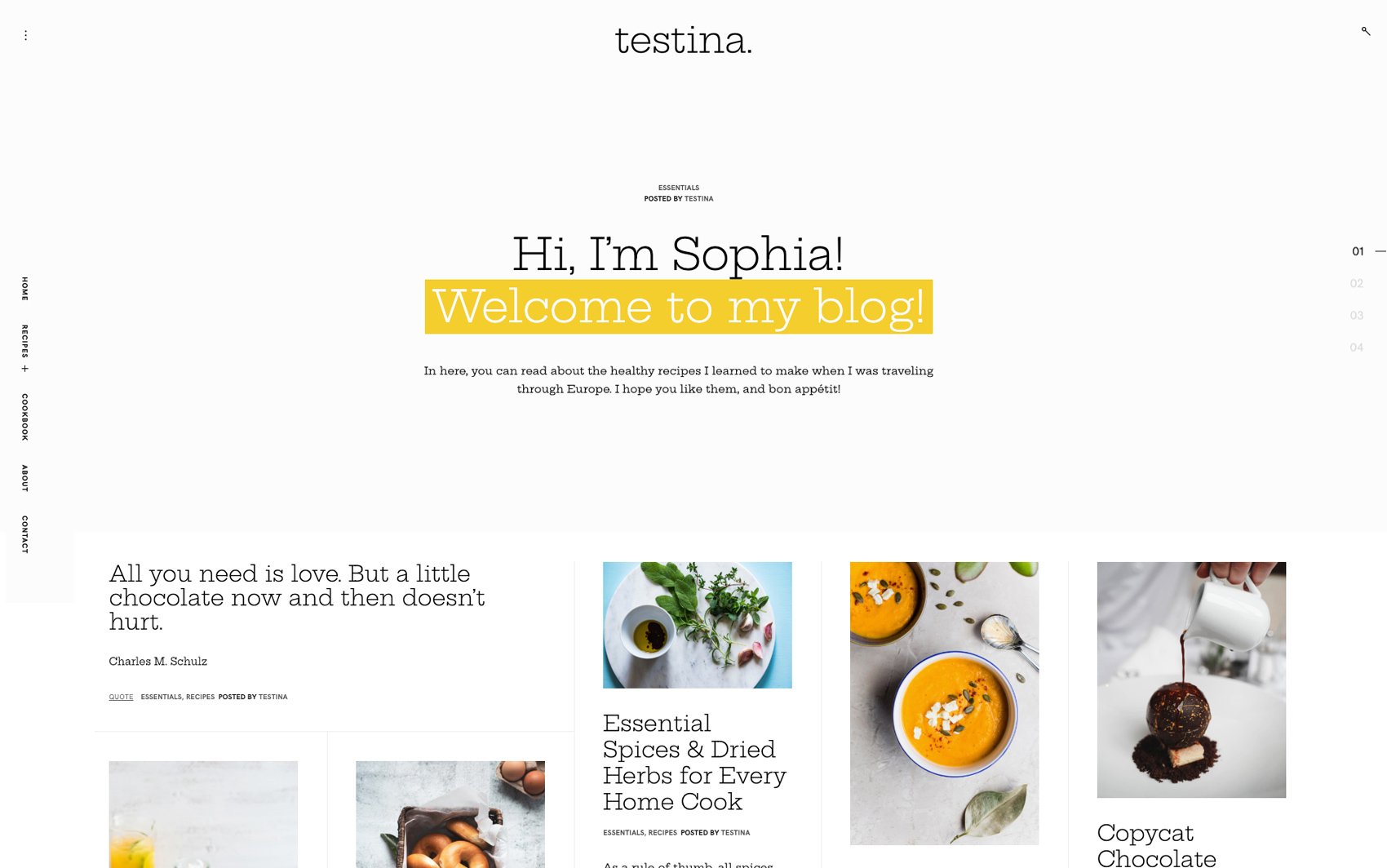
Testina is a delicious, responsive food blog WordPress theme. With this fully customizable theme, people are going to forget about their favorite cooking shows; they’ll turn to your blog when they want to prepare flavorful meals.
-
 Preview Me
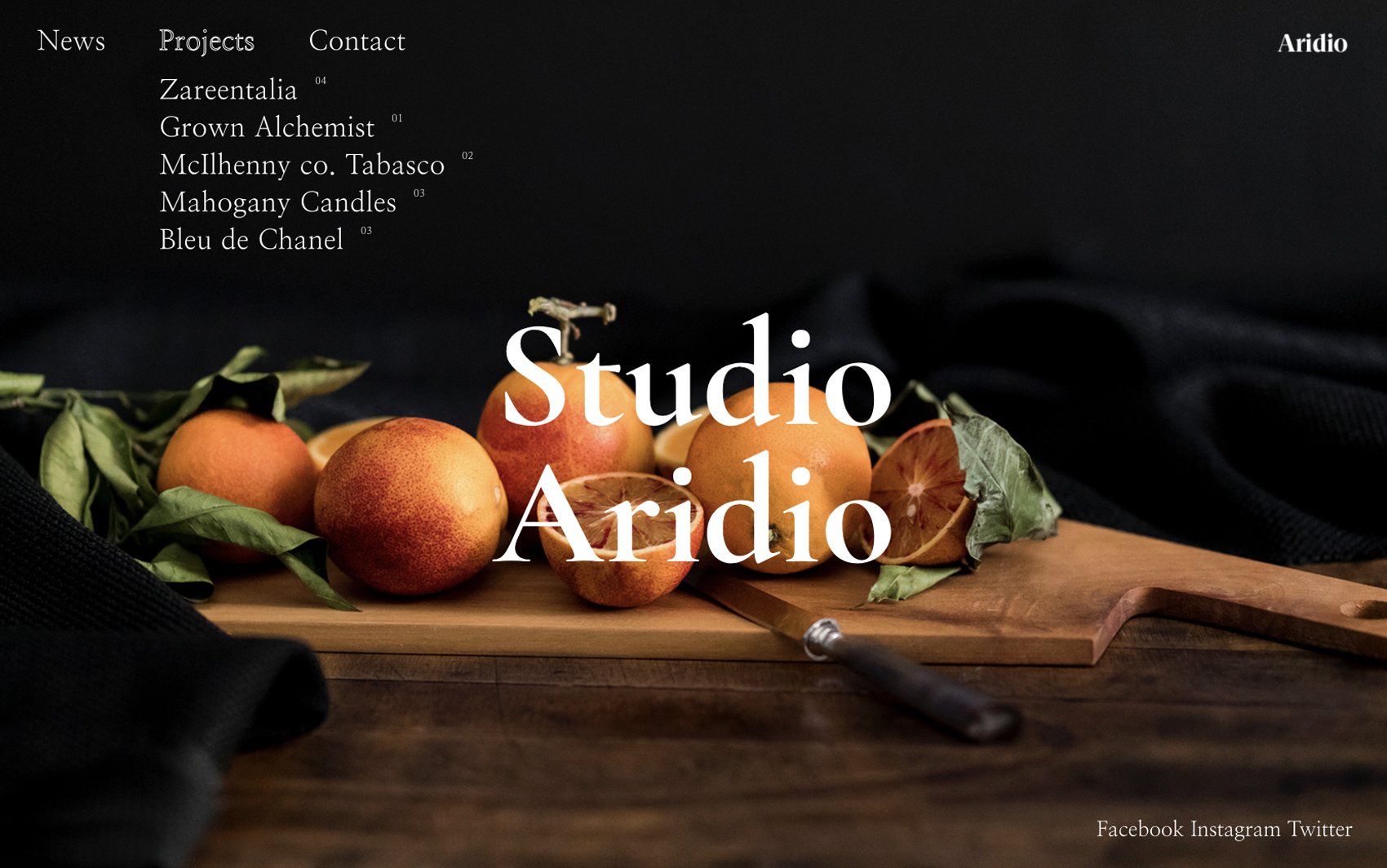
Aridio is a portfolio WordPress theme built for digital studios and agencies. Aridios’s atypical design will help you focus potential clients’ attention on the stories your projects tell. This theme will keep potential clients intrigued and eager to see more of what you have to offer.
-
 Preview Me
Artina is a responsive, highly customizable studio/agency portfolio WordPress theme. Thanks to Artina’s non-standard layout, and slick animations, your brand will become one of the big fishes in an even bigger pond.
-
 Preview Me
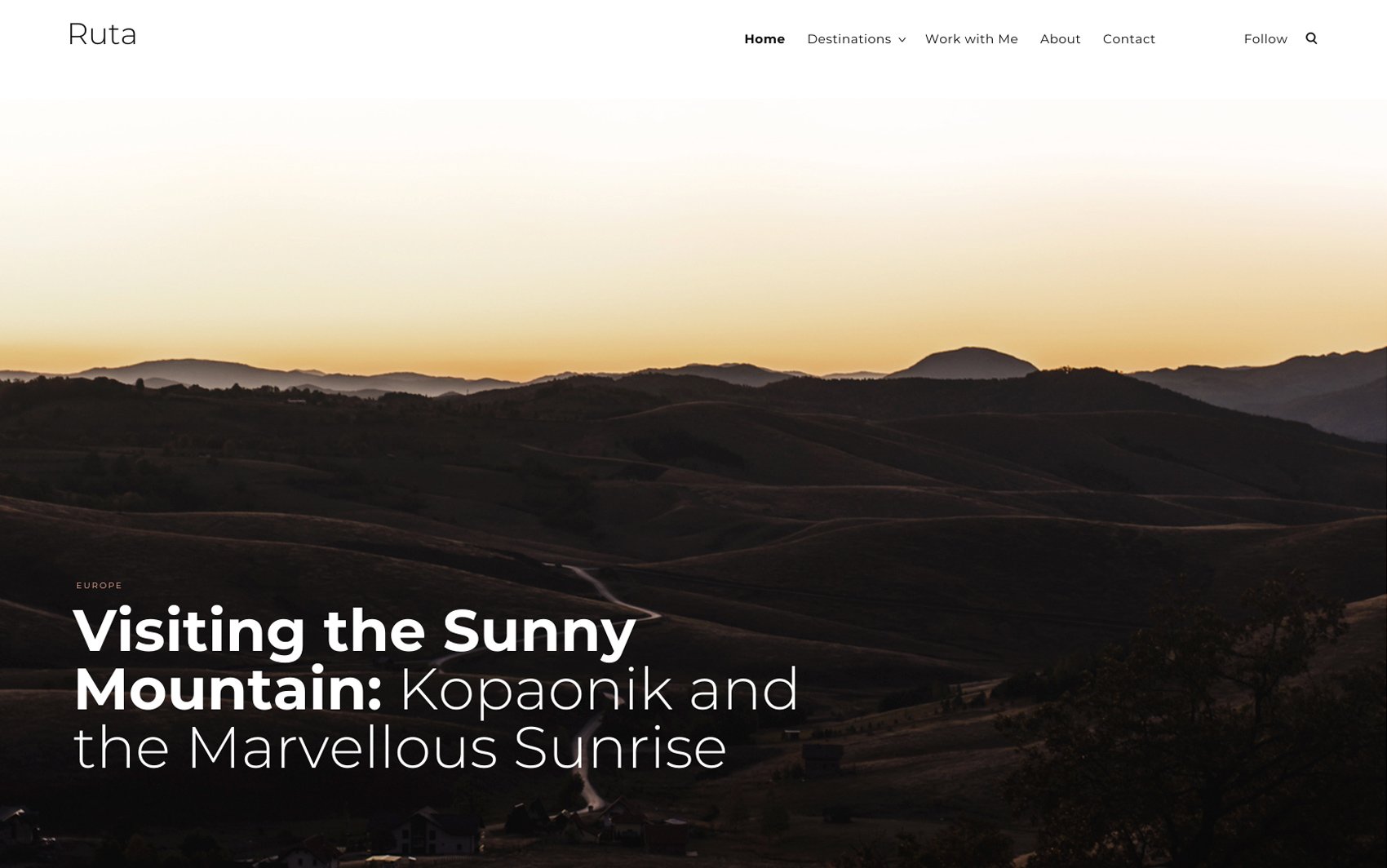
Ruta is your go-to travel blog WordPress theme. Its design is built to encourage site visitors to follow your journey 一 a huge slider on the homepage enables you to highlight your best article(s), while the single post pages let you capture the beauty of all destinations you visited.
-
 Preview Me
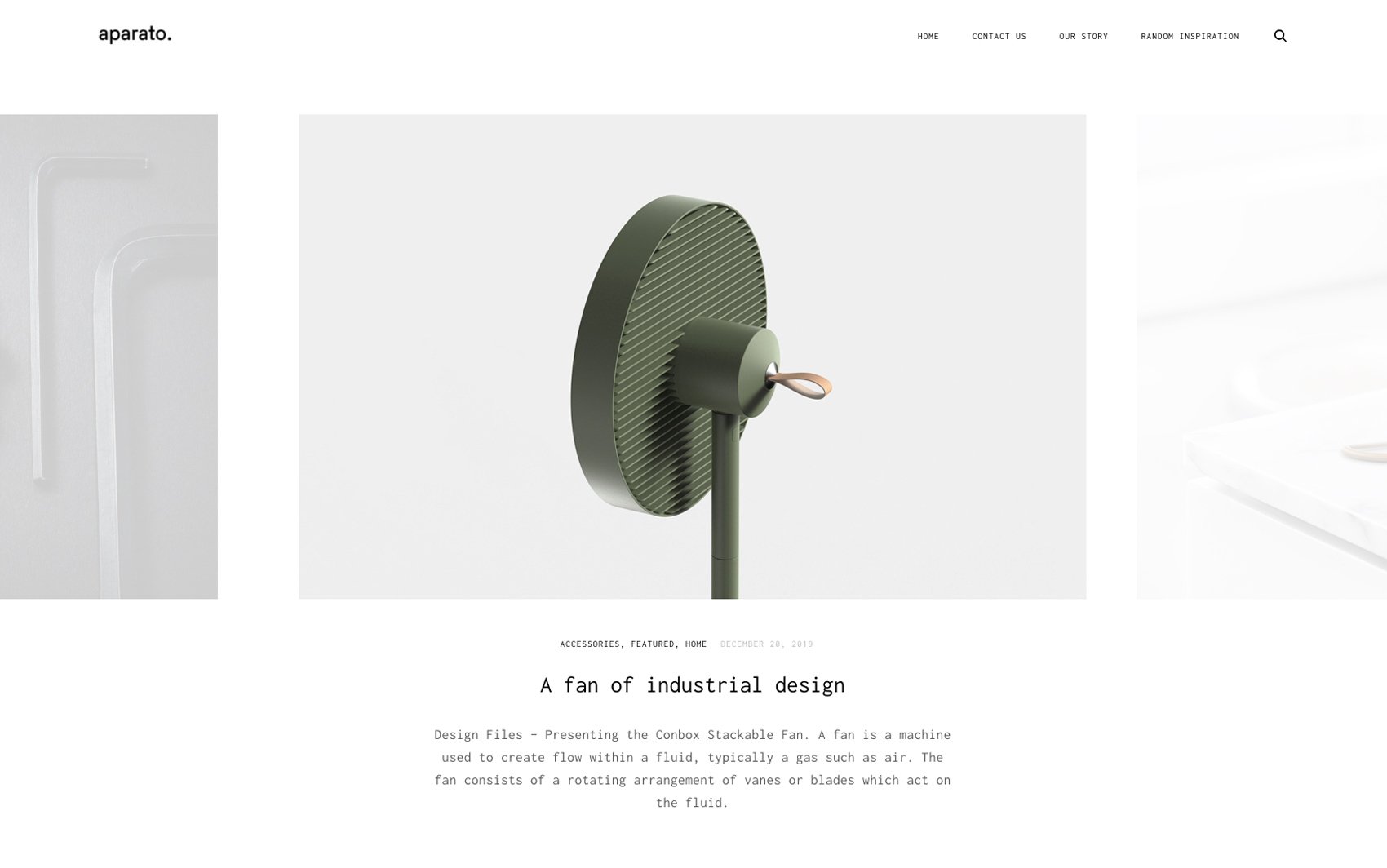
Aparato is a portfolio WordPress theme built for design and digital studios. This highly customizable theme allows your projects to shine bright like diamonds, making them look good on all screen sizes.
-
 Preview Me
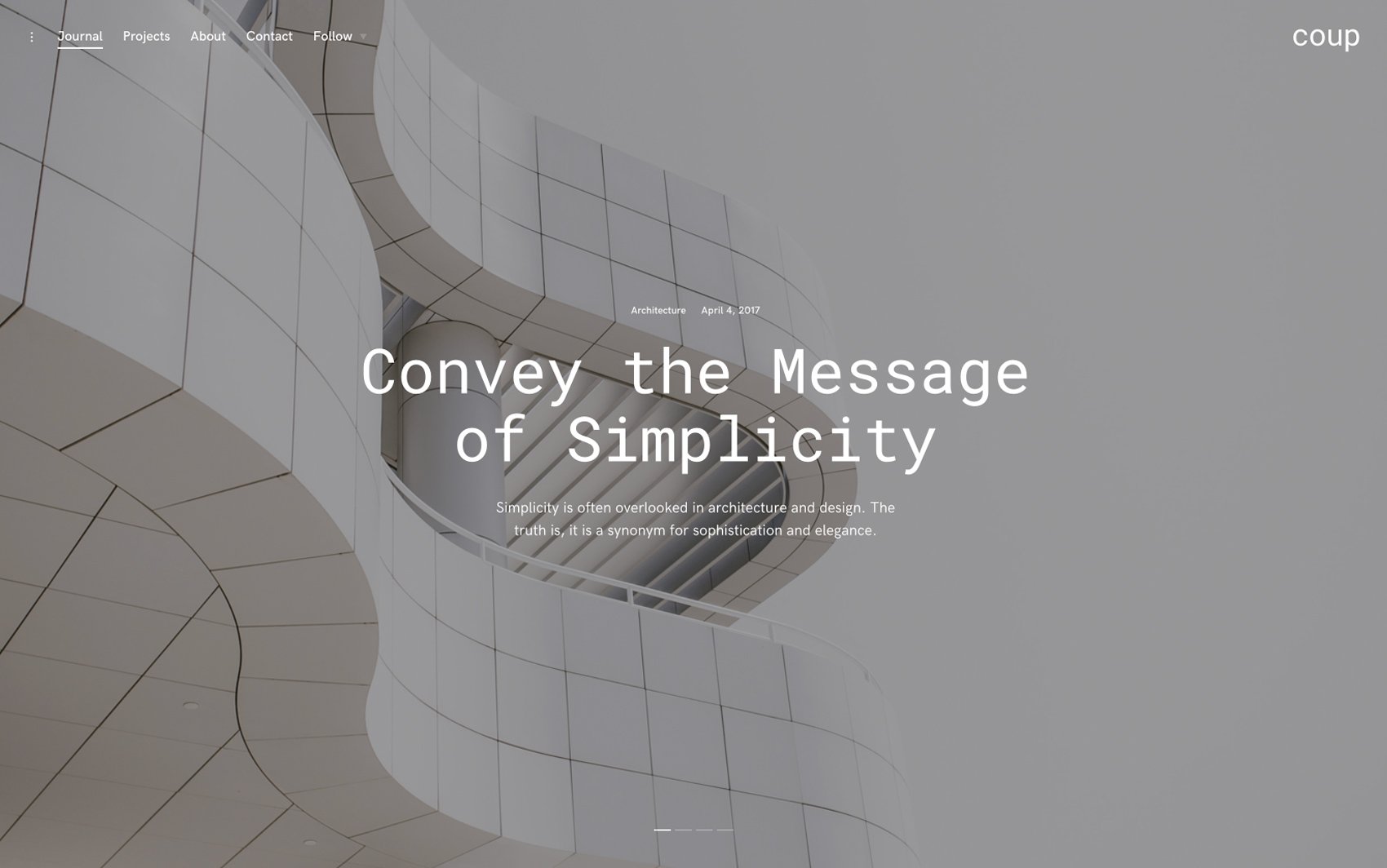
Coup is a newspaper inspired blog and portfolio WordPress theme whose beauty lies in its simplicity. This highly customizable and responsive theme is built to make site visitors fall in love with your content.
-
 Preview Me
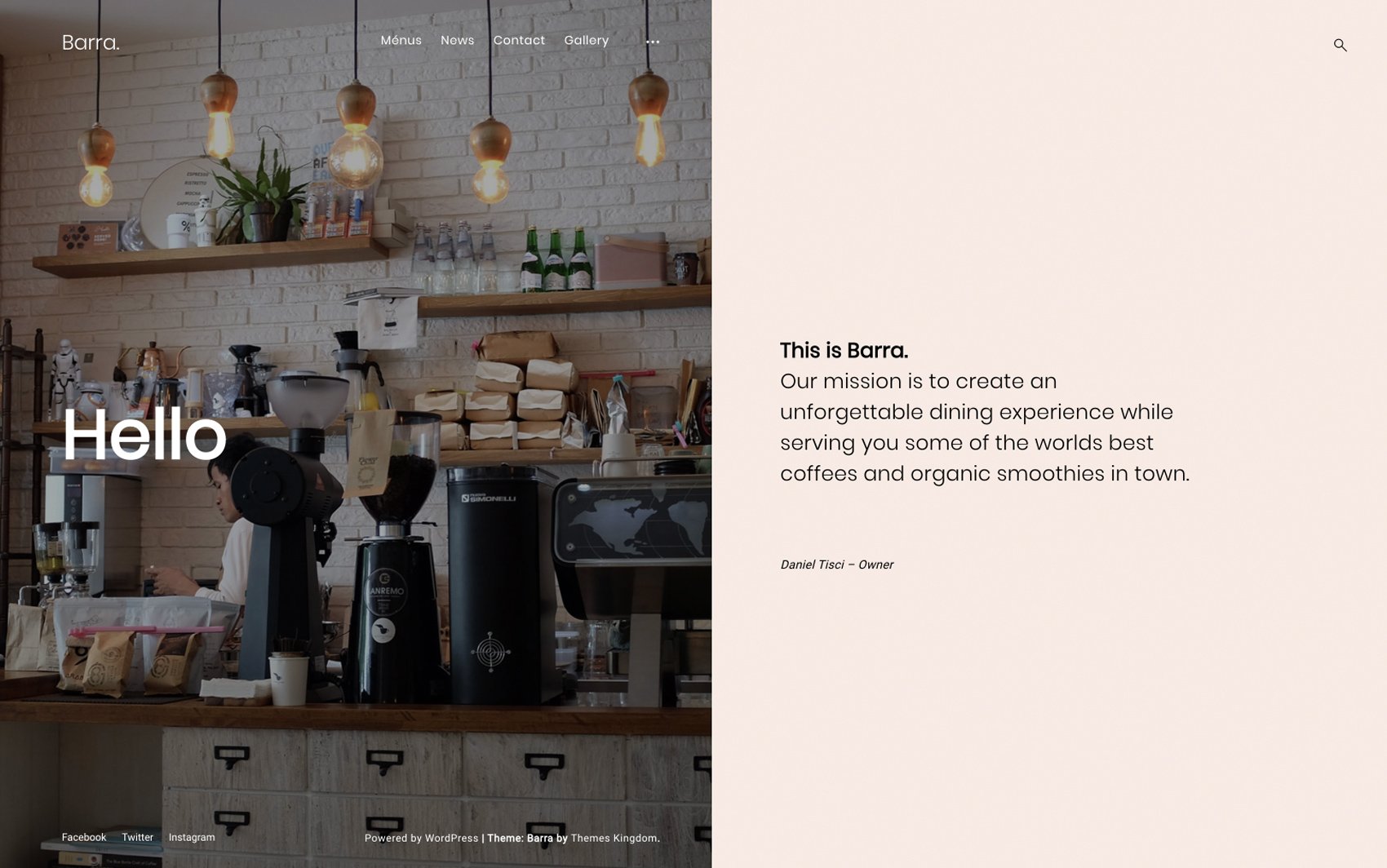
Barra is a highly customizable coffee shop WordPress theme. This responsive theme is similar to a warm cup of espresso 一 it’s powerful, full-flavored, and has an alluring aroma.
-
 Preview Me
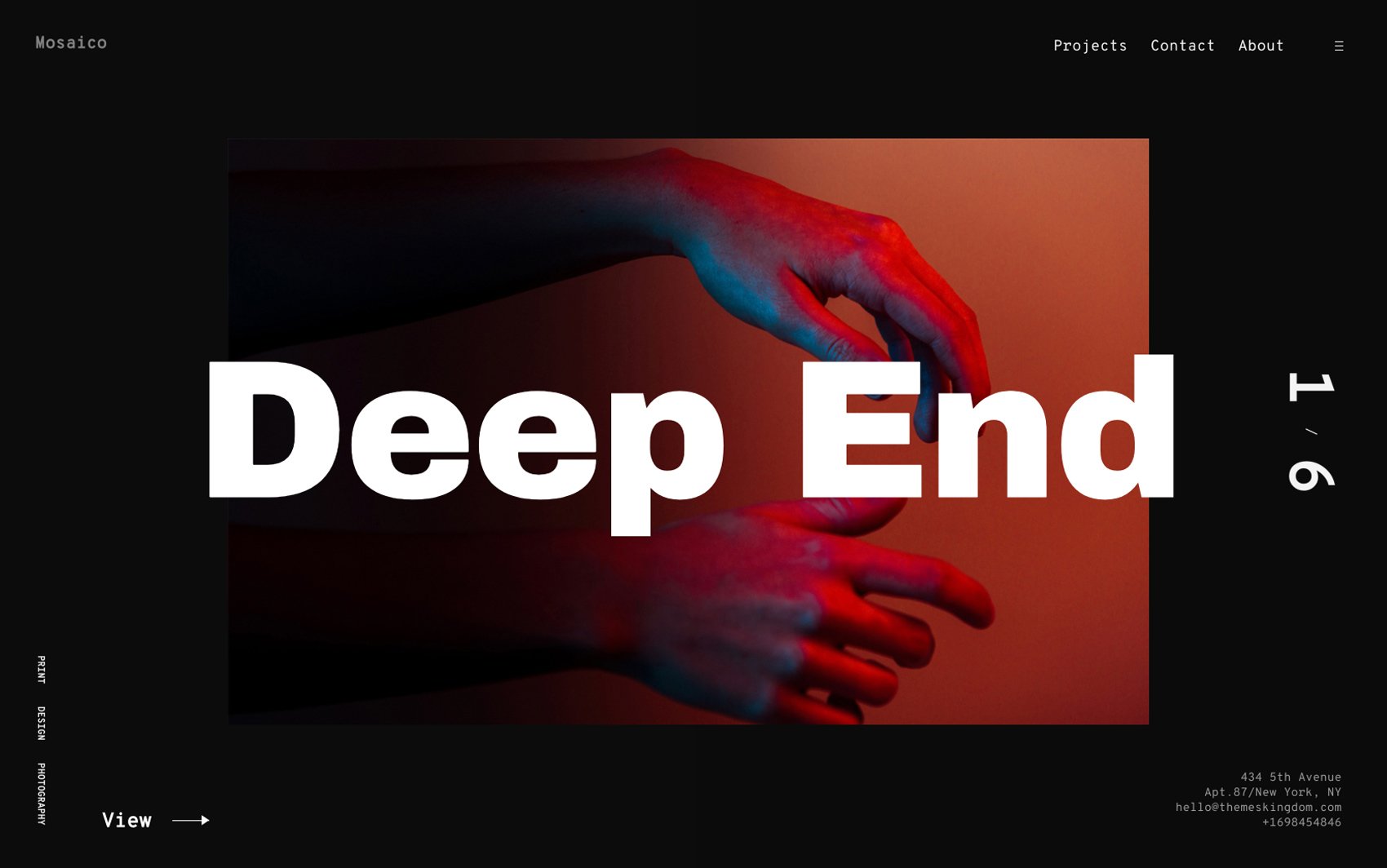
Mosaico is a portfolio WordPress theme built for designers, photographers, illustrators, etc. This responsive and fully customizable theme ensures seamless work promotion, allowing potential clients and recruiters to focus on your best work.
-
 Preview Me
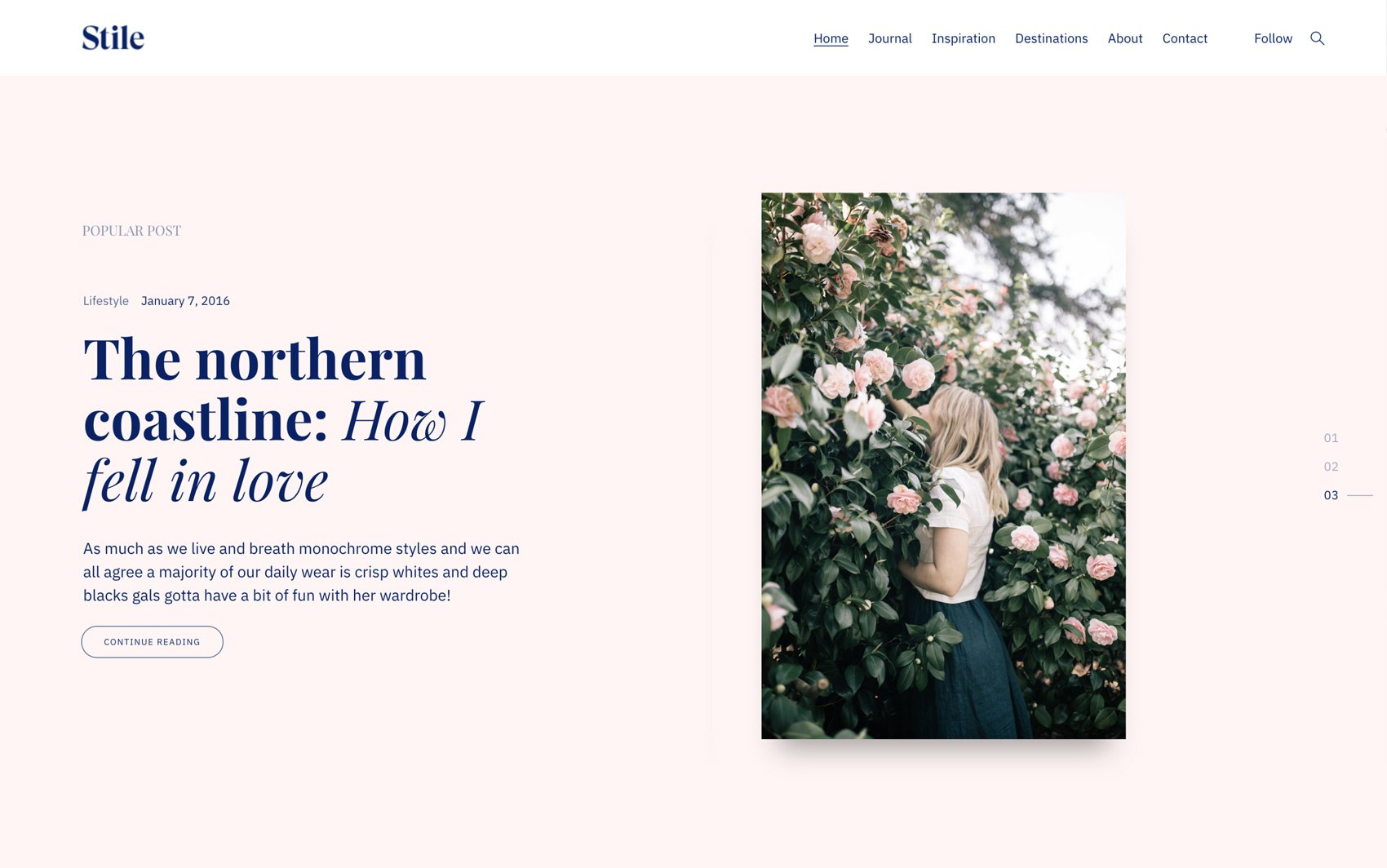
Stile is a responsive and customizable blog WordPress theme built for bloggers passionate about fashion, design, art, food, and travel. This theme’s gorgeous design will help you turn blogging into a career.
-
 Preview Me
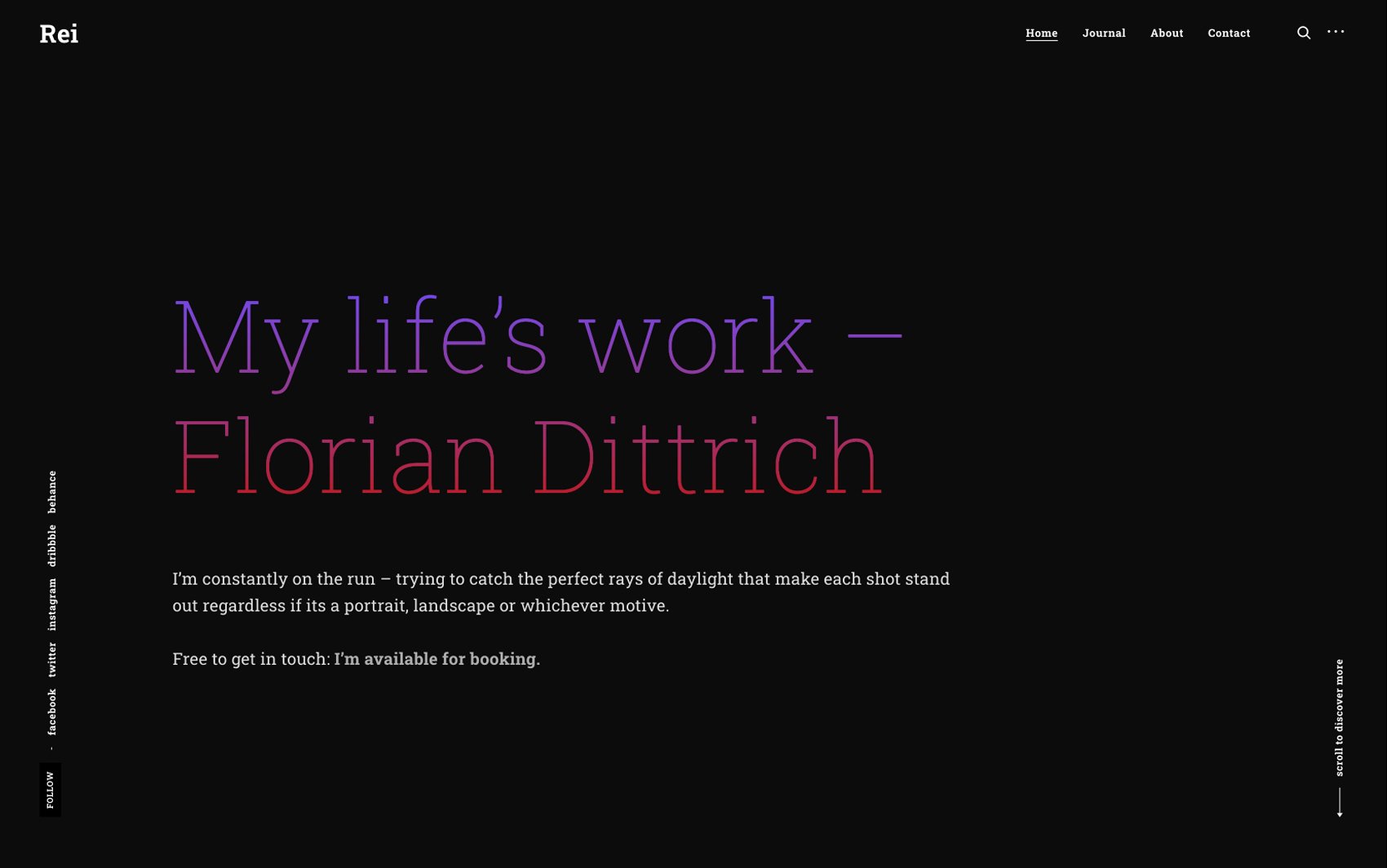
Rei is a highly customizable portfolio WordPress theme developed for photographers. Thanks to this fully customizable, contemporary theme, your website will become a shining example of how a photographer’s portfolio should look.
-
 Preview Me
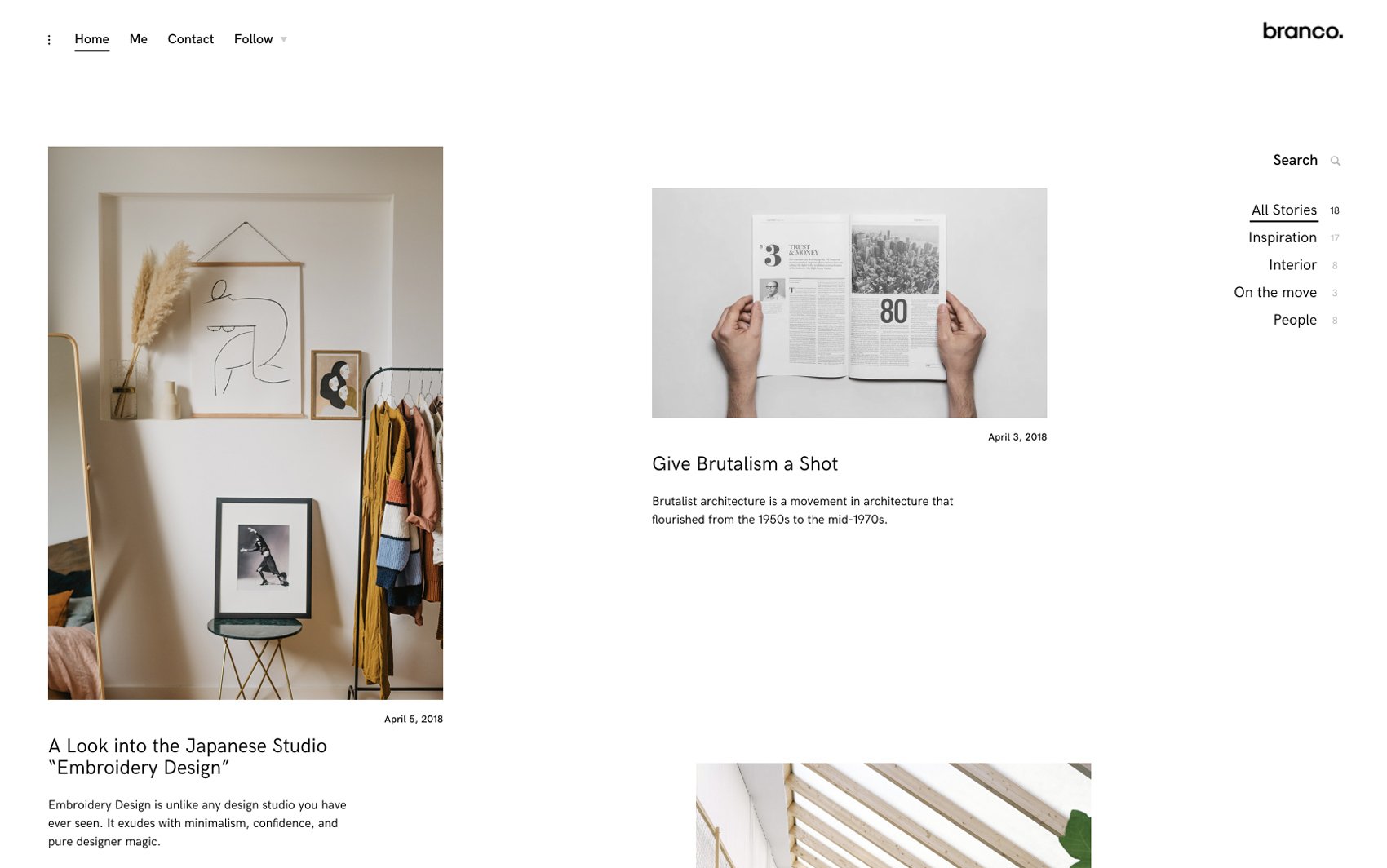
Branco is a responsive, highly customizable WordPress theme created for sharp-penned bloggers passionate about interior design. This theme will help your followers forget all about interior design magazines, and turn to your blog for information.
-
 Preview Me
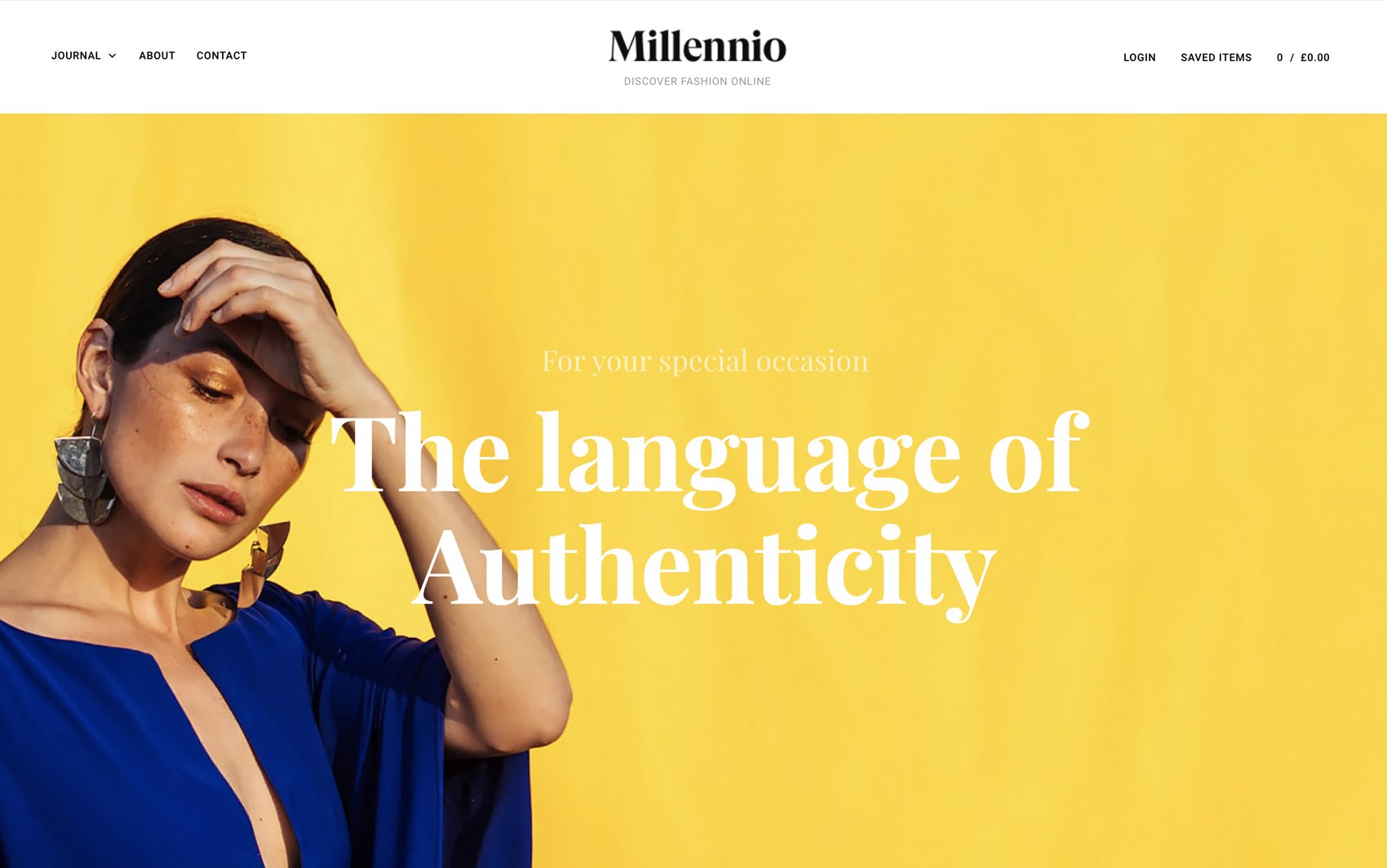
Millennio is THE theme of the 21st century built for all kinds of clothing stores. This responsive and fully customizable theme allows your clothing pieces to shine, making site visitors click on that BUY NOW button.
-
 Preview Me
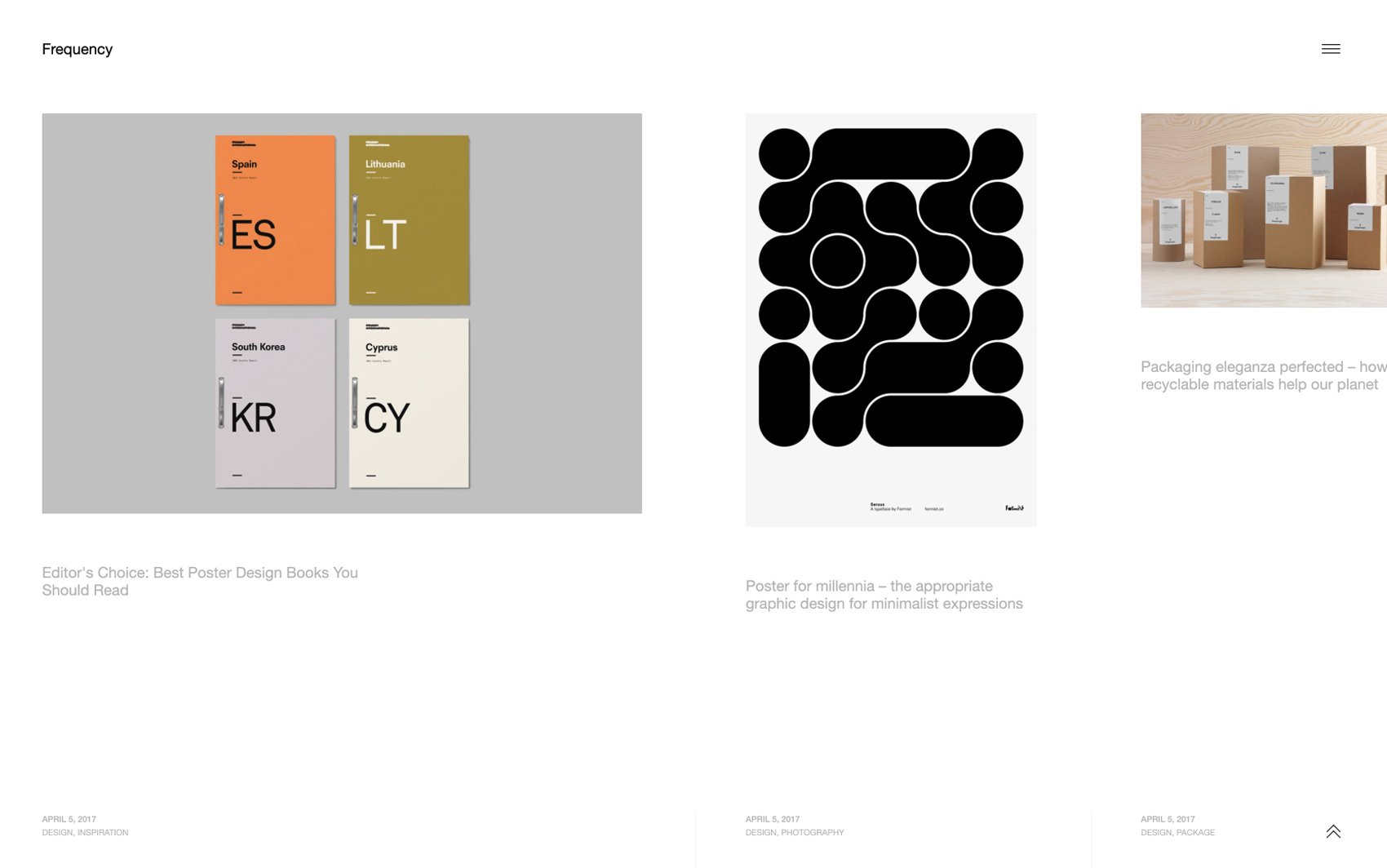
Frequency is a portfolio and blog WordPress theme with an aesthetically pleasing layout that’s based on a horizontal grid. Mark our words: every scroll site visitors make, every click they take, Frequency will be swooping them off their feet.
-
 Preview Me
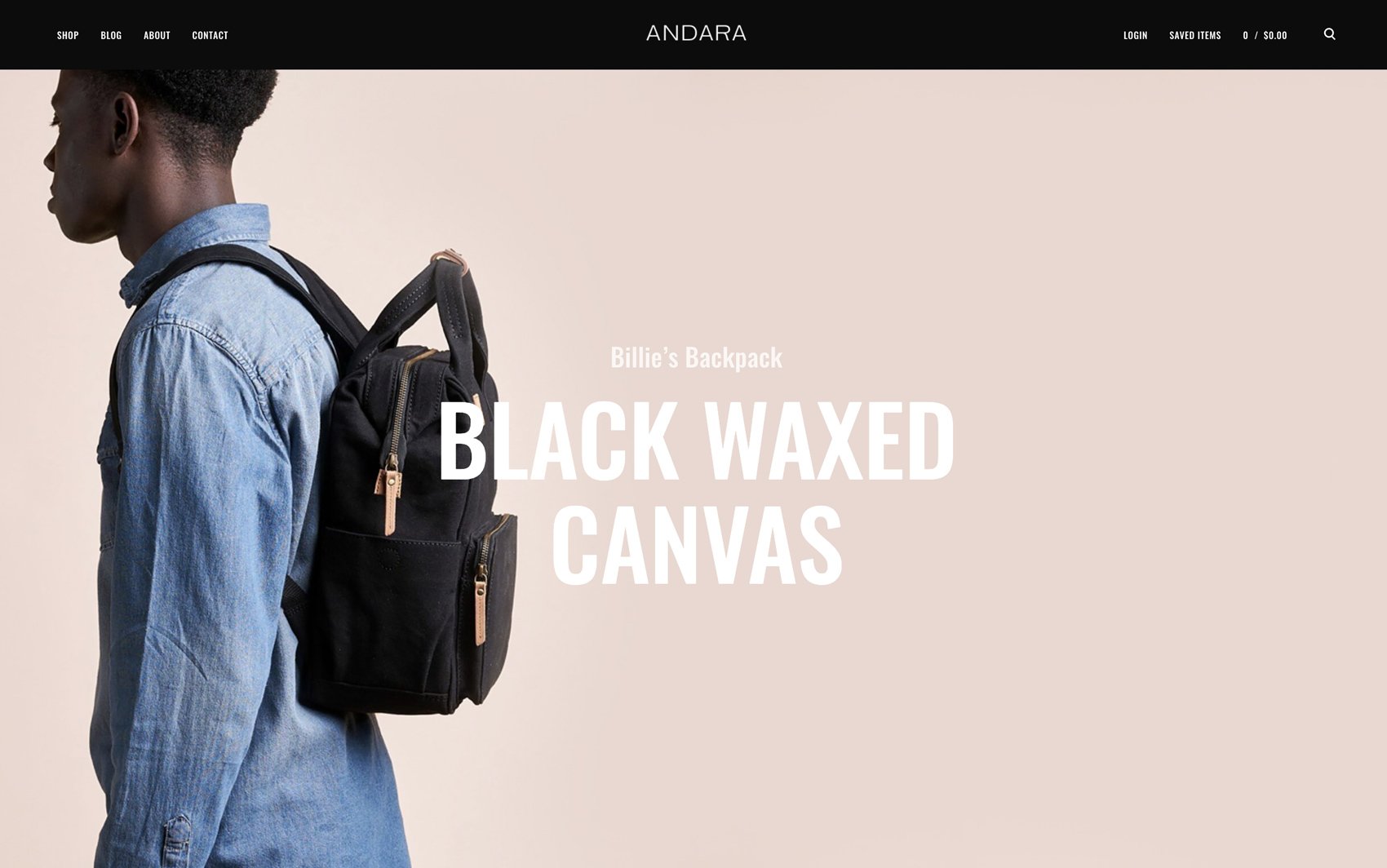
Andara is a stunning, clean-cut e-commerce WordPress theme. This highly customizable and responsive theme is designed to make all your goodies outshine your competitors’.
-
 Preview Me
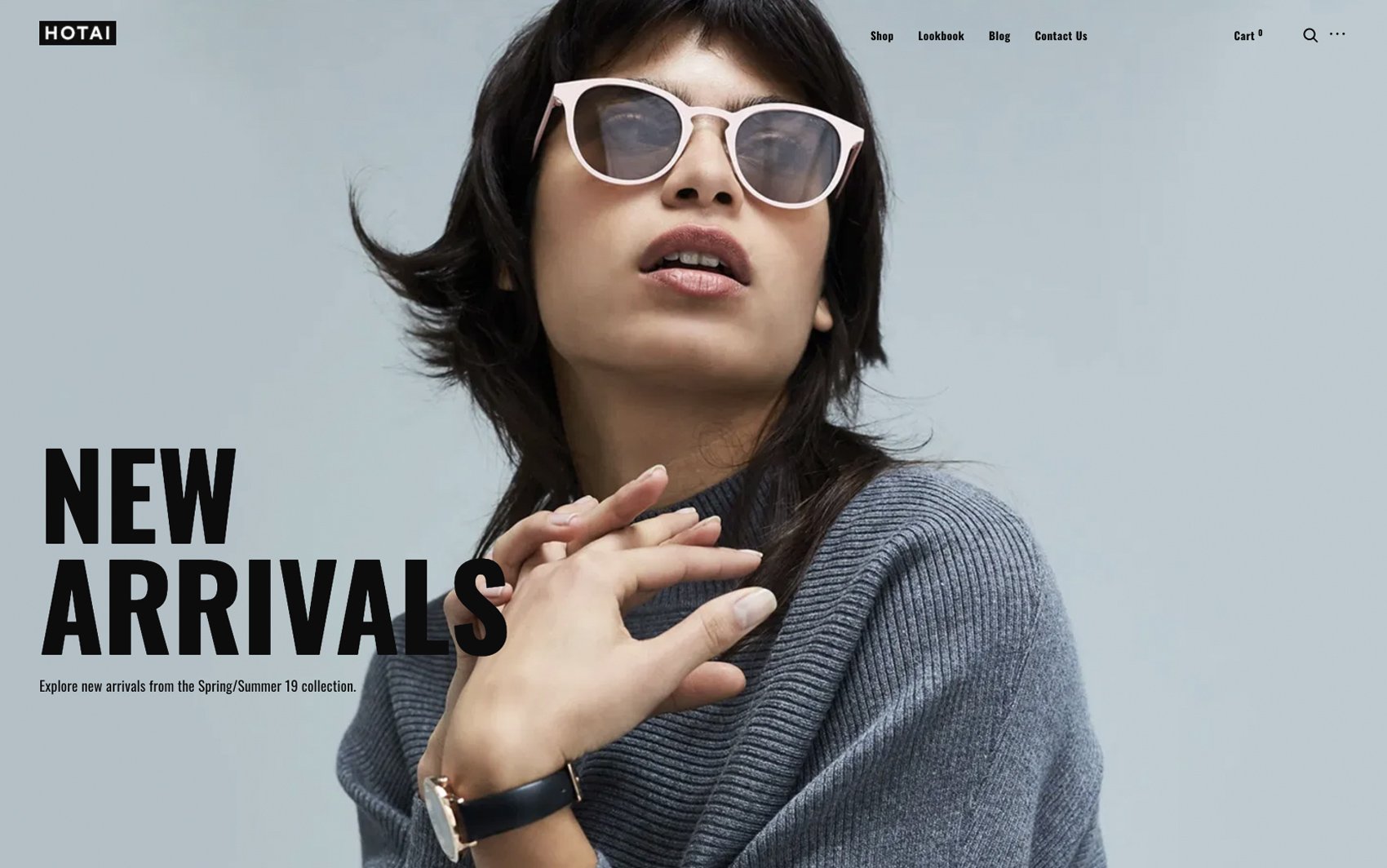
Hotai is a WooCommerce WordPress theme built for accessories, jewelry, and clothing online stores. This fully customizable and responsive theme will complement your products, and encourage potential buyers to scroll and add your goodies to the cart.
-
 Preview Me
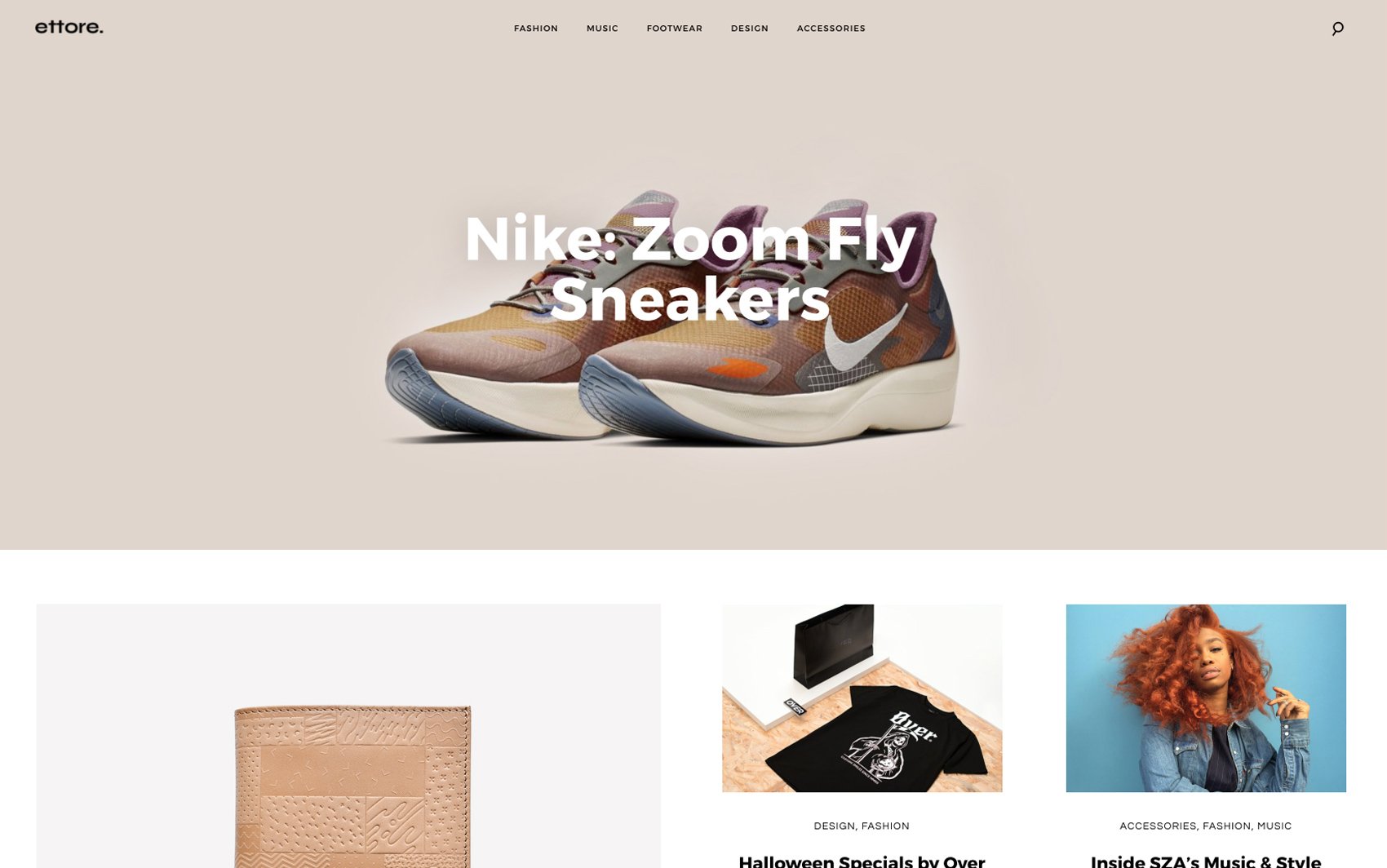
Ettore is a WordPress theme made for fashion publishers. Its responsive and fully customizable design allows you to build intimate relationships with site visitors and inspires you to create fresh content worthy of your audience.
-
 Preview Me
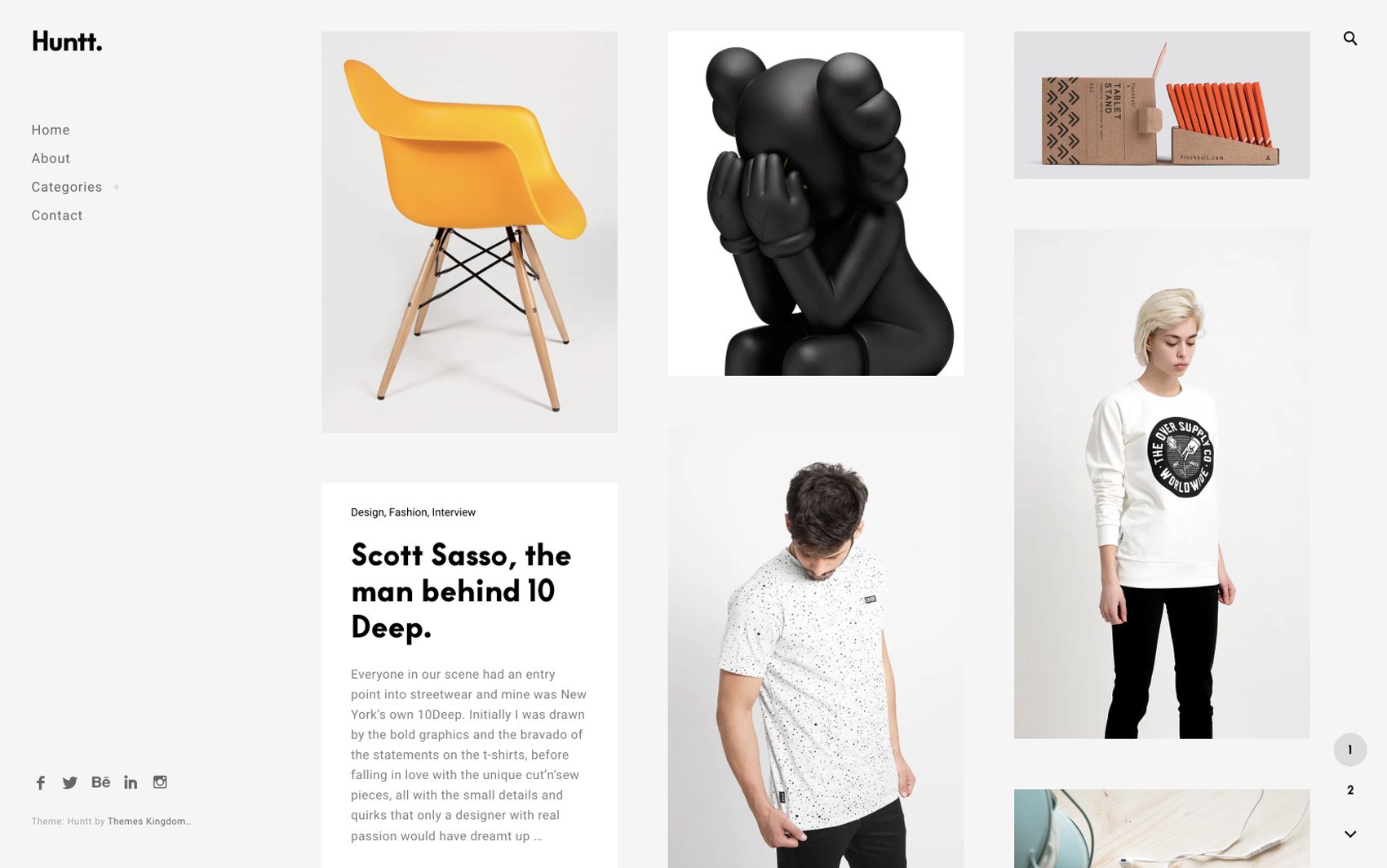
Huntt is a beautiful WordPress theme built for bloggers and web magazines. This fully customizable, responsive, and visually-oriented theme will captivate your first-time site visitors and turn them into loyal followers.
-
 Preview Me
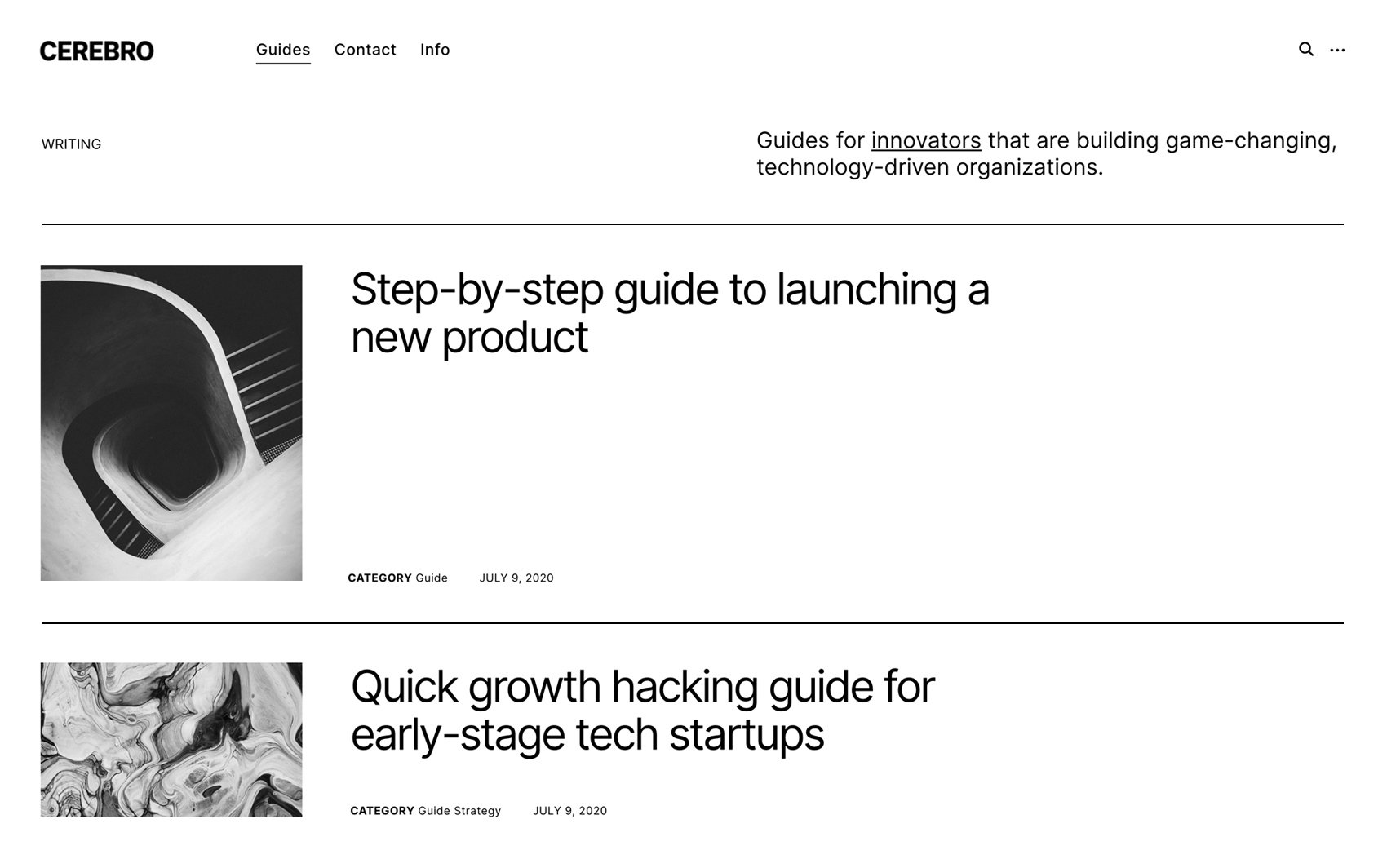
Cerebro is a sleek, uncluttered WordPress theme that can help you skyrocket your blogging career. This responsive, free theme will allow your site visitors to focus on what matters the most – your content.
-
 Preview Me
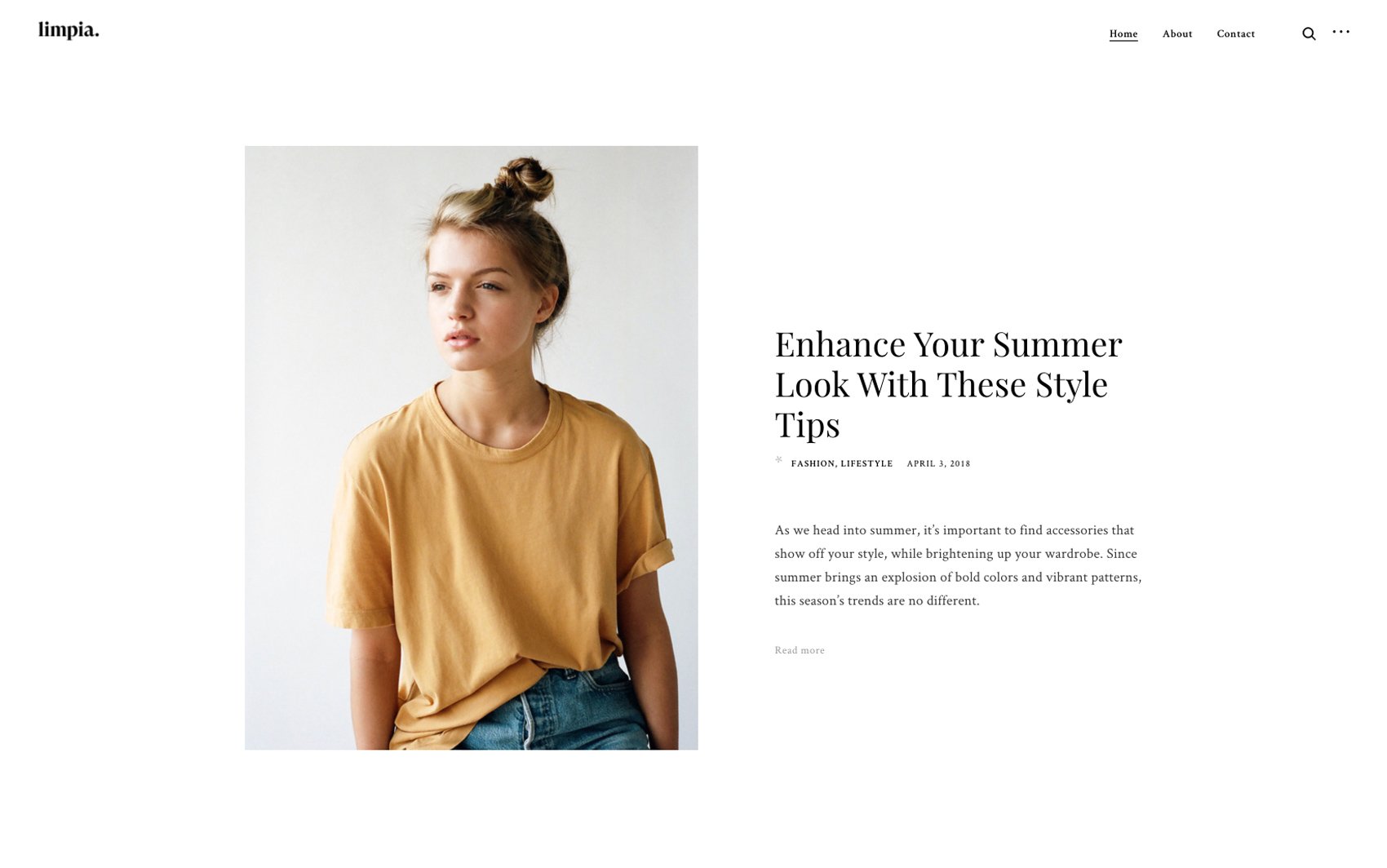
Limpia is a free WordPress blog theme made for influencers and fashionistas. This fully customizable and responsive theme will make sure all your #ootds are presented cleanly and with style.
-
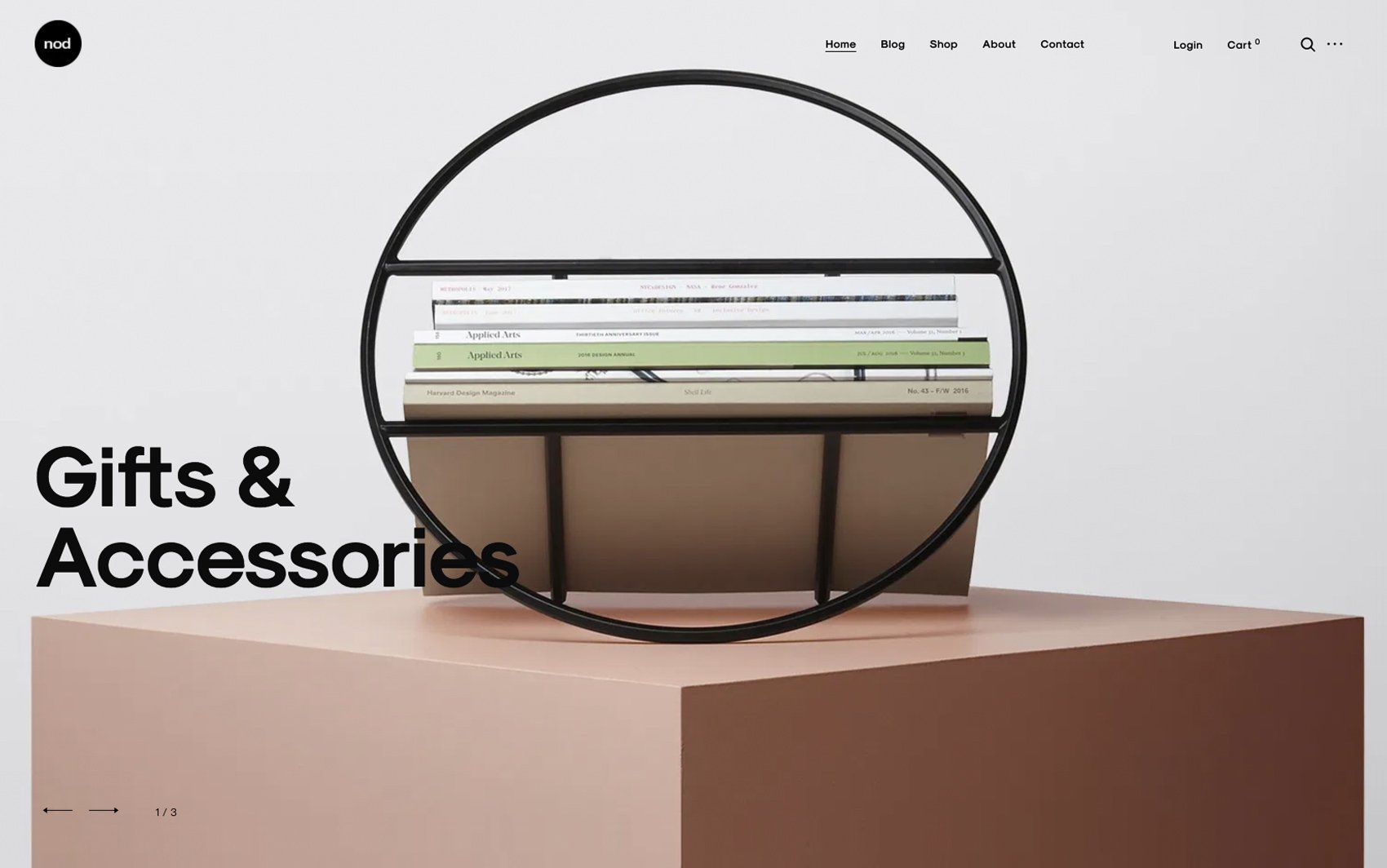 Preview Me
Nod is an e-commerce WordPress theme perfect for store owners that are looking to build a clean, aesthetically pleasing online shop. This responsive and easily customizable theme will make site visitors nod their heads when they see your range of products.
-
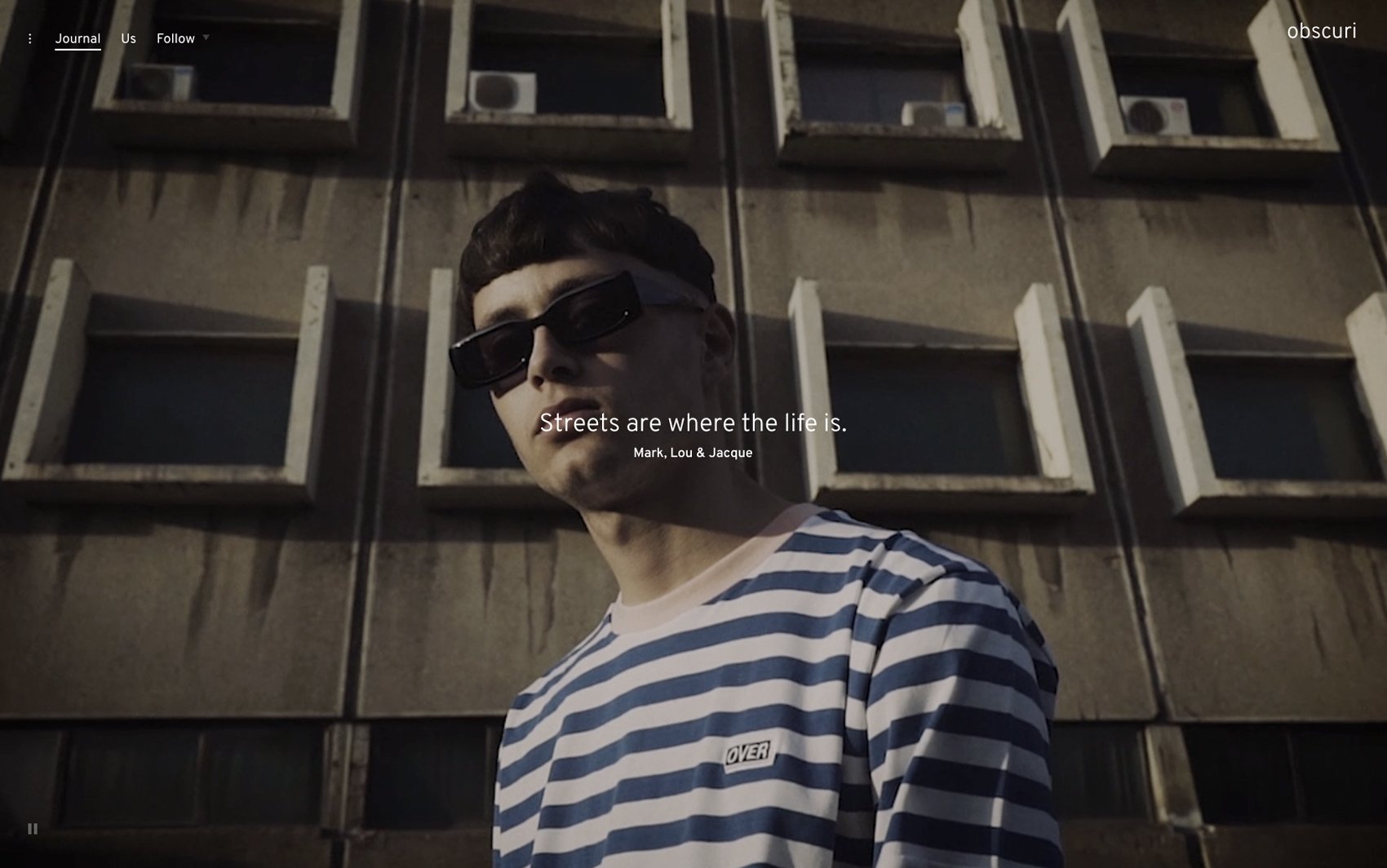 Preview Me
Obscuri is a bold WordPress theme built for fashionistas, lifestyle bloggers, and influencers. This edgy, highly customizable, and responsive theme will ensure your style and sense of aesthetics don’t get overlooked.
-
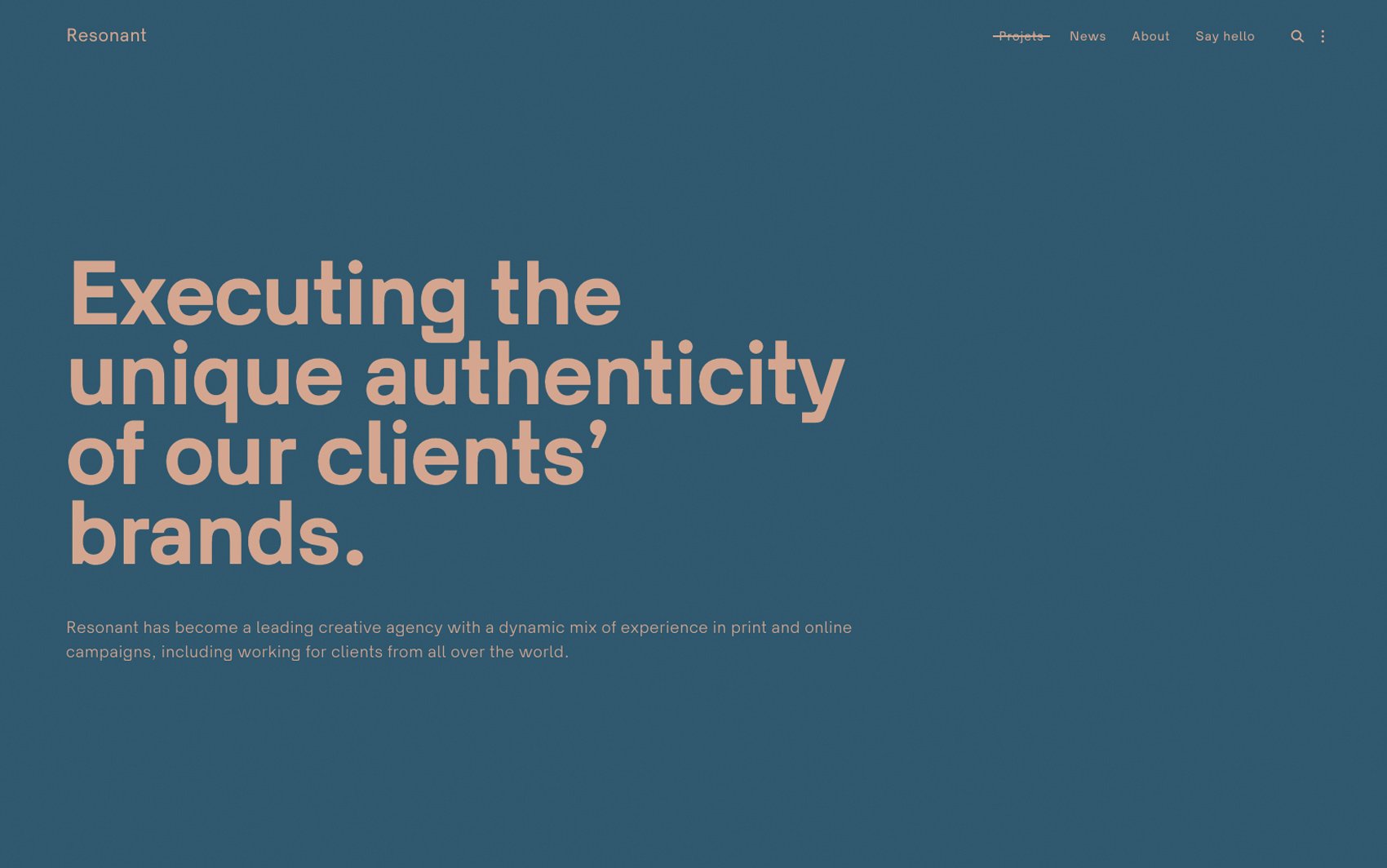 Preview Me
Resonant is a fast and minimal portfolio WordPress theme built for digital agencies and studios. This fully customizable and responsive theme will make sure that all your projects are presented in the best light and resonate with potential clients.
-
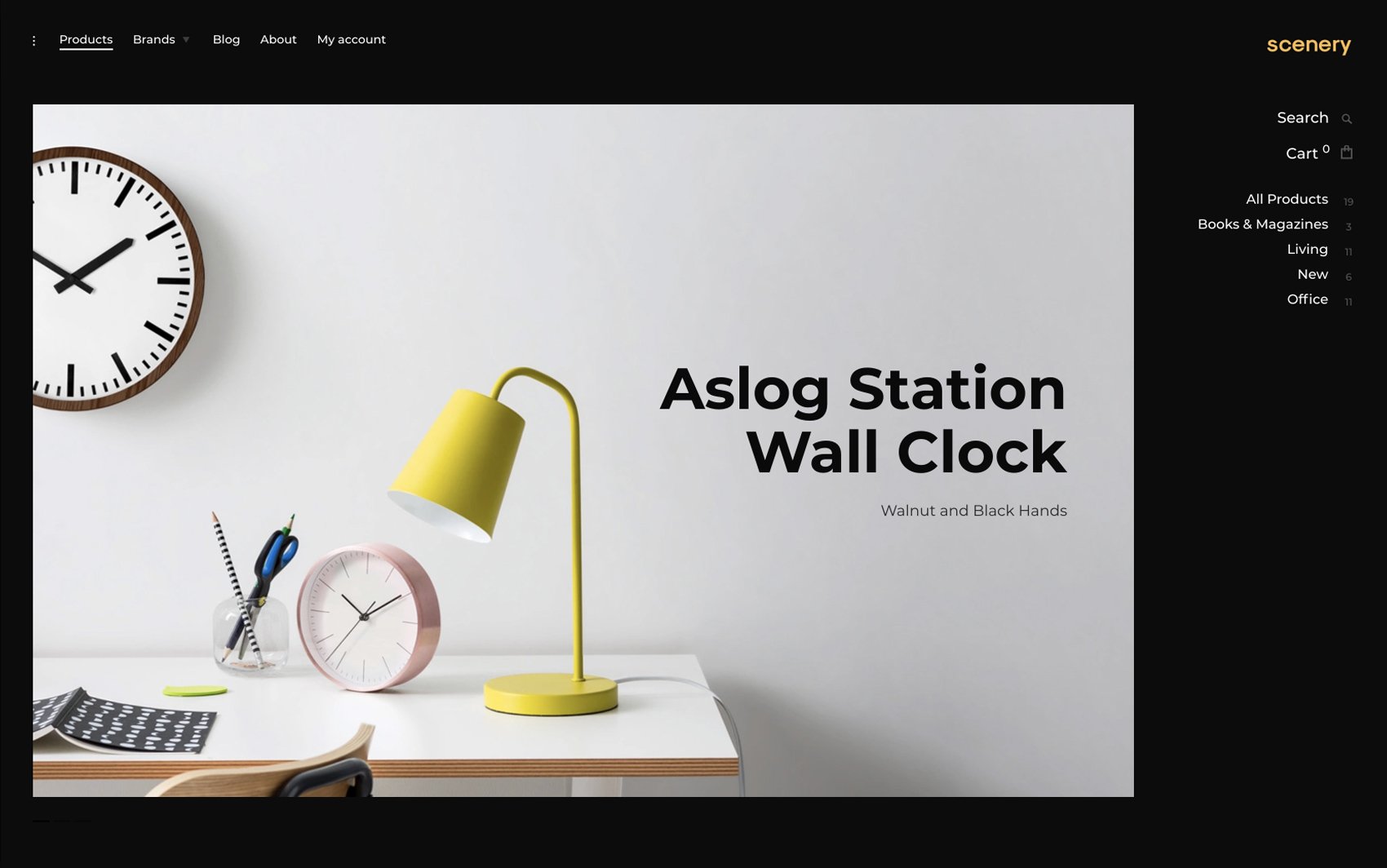 Preview Me
Scenery is a polished e-commerce WordPress theme ideal for all kinds of online stores. This fully customizable and responsive theme will help you create a high-converting online shop in a matter of hours.
-
 Preview Me
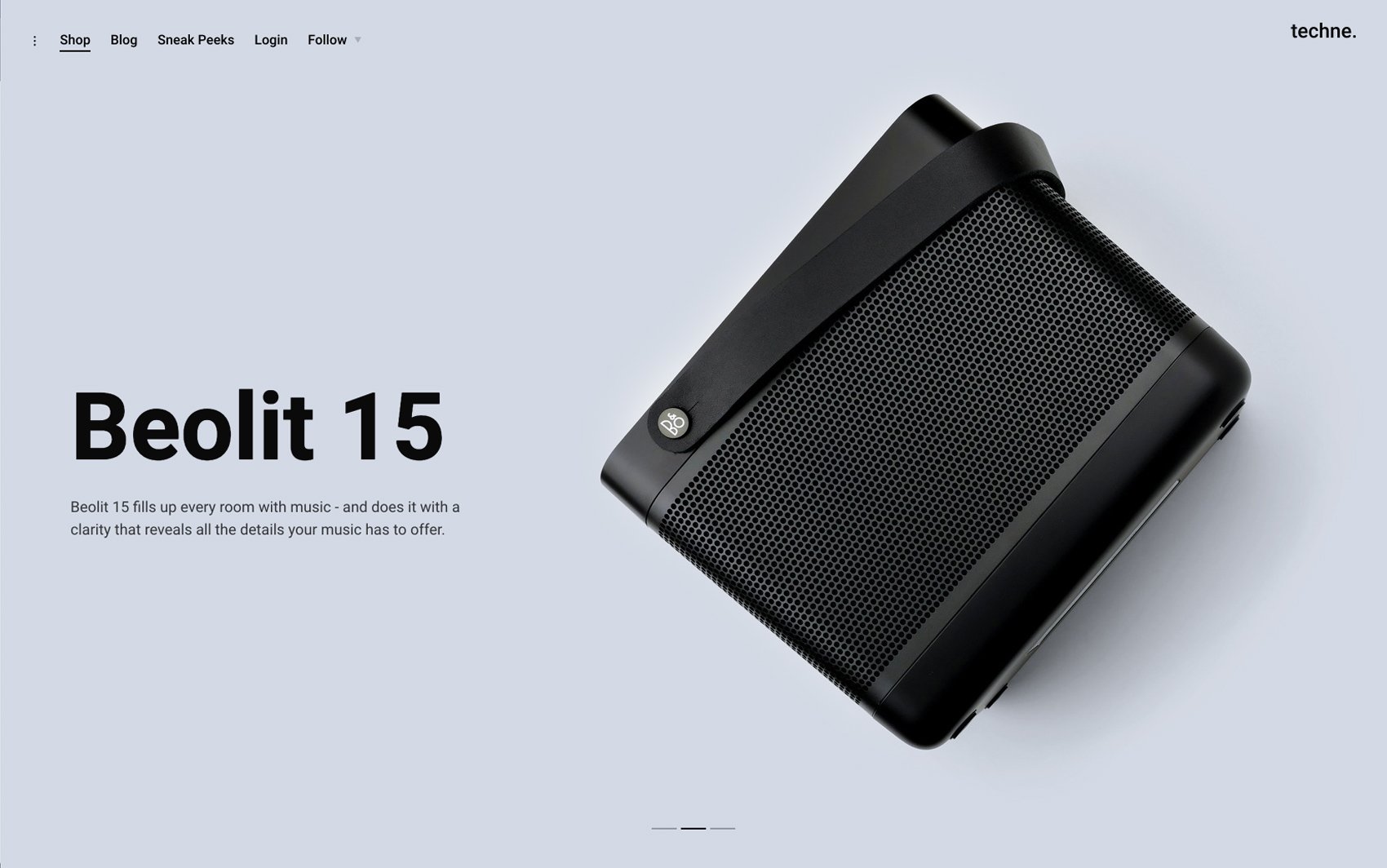
Techne is a WooCommerce WordPress theme designed to help you build electronics & technology online shop. This fully customizable and responsive theme will do justice to all your products 一 it will display them beautifully and allow site visitors to enjoy going through the pages of your shop.
-
 Preview Me
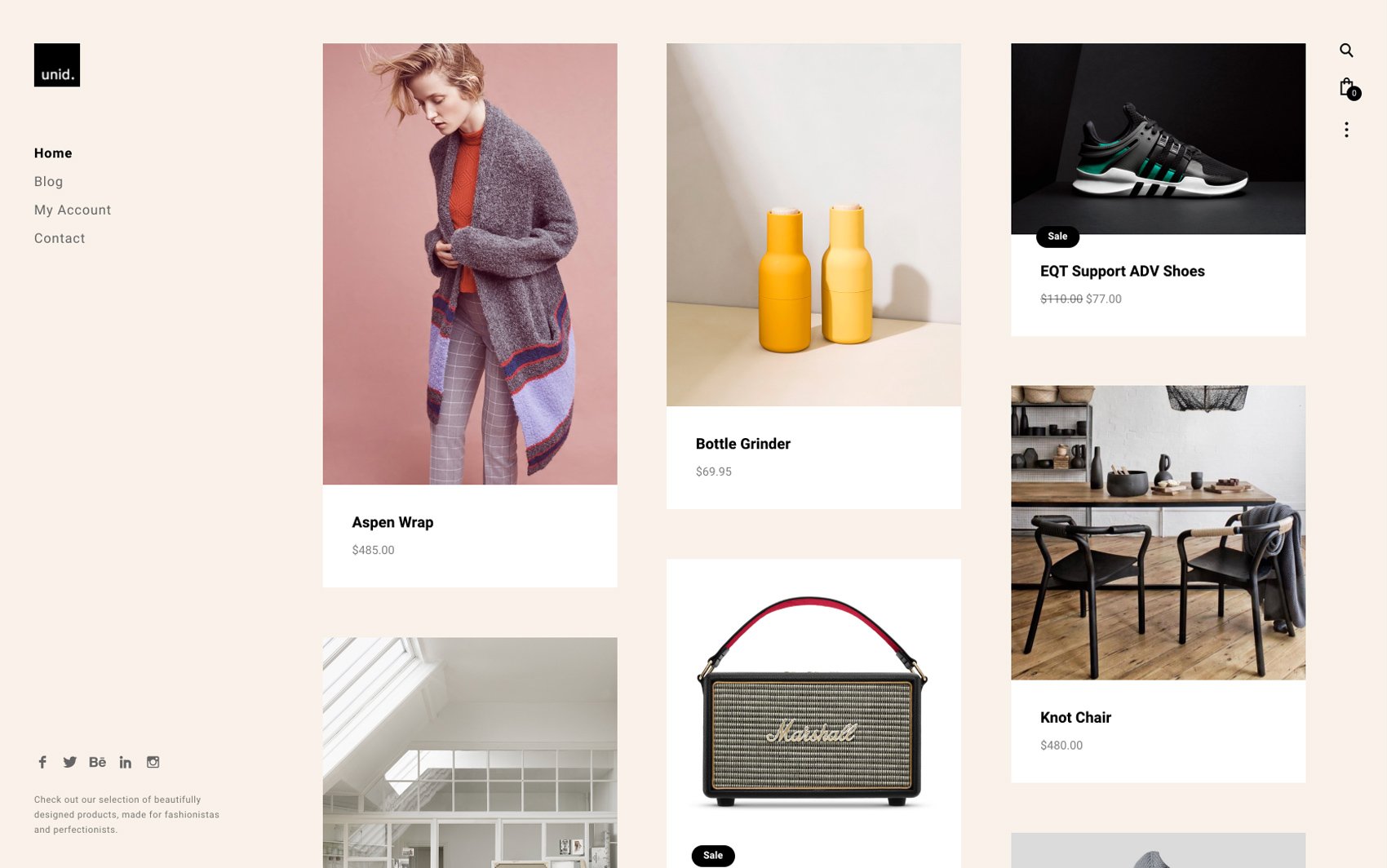
Unid is a WooCommerce infused theme built to attract potential customers’ attention, and encourage them to shop. This responsive and highly customizable theme will help you turn one-time shoppers into loyal customers.
Sites
New
Features
Fully responsive themes and websites that look great on any device.
Fully responsive themes and websites that look great on any device.
View all FeaturesCode-free website editing with the new WordPress block editor.
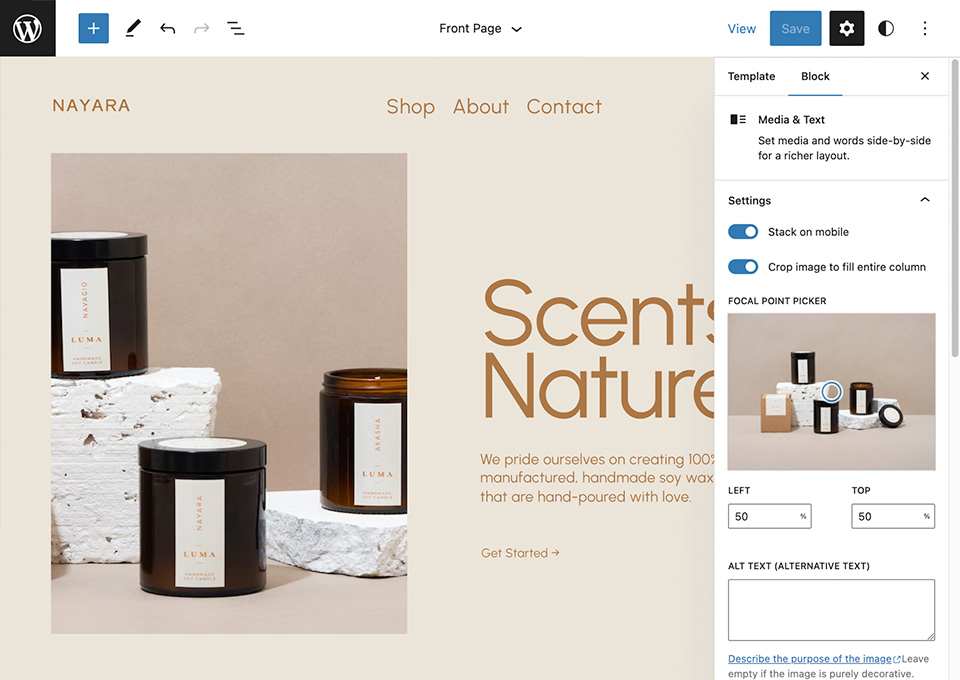
Code-free website editing with the new WordPress block editor.
View all FeaturesIf you ever need it, our professional in-house support is always at your service.
If you ever need it, our professional in-house support is always at your service.
View all FeaturesNiches
Explore a wide range of WordPress themes and Sites designed in mind for your specific niche.
Showcase
Browse our showcase gallery that features websites our amazing customers are making with the help of ThemesKingdom Sites and themes.
View our Showcase gallery
Drag
this
this

Get 56
WordPress
themes for only $249$4.44 per theme
View bundle options
Best for builing multiple websites.
139.538
customers
and counting
Read more Reviews

I used the Eris theme to create my portfolio website, and I didn't have to use any website builder. I got the design I love, and it shows my work perfectly.

The theme that I'm using is the face of my webpage for years now, and I still love it! It's super clean, easy to cruise on, and seamlessly retains the clients' focus on my photos.

I chose Themes Kingdom because I thought there was an amazing value for the price. I love the themes for my blog and portfolio - they are beautiful and fit my aesthetic. The themes help me showcase my work, and I think they stand out from other websites.

Our web store is the core of our sales strategy. Themes Kingdom helped us establish an easy-to-maintain shop with outstanding visuals!

Coleta is a simple WordPress theme with really cool features. I also appreciate that the Themes Kingdom team is helpful and reactive.
Kick back,
we got you.
We know things might not always go according to plan, however our great support team is here to help make everything go as smooth as possible.
Visit our Help centerQ&A
Do you offer customer support?
Of course, we do! We try our best to provide excellent customer service, and we will gladly give you a hand as long as you have an active plan.
Once you buy a theme or build a site using one of our themes, if you are having any doubts or feel like you need our help, you can check out our Help center and browse through the articles. You can also send an email to support@themeskingdom.com, and we'll get back to you as soon as possible.
Do you offer discounts? If you do, where can I get one?
Sure, we do! We offer 10% off your first purchase when you subscribe to our newsletter. If you click on the Discounts page, you'll see that we also offer 30% off our themes for students and non-profit organizations. Apart from these discounts, we also offer periodic discounts for the holidays, and anniversaries (like Themes Kingdom birthday) we like to celebrate.
Can I use your themes to build websites for clients?
Yes, absolutely. You can definitely use our themes to build websites for your clients. However, it's important to note that each license allows you to use the theme for one website only. So if you plan on using the same theme for multiple client websites, you will need to purchase additional licenses, you may be able to select the number of licenses you need during the checkout process.
Should I opt for a hosted plan or a plan without hosting?
A hosted plan is a great start for customers who don't want to spend time setting up their website in WordPress (installing the theme, buying and setting up the hosting etc.) while if you are continuously building multiple websites the bundle option that comes without hosting may be a more cost-effective solution.
How do I install one of your WordPress themes that I purchased with the ThemesKingdom hosting?
If you purchased one of the “Hosting included” plans, you don't have to bother with theme installation and hosting - our system for quick WordPress site creation will do all the steps for you.
Can I switch themes later on?
Sure. If you signed up for a One theme One year plan or the One theme Lifetime plan and you feel like the theme you chose doesn't suit your needs the best, you can switch to another equally priced theme, free of charge.
What is a hosted plan?
With a hosted plan we take care of everything regarding the setup and hosting of your website, you just need to find a new domain name or connect it to an existing one and customize your website content to your preference.
Can I cancel my subscription?
Sure, you can cancel your chosen subscription plan at any time.
How do I install one of your WordPress themes?
If you purchase or download a theme, you are going to have to install it by yourself.
If you need help with this process, we would suggest you visit our Help center. Just click on Themes documentation, and under the section Guides and resources, you'll see a post “How to install a WordPress theme”. Go through the steps mentioned in this post, and you'll install a theme in no-time.
What is your refund policy?
We offer a full refund for the first 14 days after purchase.
What is the difference between "hosted included" and "hosting not included"?
A theme with the "hosting included" option is great if you don't want to spend time setting up the theme (buying and setting up the hosting, installing the WordPress, installing the theme, etc.) or you can select the "hosting not included" option and install the theme yourself by following our step by step guide.
Can I switch between plans later on?
Sure, you can switch your chosen plan at any time, all you need to do is send us and email with the request to: support@themeskingdom.com and we'll make it happen.